Free software that runs locally on your machine. SillyTavern connects to various AI language models for chat and roleplay without monthly subscription fees eating into your budget.
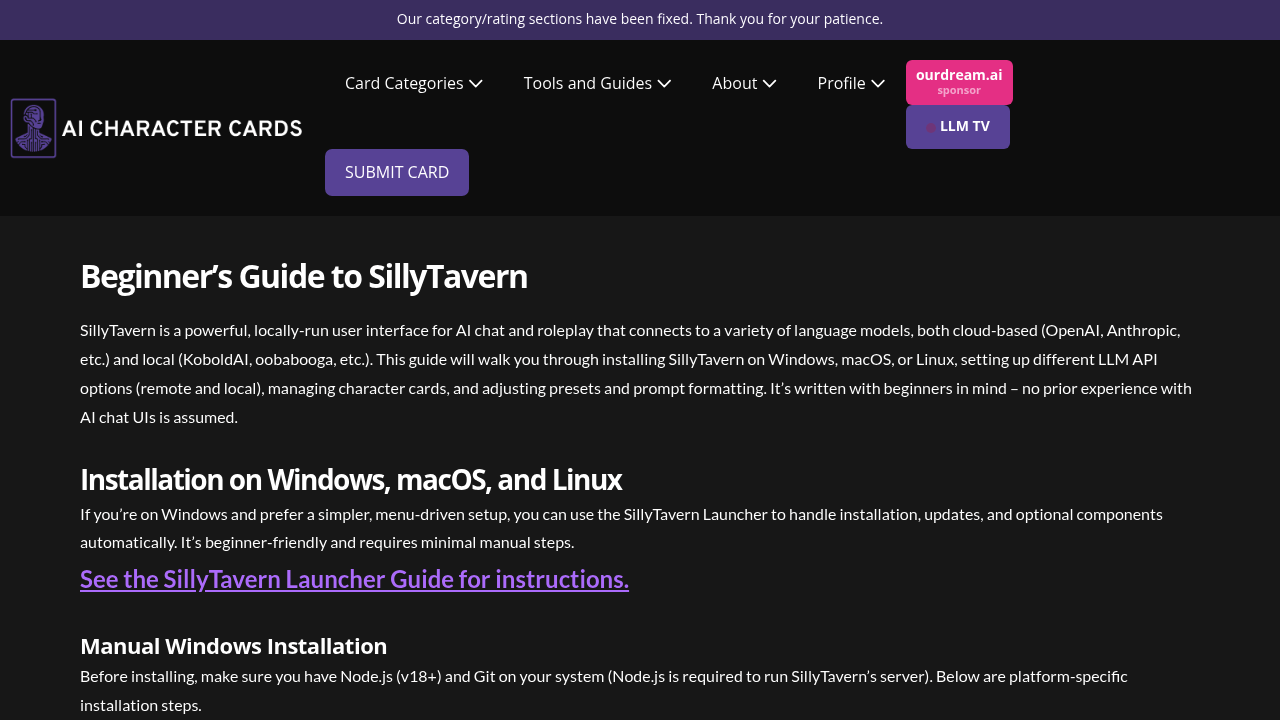
This web-based interface handles both cloud services like OpenAI and Anthropic. Plus local models like KoboldAI. You'll manage character cards and adjust prompts through your browser at localhost:8000. Windows users get a launcher with menu-driven setup. Other operating systems require manual installation.
Setup isn't exactly plug-and-play.
You'll need Node.js and Git installed first. The target here is beginners who want AI roleplay without prior experience. Think a tabletop RPG designer testing character personalities before finalizing campaign NPCs. They'd create character cards. Connect to their preferred language model. Run conversations locally without data leaving their computer.
SillyTavern works solo — it's built for individual roleplay sessions rather than team collaboration. You can't share character cards with teammates or run group sessions through the interface. The staging branch offers newer features while the release branch keeps things stable for regular use.
Command line setup might scare off some users who just want to click and start chatting. Avoiding Windows protected folders like Program Files adds another step that shouldn't be necessary. Still, once running, you'll have full control over your AI conversations without depending on external servers or worrying about usage limits.