
Screenshot Coder appears to be discontinued. Its website has been unreachable across our last three checks. See similar tools below for alternatives.
Screenshot Coder logo

Screenshot Coder

You get three free code generations to start

No credit card needed upfront. After that? You'll need to figure out what comes next—Screenshot Coder's still under development. Drop in a screenshot of any UI. Screenshot Coder spits out frontend code. Tailwind CSS…

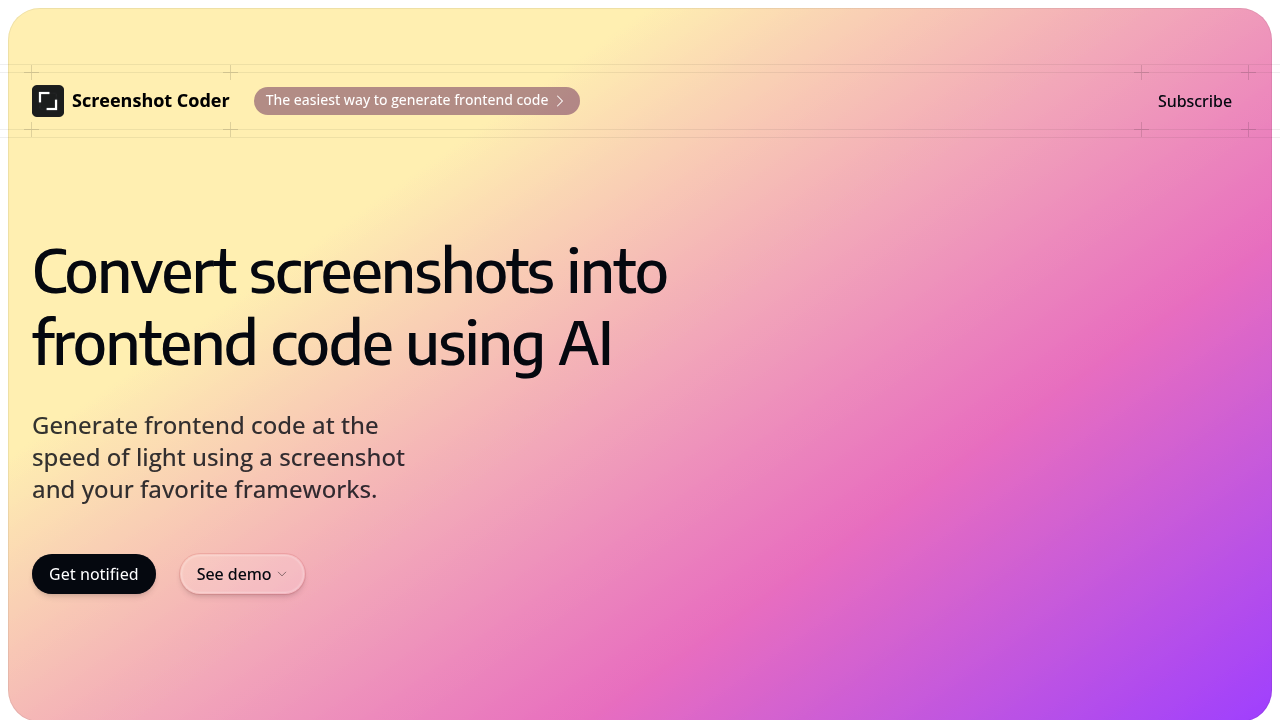
Screenshot Coder screenshot

You get three free code generations to start. No credit card needed upfront. After that? You'll need to figure out what comes next—Screenshot Coder's still under development.

Drop in a screenshot of any UI. Screenshot Coder spits out frontend code. Tailwind CSS works if that's your framework. Bootstrap? Also supported. React developers can pull component code directly from design mockups. The AI reads your screenshot. Writes the HTML and CSS structure in seconds.

Picture this: you're a frontend developer staring at a Figma export (or a client's rough design sketch). Normally you'd spend 20 minutes translating that visual into div tags and flex properties. Screenshot Coder shortcuts that process. Upload the image—export the code. You'll still need to clean things up and wire in functionality, but the skeleton's there.

This targets developers specifically. Not designers dabbling in code. Not project managers trying to prototype. People who write frontend code daily and want to skip the tedious layout phase.

Here's the catch: it's in development mode right now. You can't actually use it yet beyond signing up for launch notifications. Those three free generations sound appealing, but you're essentially joining a waitlist. Once it ships, you'll have support for major CSS frameworks and React. The export happens fast (according to their claims). But until it's live? You're waiting on promises rather than testing real output quality.

Frequently asked

6 questions
How much does Screenshot Coder cost?
It's free to start—you get 3 code generations without entering a credit card. The tool's still under development, so there's no paid plan announced yet. You'll need to sign up for launch notifications to see what pricing looks like after those first 3 uses.
What frameworks does Screenshot Coder support?
It works with Tailwind CSS, Bootstrap, and React. You can upload a screenshot and export code in whichever framework you're using. The AI adapts the output based on what you need.
Can I use Screenshot Coder to turn Figma designs into code?
Yeah, that's exactly the use case. Export your Figma screen as an image, upload it to Screenshot Coder, and it'll generate the HTML and CSS structure. You'll still need to add interactivity and clean things up, but it handles the layout grunt work.
Is Screenshot Coder available to use right now?
Not yet. It's currently under development, so you can only sign up for launch notifications. Once it goes live, you'll get those 3 free code generations to test it out.
How accurate is the AI-generated code from screenshots?
We don't know yet since the tool isn't publicly available. It claims to export clean code in seconds, but you won't be able to test the quality until it launches. That's the risk of signing up early—you're betting on potential rather than proven results.
Do I need coding experience to use Screenshot Coder?
Yes, this is built for frontend developers who already write code daily. It generates HTML, CSS, and React components that you'll need to integrate and customize yourself. If you don't know how to work with code, the output won't be useful.

Traffic

Estimated monthly website visits · last 0 months

17 visits/mo
Monthly visits
17

Not enough historical data for a chart yet.

Reviews (0)

Write review

No reviews yet. Be the first to share your experience.