QuikAuthor logo
AI Course FREEMIUM from $69/mo

QuikAuthor

QuikAuthor converts static training materials into interactive microlearning courses—no production slog required

Drop in a PDF or Word doc. It transforms content into mobile-friendly lessons with built-in interactivity. The AI Course Builder does the heavy lifting. You'll find over 60 templates (Memory Games, Decision Branching,…

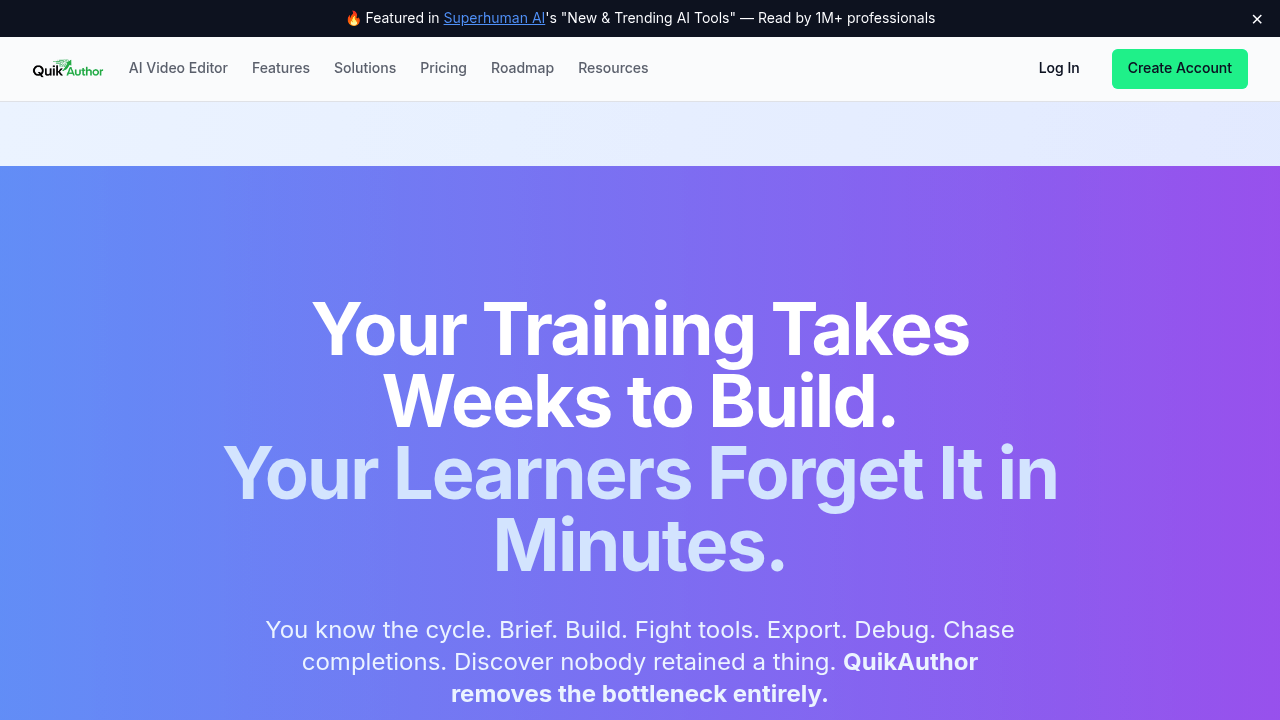
QuikAuthor screenshot

QuikAuthor converts static training materials into interactive microlearning courses—no production slog required. Drop in a PDF or Word doc. It transforms content into mobile-friendly lessons with built-in interactivity.

The AI Course Builder does the heavy lifting. You'll find over 60 templates (Memory Games, Decision Branching, and more) that supposedly boost engagement by 3.5x compared to traditional e-learning.

Corporate trainers get a video editor that transcribes recordings and auto-generates quizzes. Have a 45-minute safety briefing? QuikAuthor segments it. Then it spits out knowledge checks. It also builds confidence-based learning paths and test-out quizzes—perfect for experienced staff who don't need the full walkthrough.

Brand everything with custom fonts and colors. Export as SCORM 1.2 or SCORM 2004 for your LMS.

One-click translation covers five languages. Branching scenarios let you create choose-your-own-adventure style training for sales reps or compliance scenarios. White-label capabilities are included if you need to strip out QuikAuthor branding entirely.

Pricing starts at $69 monthly for Pro (or $799 annually for Team access). The free plan gives you unlimited courses and HTML exports—but only 10 lifetime SCORM exports. It caps you at 1 GB of storage and just 20 AI prompts per month. That'll feel tight if you're churning out courses regularly. Pro bumps storage to 25 GB but caps team collaboration at three users.

QuikAuthor integrates with Moodle, Cornerstone, SAP, and TalentLMS.

QuikAuthor alternatives

See all →

Frequently asked

7 questions
How much does QuikAuthor cost?
QuikAuthor has a free plan with unlimited courses but only 10 lifetime SCORM exports and 1 GB storage. Paid plans start at $69/month for Pro or $799/year for Team access (per user, billed annually). The free plan's pretty limited if you're exporting courses regularly to an LMS.
Can QuikAuthor convert PDFs into training courses?
Yes, it converts PDFs, Word docs, and slide decks into interactive microlearning courses. The AI Course Builder pulls your existing content and turns it into mobile-friendly lessons with quizzes and interactive elements. Takes minutes instead of weeks of manual rebuilding.
Does QuikAuthor work with my LMS?
It exports SCORM 1.2 and SCORM 2004 packages that work with most LMS platforms, including Moodle, Cornerstone, SAP, and TalentLMS. You can also export as HTML5 or share via public link if you're not using an LMS.

What languages does QuikAuthor support?
QuikAuthor offers one-click translation into five languages. This is helpful if you've got a global workforce and need to roll out the same training in multiple regions without rebuilding everything from scratch.
What are the limitations of the free plan?
The free plan caps you at 1 GB storage, 500 MB per file, 20 AI prompts monthly, and only 10 SCORM exports total (not per month—lifetime). If you're creating courses regularly or need frequent LMS exports, you'll hit those limits fast and need to upgrade.
Can I use QuikAuthor for compliance training?
Absolutely. The branching scenarios and decision trees work well for compliance, safety briefings, and policy training. You can also use the video editor to transcribe existing safety videos and auto-generate knowledge checks, which saves a ton of time.
Does QuikAuthor have white-label options?
Yes, you can customize fonts, colors, and logo placement, plus strip out QuikAuthor branding entirely with white-label capabilities. This is useful if you're a consultant building courses for clients or want everything to match your company's brand guidelines.

Traffic

Estimated monthly website visits · last 0 months

Not enough historical data for a chart yet.

Reviews (0)

Write review

No reviews yet. Be the first to share your experience.