QueryBox appears to be discontinued. Its website has been unreachable across our last three checks. See similar tools below for alternatives.
QueryBox logo

QueryBox

You upload your monthly sales spreadsheet and ask "Why are sales declining

?" QueryBox analyzes thousands of rows instantly. It explains the drop with supporting charts. No pivot tables. No formulas. Just answers in plain English. The learning curve? Practically nonexistent. You type questions…

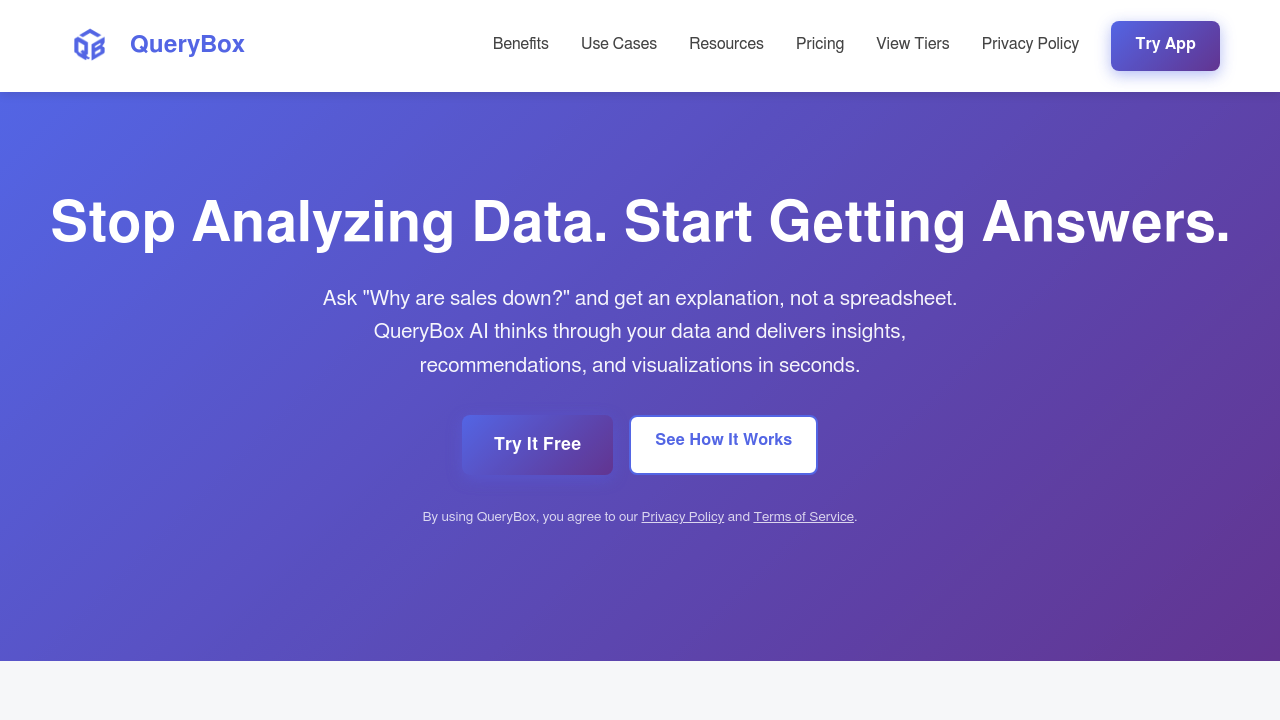
QueryBox screenshot

You upload your monthly sales spreadsheet and ask "Why are sales declining?" QueryBox analyzes thousands of rows instantly. It explains the drop with supporting charts. No pivot tables. No formulas. Just answers in plain English.

The learning curve? Practically nonexistent. You type questions like you'd ask a colleague and get insights with automatic visualizations. The AI remembers your conversation context — so follow-up questions build on previous answers naturally.

Take a regional sales manager dealing with quarterly performance reviews. Instead of spending hours creating charts and hunting for trends, they could ask about customer retention patterns or seasonal impacts. Immediate explanations with citations showing exactly which data points support each insight.

QueryBox handles Excel files. CSV spreadsheets. PDFs through the same conversational interface. Google Sheets integration means you can query live data without downloading files. Citation tracking shows transparency that's often missing from AI analysis tools.

The free plan includes unlimited spreadsheet uploads and 100 questions monthly. That's enough for occasional users but won't satisfy teams doing regular analysis. Pro costs $10 monthly with unlimited questions and PDF documents, plus conversational memory that saves your query history.

File size limits on the free tier might frustrate users with larger datasets. Still, the approach works well for business users who need quick insights without becoming data analysts themselves.

QueryBox alternatives

See all →

Frequently asked

7 questions
Can QueryBox analyze data that's still in Google Sheets without downloading it first?
Yep! QueryBox connects straight to Google Sheets -- no downloads needed. Your analysis stays fresh as people update the spreadsheet. You won't be re-uploading files every time someone changes something.
How does QueryBox show me where its insights come from in my data?
It's got citation tracking that shows you exactly which data points back up each insight. When it spots a trend, you'll see the specific rows or values it used. Pretty handy for double-checking the AI's work.
What's the difference between QueryBox's free plan and Pro subscription?
Free gets you unlimited uploads but only 100 questions monthly. Pro's $10/month -- removes that limit and adds PDF analysis plus conversational memory. The memory thing's nice since it remembers your chat history and context way better.
Does QueryBox work with large datasets or are there file size restrictions?
Free tier definitely has size limits (they don't say exactly what though). It's built more for regular business spreadsheets than massive data warehouses. You'd need to test your biggest files to see what works.
Can I ask follow-up questions in QueryBox without starting over?
Yeah, it remembers what you've been talking about. You can dig deeper or explore related stuff without explaining everything again. It's like chatting with a data analyst who actually remembers your earlier questions.
What file formats can I upload to QueryBox besides Excel?
Excel, CSV, and PDFs all work. PDFs are Pro-only though. Same natural language approach for all of them.
How quickly does QueryBox analyze spreadsheets with thousands of rows?
They claim it's instant -- even with thousands of rows. No waiting around like you'd get with regular spreadsheet functions. The speed difference really shows when your data gets big and messy.

Traffic

Estimated monthly website visits · last 0 months

Not enough historical data for a chart yet.

Reviews (0)

Write review

No reviews yet. Be the first to share your experience.