Pulse Editor: Vibe Code & Automate logo

Pulse Editor: Vibe Code & Automate

Pulse Editor is a hackathon-winning, modular, cross-platform, AI-powered productivity platform that

48 views
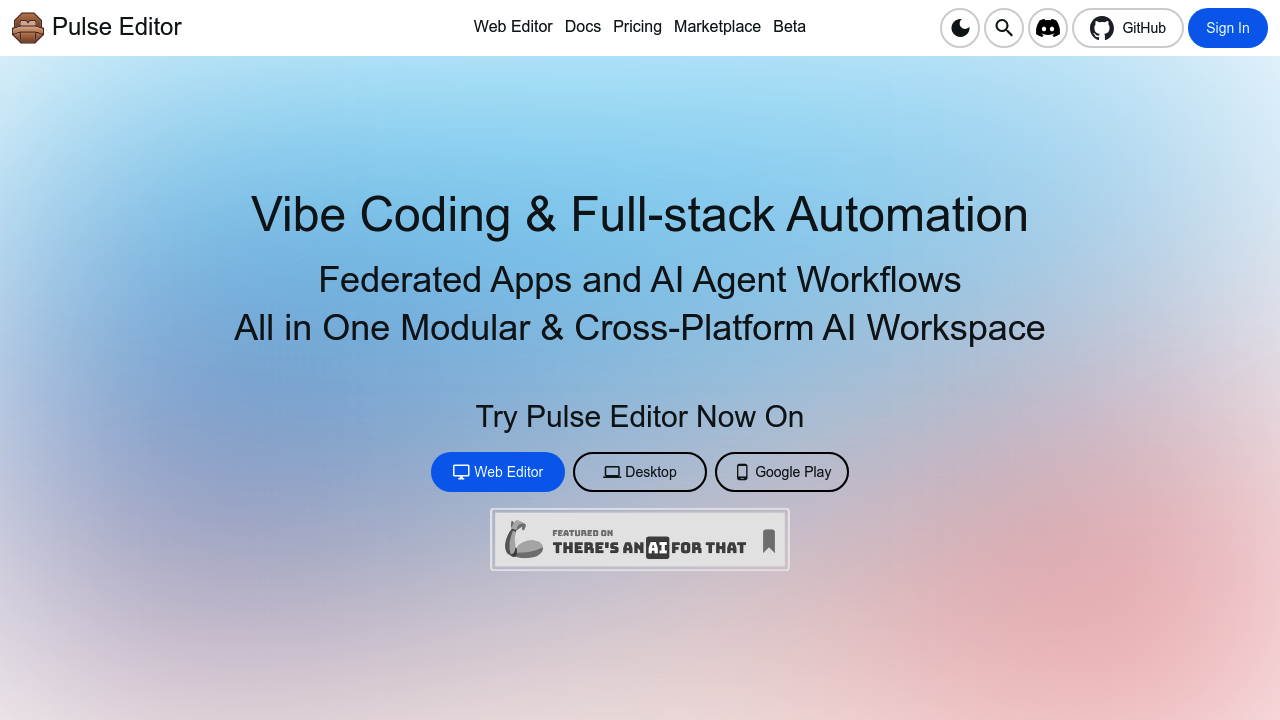
Pulse Editor: Vibe Code & Automate screenshot

Pulse Editor brings AI-powered coding to your phone. The Vibe Coding Agent Fleet handles full-stack automation while you bounce between desktop and mobile environments. You can code directly from your Android device — sounds gimmicky until you realize how often you're away from your main machine.

Pulse Editor runs everywhere. Desktop. Mobile. Web. Pick your poison.

Developers get headless APIs for vibe coding plus cloud workflow management. Community extensions expand functionality beyond the base toolset. Image and video editing capabilities sit alongside the coding features, creating an oddly mixed workspace that tries to do everything at once. GitHub integration keeps your repositories synced while Discord connects you to other users.

Picture a freelance mobile app developer traveling between client meetings. They can review code on their phone during commutes, make quick fixes, and push changes without opening a laptop. Cross-platform setup means switching devices doesn't break your workflow.

The federated apps approach lets you build distributed systems with AI agent workflows managing the complexity. Extensions from the community add specialized functions, though quality varies wildly with user-generated content. Whether the vibe coding concept actually improves productivity over traditional IDEs remains questionable.

Pulse Editor targets developers who want modular workspaces that travel with them. The Android coding capability sets it apart from desktop-only solutions, but mobile coding still feels like typing on a calculator for anything serious.

Frequently asked

6 questions
How does vibe coding work in Pulse Editor compared to regular IDEs?
Vibe coding uses AI agent fleets to handle full-stack automation -- so you're not writing every single line manually. The system manages complex workflows through federated apps and distributed systems. It's more about directing AI agents than traditional coding. Whether this actually speeds up development? Depends on your project type.
Can I actually write serious code on Android with Pulse Editor?
You can review code, make quick fixes, and push changes from your Android device. The mobile interface works for basic tasks and emergency fixes when you're away from your desktop. For heavy development work though -- it still feels cramped compared to a full IDE on a proper screen.
What's the difference between Pulse Editor's desktop and mobile versions?
All versions sync through GitHub integration so your work travels with you. Desktop handles the heavy lifting. Mobile focuses on quick edits and code reviews. Cross-platform setup means switching devices won't break your workflow or lose your progress.
How reliable are the community extensions in Pulse Editor?
Community extensions add specialized functions beyond the base coding tools. Quality varies wildly since they're user-generated content. Some extensions work great while others might be buggy or poorly maintained.
Does Pulse Editor: Vibe Code & Automate work for team development?
Discord integration connects you to other users and GitHub keeps repositories synced across team members. The federated apps approach supports distributed systems development. However -- it's more suited for individual developers or small teams rather than large enterprise setups.
Why does Pulse Editor include image and video editing alongside coding features?
The tool creates a mixed workspace that tries to handle multiple creative tasks in one place. This means you can edit assets and code without switching between different applications. It's an unusual combination that might appeal to solo developers handling full projects.

Reviews (0)

No reviews yet. Be the first to share your experience.

Similar tools

See all →