
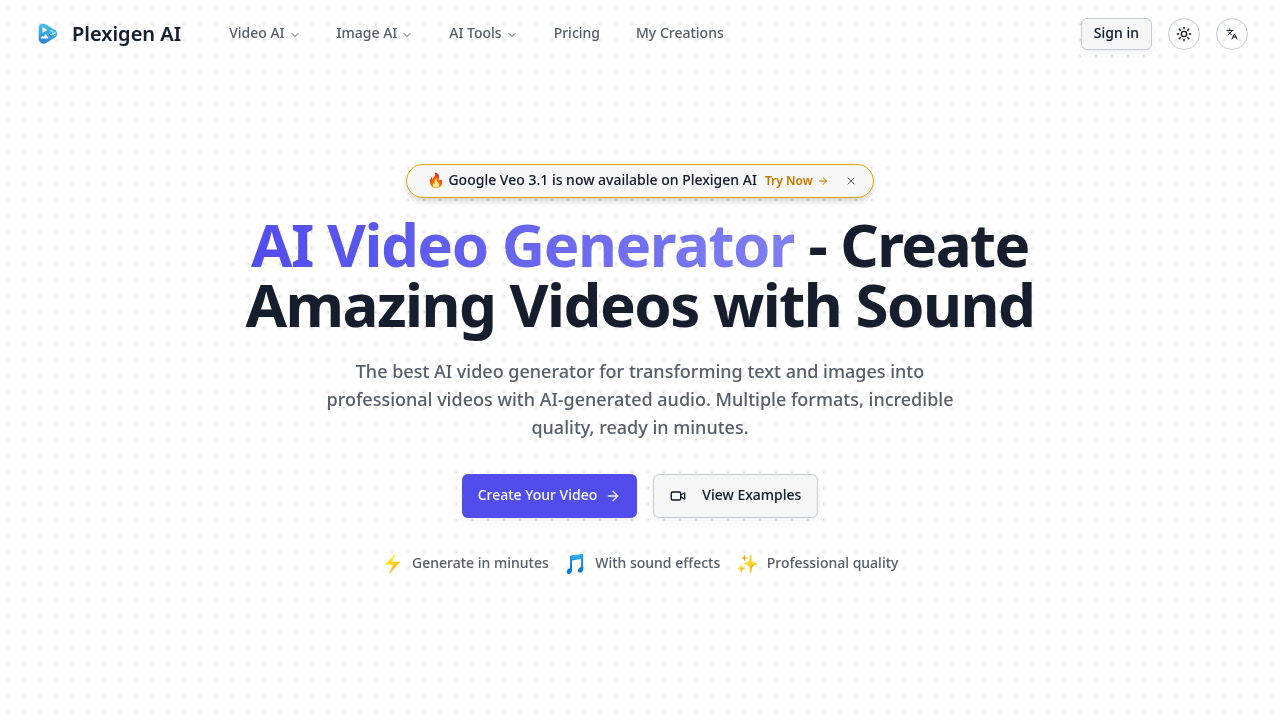
Plexigen AI turns text and images into videos with matching audio and sound effects built in. Most AI video tools give you silent clips. This one generates synchronized sound automatically using Google Veo 3.1, which handles advanced physics and lip-sync. You write a description or upload an image, and it produces videos with audio that fits the scene.
The text-to-video option is straightforward. Type what you want, pick your aspect ratio — 16:9 for YouTube, 9:16 for TikTok, or square for Instagram. You can choose between Fast and Quality modes, and videos run either 8 or 16 seconds. Image-to-video works similarly, letting you animate still images into moving clips. Pro and Enterprise users get video-to-video generation, which transforms existing footage into new styles or variations.
Does the quality hold up? Veo 3.1 produces realistic outputs with natural audio, and the lip-sync feature on higher tiers actually matches mouth movements to speech. That's rare in AI video tools. You can upscale videos and reframe them for different formats, which helps when repurposing content across platforms. This platform includes Nano Banana for image generation too, though that's a secondary feature. Each generation costs 100 credits regardless of video length or complexity.
The credit system is limiting. Creator tier gives you 1,500 credits monthly, which translates to 15 Veo 3.1 videos or 25 standard AI videos. Pro bumps that to 4,000 credits for 40 Veo videos or 66 standard ones. Enterprise users get 7,500 credits for 75 Veo videos or 125 standard clips. Run out mid-month and you're stuck waiting. No free plan exists, so you can't test before committing. Generation time varies based on model choice and complexity, though Pro users get priority queue access.
Video-to-video only shows up on paid upper tiers. Same with lip sync support, which is probably one of the most useful features. API access is labeled "coming soon" for Enterprise customers but isn't live yet. If you're running a team that needs programmatic access, you'll have to wait or work manually through the interface.
Creator costs $10 monthly when billed annually. That's cheap entry. Pro runs $20 monthly, Enterprise hits $35. Annual billing saves you 30% compared to month-to-month. All paid plans drop the watermark and include commercial usage rights, which matters if you're producing client work or monetized content. Enterprise promises fastest generation speed and maximum video quality, plus dedicated support.
Who actually needs this? Content creators pumping out social media videos benefit from the automated audio. Marketing teams can generate video ads without hiring voiceover artists or sound designers. Anyone creating presentations or explainer videos saves time on audio sync. Small businesses get professional-looking videos without expensive production tools.
The automatic sound generation really sets this apart from competitors that leave you hunting for royalty-free audio tracks. But the credit limits feel tight if you're producing daily content. And locking lip sync behind Pro pricing hurts when that feature makes dialogue videos actually usable. Still, for $10 monthly you get videos with real audio attached, which beats piecing together silent clips and separate sound files in a traditional editor.