
Pixelcode appears to be discontinued. Its website has been unreachable across our last three checks. See similar tools below for alternatives.
Pixelcode logo
AI Coding Assistant FREEMIUM from $8/mo

Pixelcode

Chrome is required

Pixelcode doesn't work on Safari or Firefox. Most developers already have Chrome installed for testing—so this limitation matters less than you'd think. Here's what Pixelcode fixes: you're watching a YouTube tutorial.…

Pixelcode screenshot

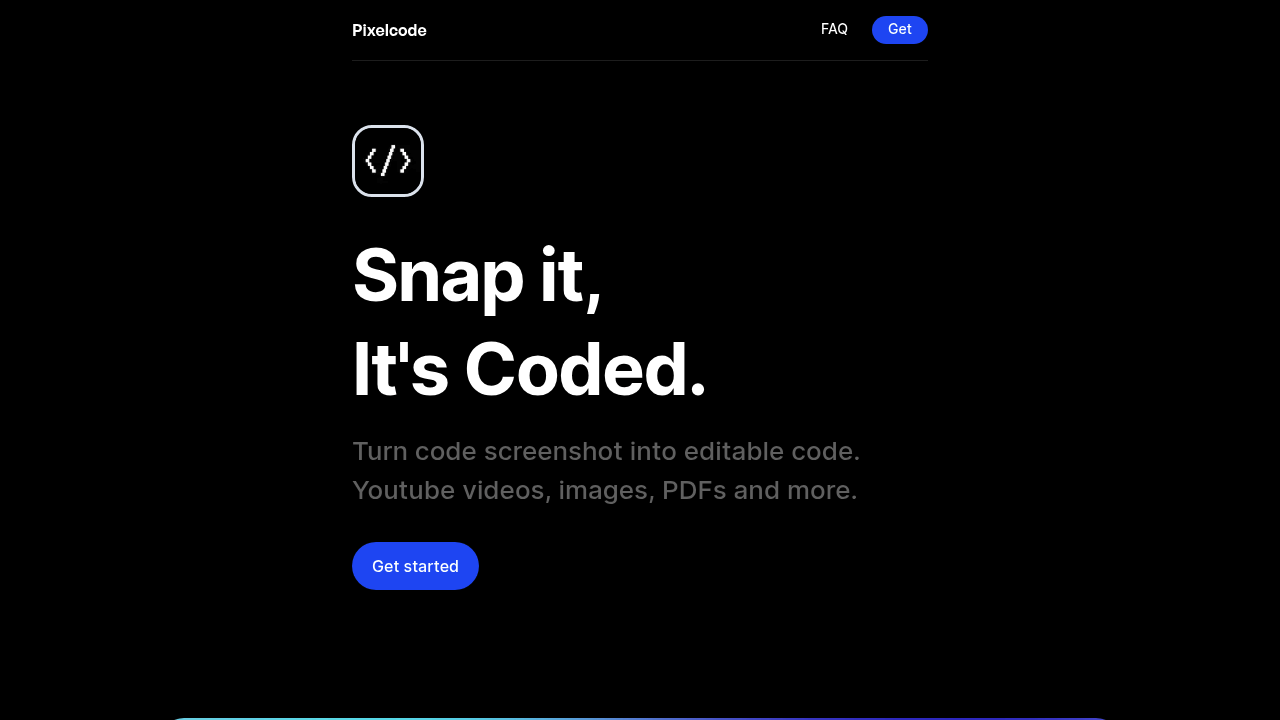
Chrome is required. Pixelcode doesn't work on Safari or Firefox. Most developers already have Chrome installed for testing—so this limitation matters less than you'd think.

Here's what Pixelcode fixes: you're watching a YouTube tutorial. The instructor shows a code block. You pause. You squint at your screen. You type it out line by line—then spend fifteen minutes debugging the inevitable typo. Pixelcode turns screenshots into editable code in seconds.

The Chrome extension adds a cropping tool. Select exactly what code you want to extract (three lines or three hundred). Crop it. Pixelcode recognizes the language automatically—30+ options including Python, Swift, and Dart. Formatting gets preserved. Code lands on your clipboard ready to paste into your editor.

Junior developers learning through video courses get the most value here. Same goes for anyone who's tried recreating code from PDF textbooks or documentation screenshots.

Pricing works like this: $8 buys you 100 screenshots. $35 gets you unlimited access forever. You start with 20 free screenshots. The unlimited version requires your own ChatGPT API key—but Pixelcode promises that key never leaves your device.

This won't revolutionize your workflow. It just removes one tedious friction point that happens more often than you'd admit.

Pixelcode alternatives

See all →

Frequently asked

6 questions
Does Pixelcode work on Safari or Firefox?
No, Pixelcode only works as a Chrome extension. If you're a developer, you probably already have Chrome installed for testing anyway. There's no Safari or Firefox version available right now.
How much does Pixelcode cost?
You get 20 free screenshots when you first install it. After that, it's $8 for 100 screenshots or $35 for unlimited lifetime access. The unlimited version needs your own ChatGPT API key, but that key stays on your device for privacy.
What programming languages does Pixelcode support?
It recognizes 30+ coding languages automatically, including Javascript, Python, Java, Swift, Ruby, and Dart. You don't have to tell it what language you're extracting—it figures that out on its own and preserves the formatting.
Can I use Pixelcode to extract code from YouTube tutorials?
Yes, that's actually one of its main uses. Just pause the video when code appears on screen, use the cropping tool to select what you need, and it'll extract it in seconds. Works with PDFs and regular images too.
Do I need a ChatGPT subscription for Pixelcode?
Only if you want the unlimited version for $35. The paid screenshot packs ($8 for 100) don't require anything extra. For unlimited, you'll need your own ChatGPT API key, which is separate from a ChatGPT Plus subscription.
How accurate is Pixelcode at extracting code from screenshots?
It preserves formatting accurately and copies the code directly to your clipboard in seconds. You'll still want to double-check the output like you would with any automated tool, but it beats manually retyping everything and hunting for typos.

Traffic

Estimated monthly website visits · last 6 months

760 visits/mo
Monthly visits
760
↑ 127.5% MoM
Category rank
#79
AI Coding Assistant
1.3K 1K 668 334 0 Nov 2025: 0 visits Nov 2025 Dec 2025: 526 visits Dec 2025 Jan 2026: 1.3K visits Jan 2026 Feb 2026: 658 visits Feb 2026 Mar 2026: 334 visits Mar 2026 Apr 2026: 760 visits Apr 2026

Reviews (0)

Write review

No reviews yet. Be the first to share your experience.