
namethispic logo
AI SEO Tools FREEMIUM from $9/mo

namethispic

Your phone's camera roll overflows with IMG_1234

Jpg files. They do nothing for SEO. namethispic turns those generic names into search-friendly descriptions like "modern-office-workspace-laptop-coffee.jpg." It analyzes what's actually in your images and spits out…

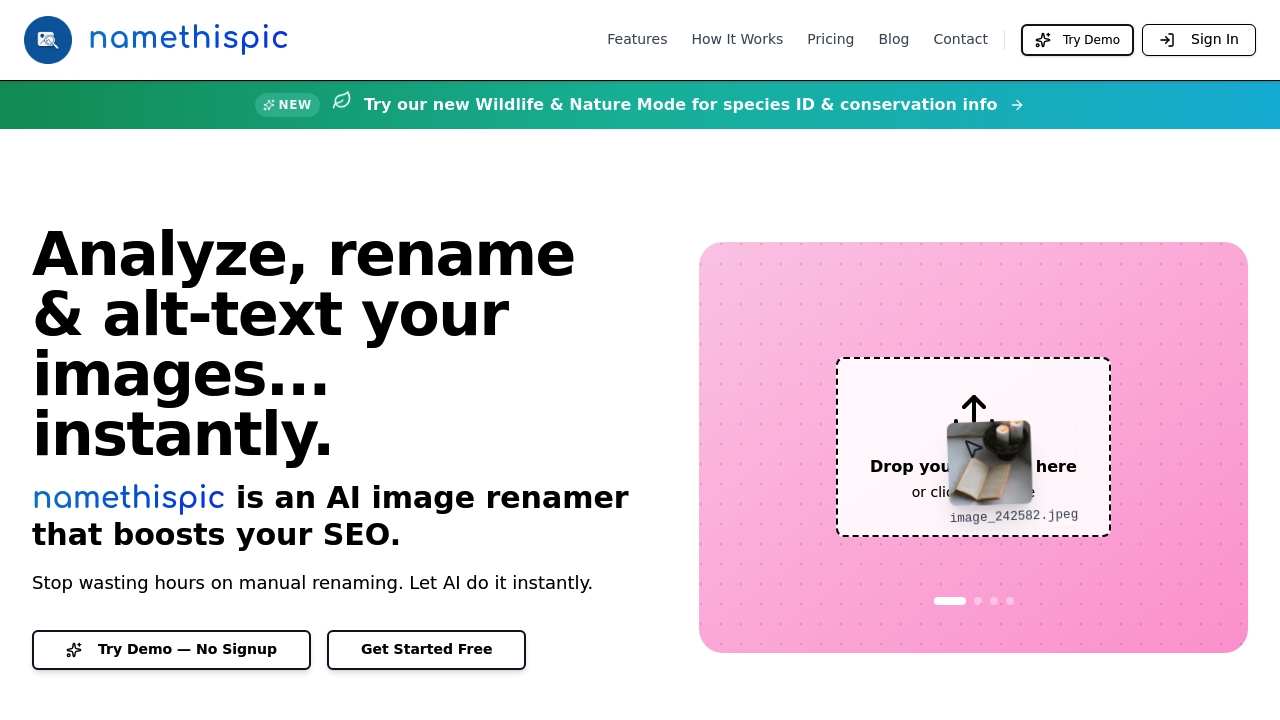
namethispic screenshot

Your phone's camera roll overflows with IMG_1234.jpg files. They do nothing for SEO. namethispic turns those generic names into search-friendly descriptions like "modern-office-workspace-laptop-coffee.jpg." It analyzes what's actually in your images and spits out filenames that Google can understand.

Five minutes to learn. Upload your images. Wait for processing. Download the renamed batch. Done.

A travel blogger uploading 50 photos from their latest trip can process everything in under a minute instead of spending hours manually renaming each file. namethispic recognizes context and suggests keywords you might not think of — even generates alt-text while you're at it.

Processing speed depends on batch size. Single images take 1-3 seconds. 100 images need up to a minute. The free plan gives you 25 files monthly, which won't cut it for serious content creators. Pro users get 150 files for nine bucks.

Wildlife & Nature Mode is actually useful if you photograph animals or plants. It identifies species and adds conservation details. Most SEO tools ignore this niche completely. Bulk processing handles up to 100 images at once. Everything comes back in a tidy ZIP file. You'll still need to manually upload the renamed files to your site, but that beats typing descriptive names for dozens of photos.


namethispic alternatives

See all →

Frequently asked

7 questions
How long does namethispic take to process a batch of photos?
Single images? Just 1-3 seconds. Bigger batches with 100 images can take up to a minute -- depends on how complex they are. The system does everything automatically and gives you results in a ZIP file you can download.
What's the difference between the free and Pro plans?
Free plan gives you 25 files per month. That's not gonna cut it if you're serious about content creation. Pro users get 150 files monthly for nine bucks -- both plans have the same features like bulk processing and alt-text generation.
Does namethispic work with RAW files and different image formats?
It accepts common image formats, but their docs don't spell out RAW compatibility. You'll wanna test with your camera's file types first. Most people use JPEGs for web stuff anyway.
What makes Wildlife & Nature Mode different from regular processing?
This mode actually identifies specific species in your photos. It adds conservation details to the filename too -- perfect for nature photographers who need accurate scientific names instead of generic stuff like 'bird-on-branch.' Most SEO tools totally ignore this specialized use case.
Can I customize the keywords that namethispic generates?
The tool analyzes your images and suggests keywords automatically (including ones you might not think of). But you can't manually edit the suggestions before processing. You'll need to rename files yourself if the AI misses something important.
Do I still need to manually upload the renamed files to my website?
Yep, namethispic only handles the renaming and alt-text generation. After downloading your ZIP file with the new filenames, you'll still need to upload everything to your site manually -- it doesn't integrate directly with WordPress or other platforms.
How accurate is the image recognition for generating SEO-friendly filenames?
The tool recognizes context and objects well enough to create meaningful filenames. A travel blogger's beach sunset becomes 'tropical-beach-sunset-palm-trees.jpg' instead of 'IMG_1234.jpg.' The AI catches details you might overlook when naming files manually.

Traffic

Estimated monthly website visits · last 0 months

356 visits/mo
Monthly visits
356

Not enough historical data for a chart yet.

Reviews (0)

Write review

No reviews yet. Be the first to share your experience.