
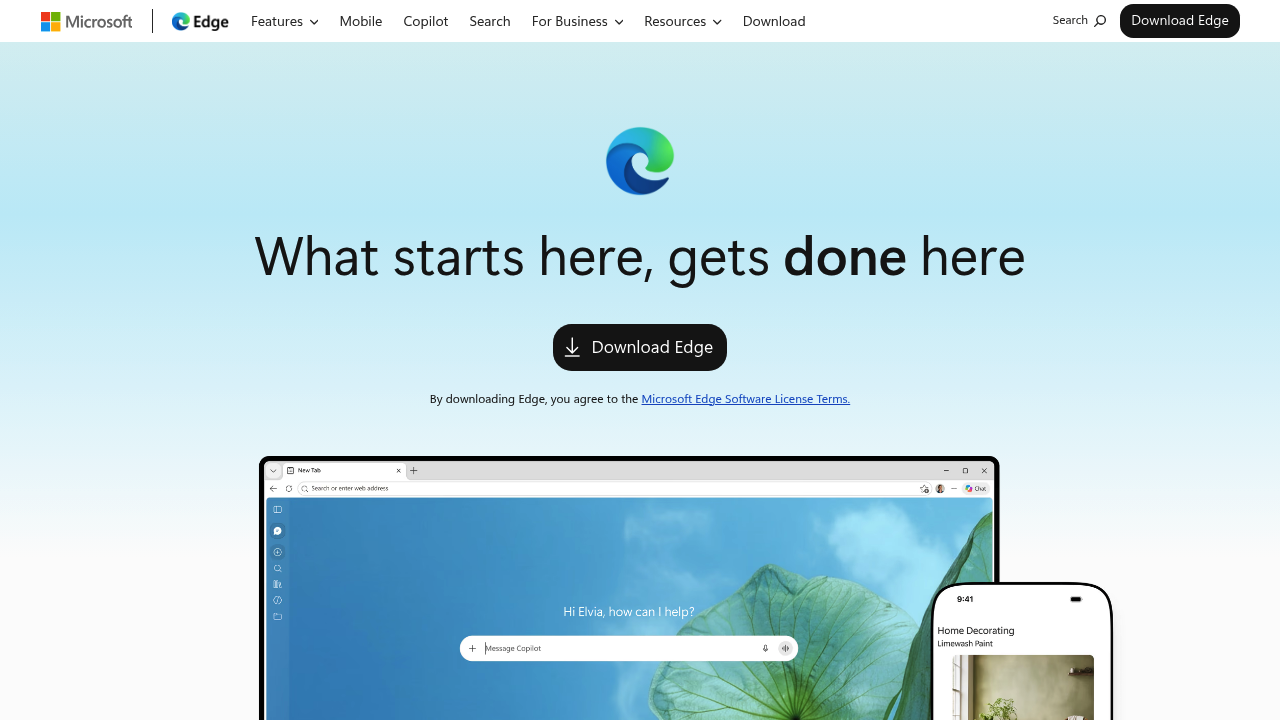
Microsoft Edge is a web browser that builds AI into everyday browsing. A built-in AI companion works across open tabs to compare options, explain what matters and complete tasks, using browsing history to give more personal help over time. Other AI features include one-click tab cleanup, image generation from text, and an AI Theme Generator that turns words into browser themes. Protection comes from a scareware blocker, Microsoft Defender SmartScreen against phishing and malware, Edge Secure Network and built-in password management. It is a free download.
Edge suits general web users who want an AI helper and strong security without installing extra software, especially people already on Windows, Bing or Microsoft 365. Students and office workers can use sleeping tabs, startup boost and tab organization to stay focused when many pages are open. Laptop users benefit from energy saver, which Microsoft says gives an average of 25 more minutes of battery life. Gamers can use Edge for Game Bar, the first in-game browser built for PC gaming.
People use Edge to compare products across several tabs, generate an image for a presentation without design skills, or pin favorite sites for quick access without opening the browser first. Passwords, favorites and settings sync across devices, and the mobile app lets you pick up where you left off. The search bar reaches go-to sites and trending topics from the desktop, free Microsoft 365 web apps open beside page content, and Microsoft Rewards points accumulate when searching with Bing. Features vary by device, market and browser version.