Memorr.AI appears to be discontinued. Its website has been unreachable across our last three checks. See similar tools below for alternatives.
Memorr.AI logo
AI Chatbot FREEMIUM from $21/mo

Memorr.AI

Memorr.AI is a desktop application designed for Mac and Windows to address the issue of context loss in protracted AI conversations. With integration support for AI models like GPT, Claude, Gemini, an

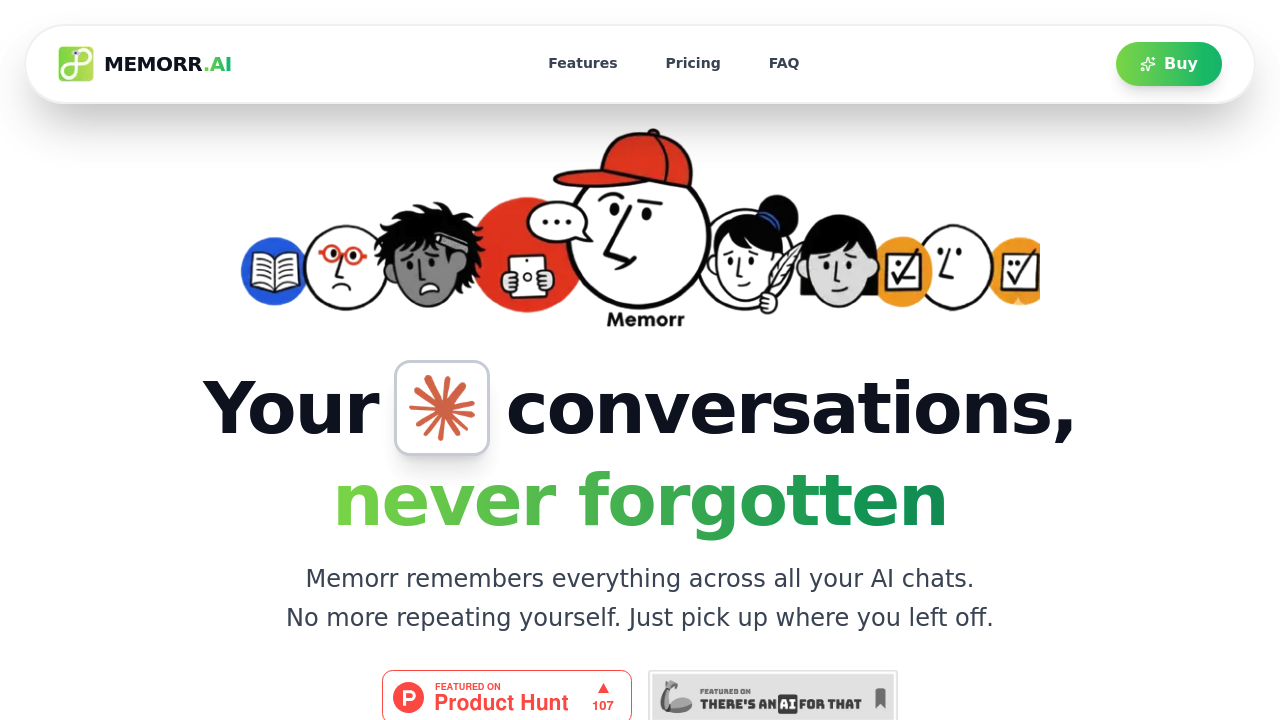
Desktop AI chats forget last week's conversation. Memorr.AI doesn't. It remembers everything across sessions. Context survives app restarts. Lengthy projects stay connected. Your screen splits between chat and visual…

Memorr.AI screenshot

Desktop AI chats forget last week's conversation. Memorr.AI doesn't. It remembers everything across sessions. Context survives app restarts. Lengthy projects stay connected.

Your screen splits between chat and visual memory canvas. 30% for conversation. 70% for organizing memories on an infinite workspace. You create, edit, and arrange context visually. Spatial notes that connect to AI discussions.

Switch between GPT, Gemini, Claude, and Perplexity. Conversation threads stay intact. Branching conversations let you explore different paths faster. Everything stays local on your device — no cloud storage means your chats remain private.

Picture a senior software engineer building a complex API over several weeks. They track bug fixes. Feature decisions. Architecture changes across dozens of AI conversations. The visual canvas keeps scattered discussions connected and searchable.

You'll need your own API keys from OpenAI, Anthropic, Google, or Perplexity. Memorr doesn't provide AI access. It just organizes it better. Export your chats as JSON or markdown when projects wrap up.

The desktop app costs $89 once. No monthly fees. Works on two devices with a year of updates and support included. That's reasonable for developers who bill hundreds per hour and can't afford to lose context mid-project.

Memorr.AI alternatives

See all →

Frequently asked

7 questions
Do I need to pay for AI models separately when using Memorr.AI?
Yep, you'll need your own API keys from OpenAI, Anthropic, Google, or Perplexity. Memorr.AI doesn't provide AI access -- it just makes your conversations way more organized. You pay the AI companies directly while Memorr handles the memory stuff.
How does the visual memory canvas actually work with my AI chats?
Your screen splits up -- 30% for chat, 70% for this infinite visual workspace. You can create and move around context notes however you want on the canvas. These notes connect straight to your AI chats, so you'll see how different conversation threads actually relate.
Can I switch between different AI models mid-conversation in Memorr.AI?
Absolutely! Switch between GPT, Gemini, Claude, and Perplexity without losing your conversation threads. The context and memory stick around no matter which AI you're using. Perfect for comparing responses or using different models for different parts of your project.
What happens to my chat data if I uninstall Memorr.AI?
Everything's stored locally on your device (no cloud storage), so it's private but you're on the hook for backups. You can export chats as JSON or markdown files when projects wrap up. Uninstall without exporting? You'll lose everything -- conversation history and visual canvas.
How many devices can I install Memorr.AI on with one license?
The $89 desktop license covers two devices. You get a year of updates and support thrown in too. After that year's up, you can keep using it but won't get new updates unless you buy them separately.
What makes branching conversations different from regular chat history?
Branching lets you explore different paths from the same starting point without killing your original thread. Ask the same question to different AI models or take conversations in totally different directions. All branches stay connected in your visual canvas -- makes comparing approaches super easy.
Is Memorr.AI worth it for short projects or casual AI users?
Honestly? Probably not. It's built for developers and professionals tackling complex, multi-week projects where losing context actually costs money. Just asking quick questions or working on simple stuff? The $89 price and setup complexity might be way overkill.

Traffic

Estimated monthly website visits · last 0 months

Not enough historical data for a chart yet.

Reviews (0)

Write review

No reviews yet. Be the first to share your experience.