
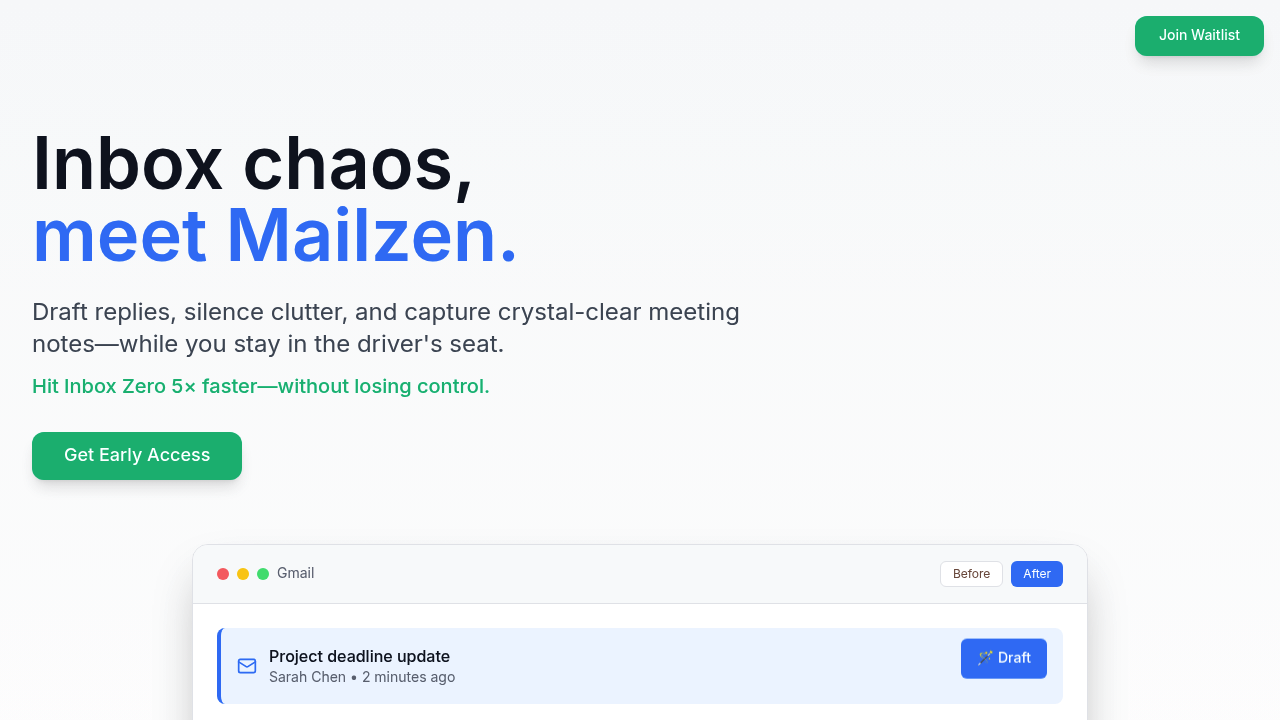
Mailzen drafts email replies for you, sorts incoming messages by priority, and grabs action items from meetings. But here's what matters: it never sends anything without your approval. Every AI-generated response sits in your drafts folder waiting for your edit or send button. You stay in control.
The draft assist feature learns how you actually write. Feed it enough of your past emails and it'll mimic your tone pretty well. Need to reply to a vendor inquiry? The AI produces a draft that sounds like you, not a generic chatbot. Same goes for scheduling replies — it scans your calendar and suggests available time slots. Then you tweak and send.
The declutter system tries to separate signal from noise. It identifies high-priority emails and pushes newsletters and low-value threads out of your main view. You can also mass-unsubscribe from stuff you never open. Meeting notes get captured automatically with decisions and action items pulled out. Handy if you're juggling multiple calls daily.
Does it actually save time? One user claims two hours daily. The company says you'll hit inbox zero five times faster than manual sorting. That feels optimistic but depends entirely on your current email chaos level. If you're drowning in 200+ daily messages, automation helps. If you get 30 emails a day, the benefit shrinks.
The biggest gap here is availability. You're joining a waitlist with 847+ other people. No telling how long until you get access. Early access products can be buggy or feature-incomplete. The free plan exists but limits you to basic drafts and partial meeting notes. What counts as "basic" versus advanced? The facts don't specify.
Gmail is the only integration right now. If you live in Outlook or another client, you're out of luck. No mention of mobile apps or browser extensions either. Team features don't exist, so this is strictly a solo tool. You can't share templates or collaborate on email workflows with colleagues.
Pro costs under twenty bucks monthly. That gets you advanced drafting with full tone memory, complete meeting notes with all action items extracted, and unlimited categorization. The free version gives you smart categorization and basic drafts but caps your meeting notes. Whether basic drafts are useful enough depends on how complex your emails get.
Who actually benefits? Product managers and founders dealing with constant context-switching between emails and meetings. People at companies like Google or HubSpot where email volume is relentless. If you spend more than an hour daily just reading and categorizing messages, this tool might reclaim some of that time.
The no-auto-send stance is both smart and limiting. You won't accidentally fire off a half-baked AI response to your boss. Good. But you also can't set up true autopilot for routine replies. Every draft still needs your eyeballs. That's the tradeoff between safety and full automation.
Worth waiting for access if you're drowning in email. Probably skippable if your inbox is already manageable. The personal tone memory feature is interesting — most email assistants sound robotic. This one tries to sound like you. Whether it succeeds depends on how distinctive your writing style is and how much training data you feed it.