
Lutia logo

Lutia

You'll get immediate access to multiple AI models once you create an account

27 views
Visit lutia.ai
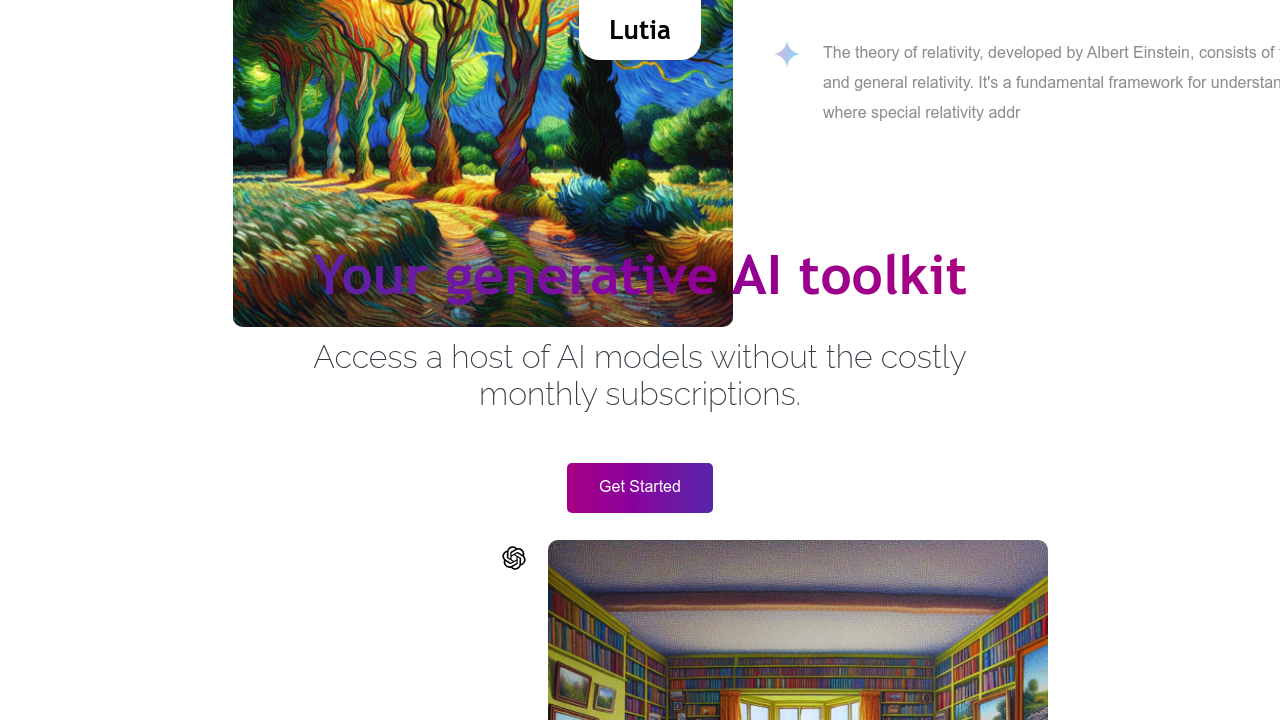
Lutia screenshot

You'll get immediate access to multiple AI models once you create an account. Lutia hands you $1 in free credit for testing. No subscription needed.

Here's the core concept—access various large language models through one chat interface. Pay only for what you actually use. Switch between different LLMs mid-conversation if one isn't delivering the results you need. Pay-as-you-go means you're not locked into monthly fees (especially helpful when your AI usage fluctuates).

Freelance developers needing GPT-4 one week and Claude the next won't waste money on unused subscription slots. You can customize the context window based on your task. Need a quick answer? Use a smaller context. Working on something complex? Expand it. Lutia tracks your usage across all models—you'll know exactly what you're spending.

Say you're drafting a technical proposal. You want to compare how different models handle the same prompt. Lutia lets you do that without juggling multiple accounts and billing systems. Everything stays in one place through the interface.

The biggest limitation? Probably the credit system itself. Heavy daily work with AI models means constantly topping up credits—which gets annoying. Some users prefer the predictability of a flat monthly rate (even if it costs more overall).

Lutia works best for people with inconsistent AI needs. People who hate paying for tools they don't use every day. It's not trying to be fancy—just practical.

Frequently asked

7 questions
Does Lutia have a free trial?
There's no traditional free trial, but you get $1 in free credit when you create an account. That's enough to test out different AI models and see how the platform works before adding your own funds.
How much does Lutia cost?
Lutia doesn't charge monthly subscriptions—it's completely pay-as-you-go. You only pay for the AI models you actually use, which means costs vary based on your usage. You start with $1 free credit to test things out.
Can I use multiple AI models with Lutia?
Yep, that's the whole point. You can access different large language models from the same chat window and even switch between them mid-conversation. No need to juggle multiple accounts or platforms.
What are the downsides of Lutia's pay-as-you-go model?
If you use AI heavily every day, constantly topping up credits can get annoying. Some people actually prefer the predictability of a flat monthly subscription, even if it ends up costing more overall.
Is Lutia good for freelancers?
It's great for freelancers with fluctuating AI needs. If you need GPT-4 one week and Claude the next, you won't waste money on unused subscriptions. You only pay for what you actually use when you need it.
Can I track my AI usage on Lutia?
Yes, Lutia tracks your usage across all the different models you use. You'll know exactly what you're spending instead of wondering where your credits went.
Who should use Lutia instead of ChatGPT Plus?
Anyone who doesn't use AI every single day. If you only need powerful AI models occasionally or your usage varies week to week, paying per use makes way more sense than a $20 monthly subscription you're not fully using.

Reviews (0)

No reviews yet. Be the first to share your experience.

Similar tools

See all →