
LooksCraft logo

LooksCraft

UGC ads without the influencer hassle

68 views
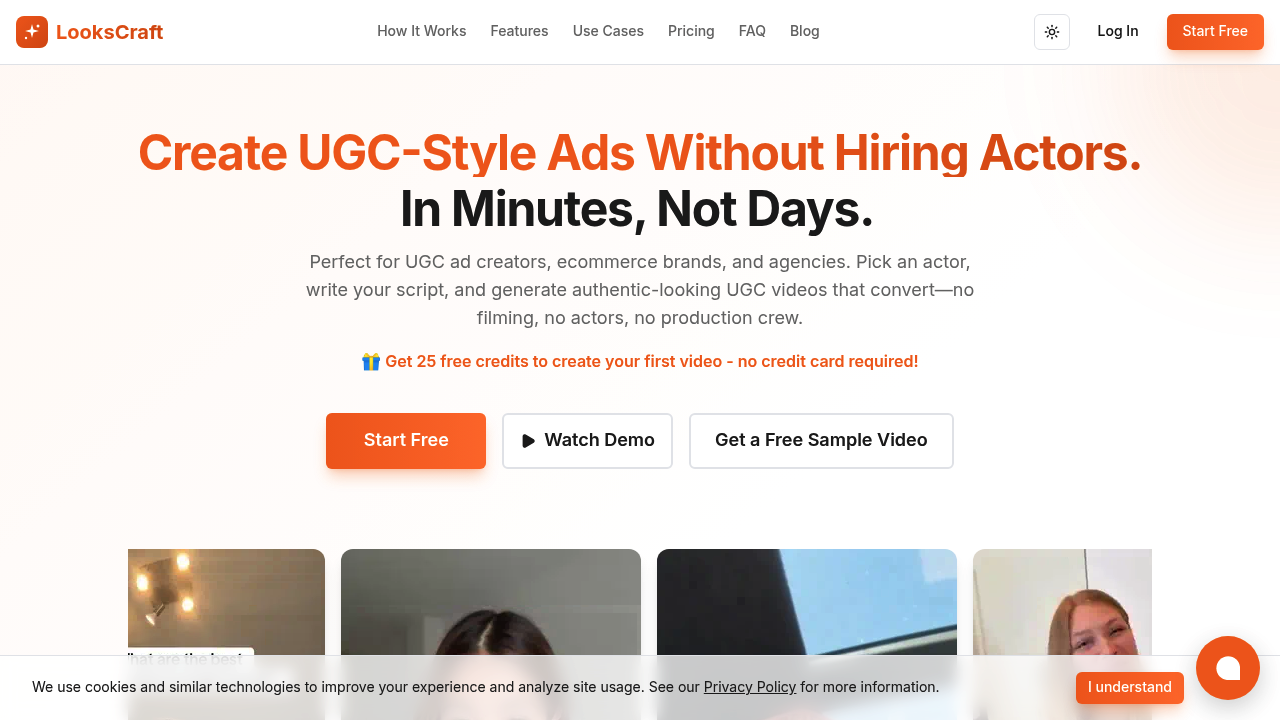
LooksCraft screenshot

You get 25 free credits without dropping a credit card number. That's enough to test LooksCraft's AI video generation without commitment. You'll hit the ceiling quickly if you're cranking out content daily though.

LooksCraft dominates the UGC video space by letting you skip the entire actor hiring process. Performance marketers running Facebook ads know the drill — you need fresh UGC content constantly. Coordinating with real creators burns time and budget. LooksCraft generates these videos in 2.5 minutes average. The AI actors look convincing enough that viewers won't question authenticity.

LooksCraft packs eight different features beyond basic video generation. Vision Craft turns product photos into video content. Craft Lip Sync matches custom voiceovers to mouth movements. Actor Generator builds custom AI performers for your brand.

Say you're launching a skincare campaign and need 20 different UGC videos featuring diverse actors. Skip the casting calls. Skip coordination headaches. Upload your product images instead. Select AI actors. Generate the batch. Each video shows a realistic person demonstrating your product.

The 4.8 rating across 1000 reviews suggests users aren't dealing with obvious AI tells that kill conversion rates. Ecommerce brands and agencies make up the core user base. The partner program offers 15% commission on first five sales — hints at an aggressive growth push. Pricing beyond free credits isn't disclosed upfront. You'll need to dig deeper once those initial credits run out.

Frequently asked

7 questions
How long does it take LooksCraft to generate a UGC video?
LooksCraft cranks out videos in about 2.5 minutes. That's way faster than dealing with real creators -- which can drag on for days or weeks. You can batch a bunch of videos and they're done in minutes instead of juggling complicated production timelines.
Can I use my own voiceover with LooksCraft's AI actors?
Yeah, the Craft Lip Sync feature syncs your custom voiceovers to the AI actors' mouth movements. You control the script and messaging while the AI handles everything visual. The lip sync quality's solid enough that viewers won't spot it's artificially generated.
What's the Actor Generator feature and how does it work?
Actor Generator builds custom AI performers just for your brand. Instead of generic AI actors, you get consistent digital spokespeople across all campaigns. Gives your UGC content that cohesive brand personality -- no exclusive talent needed.
How many videos can I make with LooksCraft's free credits?
You get 25 free credits without entering payment details. Video count depends on complexity and length, but it's enough to properly test the platform. Daily content creators will burn through these fast and need to upgrade.
Does LooksCraft work with just product photos or do I need video footage?
Vision Craft turns static product photos into video content -- no existing footage required. Upload your product images and the AI creates videos showing realistic people using or demonstrating those products. Perfect for ecommerce brands that only have product photography.
Can viewers tell that LooksCraft videos use AI actors instead of real people?
The 4.8 rating across 1000 reviews suggests the AI actors look convincing enough to maintain conversion rates. Users aren't reporting obvious AI tells that'd hurt campaign performance. Quality's solid for Facebook ads and other performance marketing channels.
What happens after I use up my free LooksCraft credits?
Pricing beyond the free credits isn't disclosed upfront on their website. You'll need to contact them or dig deeper once your initial 25 credits run out. This suggests they use custom pricing based on usage volume or business needs.

Traffic

Estimated monthly website visits · last 0 months

Not enough historical data for a chart yet.

Data from SimilarWeb · Updated monthly.

Reviews (0)

Write review

No reviews yet. Be the first to share your experience.

Similar tools

See all →