
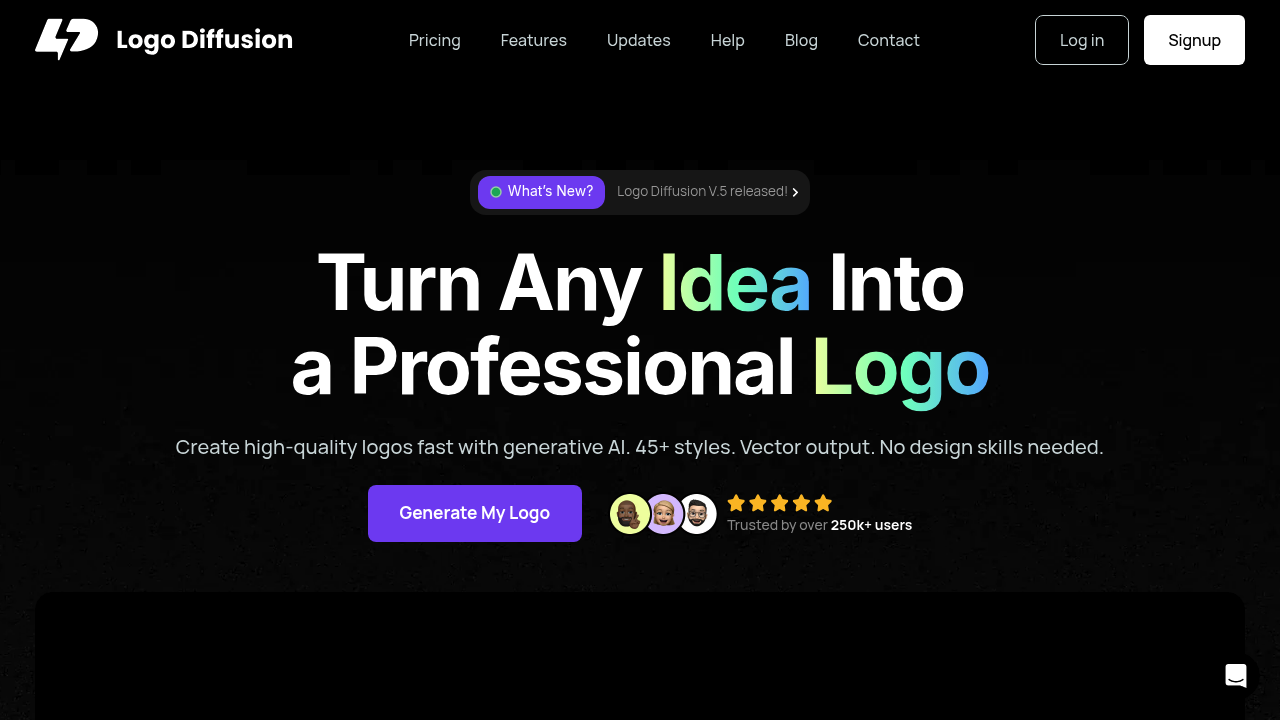
Type a description into Logodiffusion and watch it generate up to four logo options. This service runs on generative AI trained specifically for logo design, serving over 250,000 users who need professional branding without hiring a designer.
The interface lets you start three ways. Write a text prompt describing what you want. Upload a sketch you've drawn. Or feed in an existing logo to redesign. Each generation pulls from 45+ design styles covering current logo and graphic trends. You can specify colors and themes before hitting generate. It spits out variations you can refine through additional prompts.
Once you've got a design you like, the vector export becomes crucial. Click to download as SVG and you'll get a clean vector file that opens in any vector editing software. This matters because most AI image generators only output raster formats. Background removal works with one click, giving you transparent PNGs ready for mockups.
Logodiffusion includes an in-app editor with sketching tools, brushes, shapes, and fonts. You can tweak generated logos without leaving the browser. The creative upscaler pushes resolution up to 4x, though quality varies depending on the original generation. Style transfer lets you apply the look of any reference image to your logo, which works better for certain aesthetic approaches than others.
Here's where it gets frustrating. Everything runs on credits. The free plan gives you 20 credits monthly, enough for roughly 10 designs. That sounds reasonable until you realize experimentation burns through credits fast. You'll hit the limit quickly if you're iterating on concepts. The free tier also stamps watermarks on everything and blocks commercial use entirely.
Paid tiers remove watermarks and grant commercial licenses. Basic starts at 1,000 monthly credits for around 500 designs with two concurrent generation jobs. Pro bumps to 2,500 credits and three concurrent jobs. Elite offers 6,000 credits and four jobs running simultaneously. Enterprise customers get custom-trained models and dedicated GPU servers.
The concurrent job limit annoys on lower tiers. You can't queue multiple variations at once. Wait for one batch to finish before starting the next.
Logo Diffusion V.5 represents the current version, with improvements to generation quality and vector conversion accuracy. This software works best when you've got a clear vision and can describe it precisely. Vague prompts produce generic results. Specific descriptions about style, industry, and mood generate more usable options.