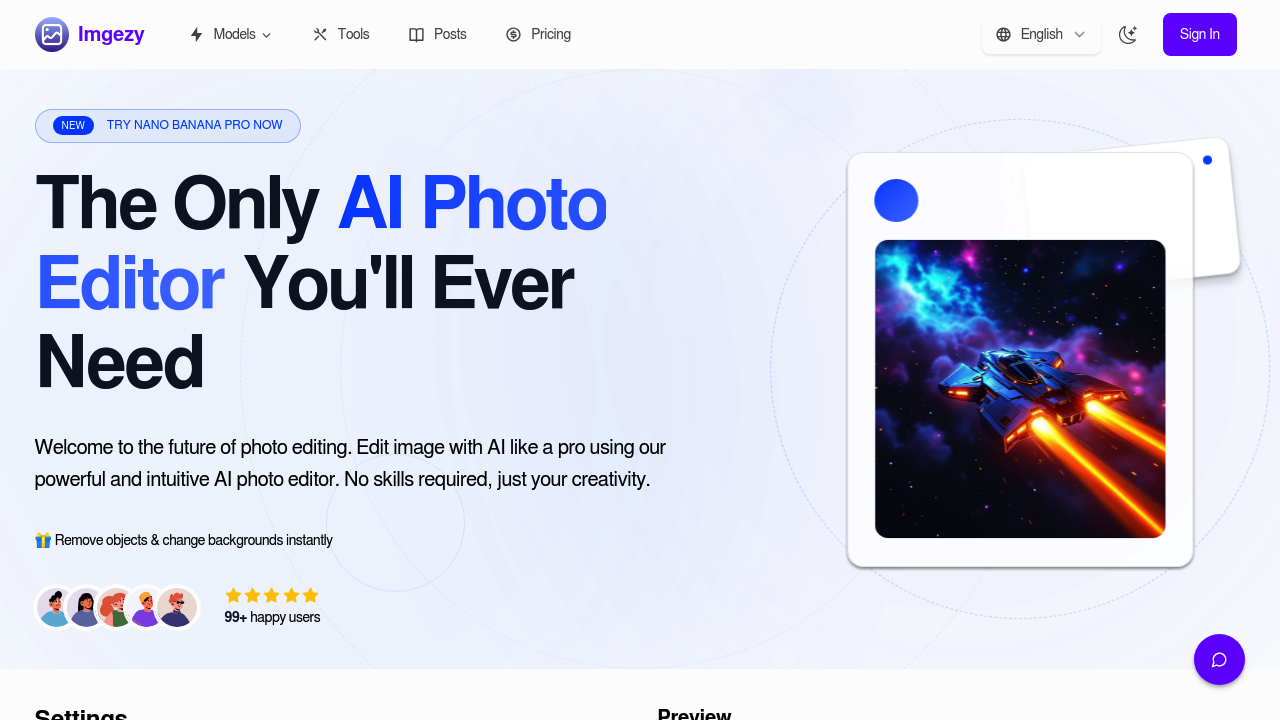
A wedding photographer gets hired for a destination shoot and returns with 300 photos where random tourists walked through backgrounds. She needs them cleaned up by tomorrow morning. Imgezy handles the object removal across all 300 shots through batch processing, erasing unwanted people and reconstructing backgrounds in about five seconds per edit. This platform has already removed over 1 million objects for 200,000+ users who needed similar fixes without opening Photoshop.
A real estate agent photographs rental properties but keeps getting stuck with power lines in exterior shots and clutter in interior corners. He doesn't know design software and can't afford a retoucher. He uploads photos to Imgezy, clicks the objects he wants gone, and the AI fills in the gaps with pixel-perfect accuracy. The backgrounds reconstruct naturally. No weird smudges or obvious patches. He can also swap out gray skies for blue ones or replace messy backgrounds entirely, making listings look cleaner without misrepresenting the property.
An Etsy seller photographs handmade jewelry on her kitchen table because she doesn't have a studio setup. The photos show cabinet edges, appliances, and inconsistent lighting. She uploads batches to Imgezy and changes all backgrounds to clean white or textured surfaces in one go. The photo enhancement feature fixes colors and sharpness automatically. She's editing product photos in bulk instead of one at a time, cutting her prep work from hours to minutes.
This software runs on a model called Nano Banana that handles multiple images and takes custom prompts up to 3,000 characters. You can describe exactly what you want changed. The system saves your image history so you can return to previous edits. Everything downloads in full resolution, which matters when you need files for print or high-res web use. The smart repair feature tackles damaged or blurry images, though it won't perform miracles on severely degraded photos.
Where it falls short: there's no free tier to test before paying. Credits reset monthly with no rollover, so unused edits disappear. The Basic plan at $9.99 monthly gives you 200 credits, roughly 100 images, but limits you to personal use only. No commercial work allowed. That blocks the real estate agent and Etsy seller unless they upgrade to Pro at $19.99 monthly, which includes 800 credits (about 400 images) and a commercial license. The Nano Banana model costs 2 credits per use, eating through your monthly allowance faster than standard features.
This service doesn't integrate with anything. No Shopify connection for ecommerce sellers. No direct upload to Instagram or portfolio sites. You're downloading files and manually uploading them elsewhere. There's no mobile app mentioned, so you're working from a computer. No API access for developers wanting to build automated workflows.
Teams get no collaborative features. Priority support comes with Pro, but Basic users wait longer for help. If you're a graphic designer who needs advanced layer control, masking tools, or typography features, this won't replace your main software. It's for people who want quick fixes, not complex compositions.
Annual billing saves 20% on both plans. Makes sense if you're editing product photos weekly or cleaning up client work regularly. Doesn't make sense if you need edits occasionally or want to try it first. The lack of a trial means you're committing blind. Skip this if you need team collaboration, workflow automation, or you're just testing whether AI editing works for your situation.