
Img2Img.net AI logo

Img2Img.net AI

Img2Img

52 views
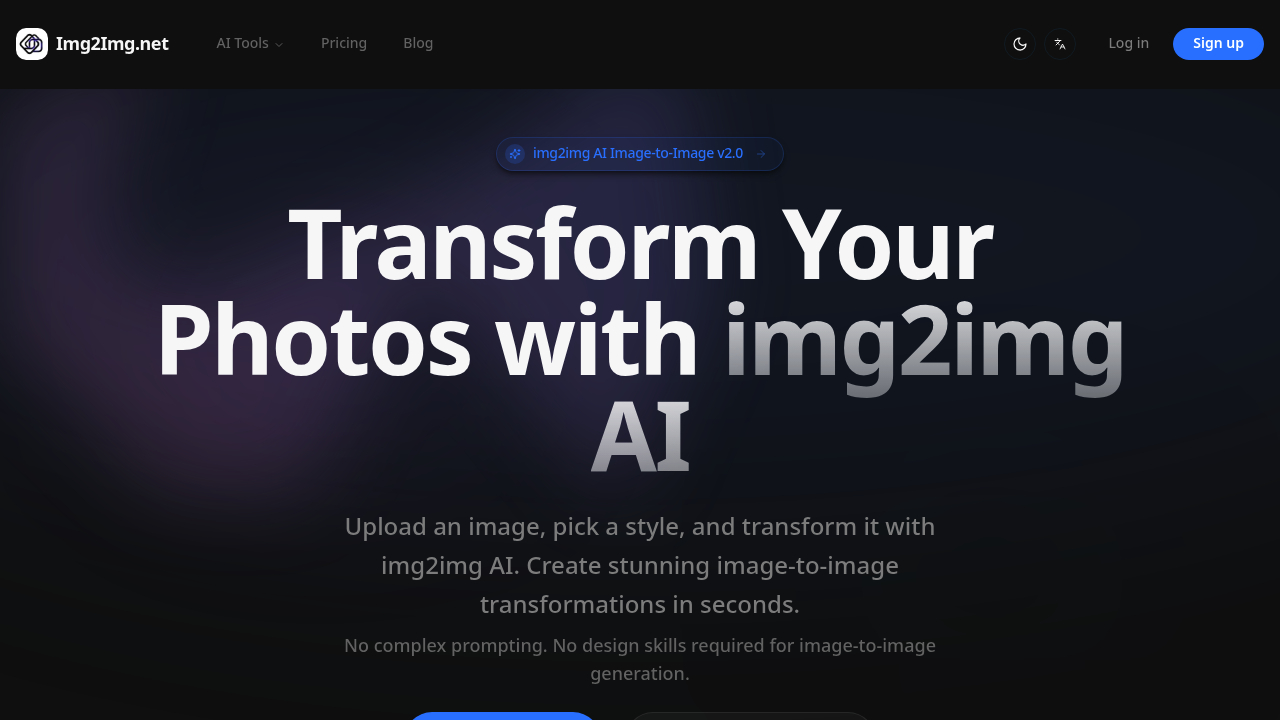
Img2Img.net AI screenshot

Img2Img.net AI transforms uploaded images into artistic styles. Thirty seconds flat. You get Studio Ghibli style. Cyberpunk. Oil Paint. Watercolor. Anime. Sketch. No complex software needed.

PNG, JPG, and WEBP files work — up to 15MB each. Upload your image. Pick a style. Wait half a minute. Downloads come clean without watermarks, beating competitors that slap logos across free transformations.

Picture a digital marketing manager creating social media content for a fashion brand. Product photos get uploaded and instantly generate artistic variations for different campaigns. Studio Ghibli might work for a dreamy spring collection while Cyberpunk could suit edgy streetwear posts.

Img2Img.net AI includes background removal and image upscaling tools beyond basic style transfer. Advanced Editor gives you more control over transformations. The credit system limits usage though — you'll burn through free credits quickly and need to pay for more.

Hobby plan costs $7.99 monthly for 100 credits. Basic gets you 300 credits for $12.99 while Pro offers 600 credits at $19.99. Annual subscriptions cut costs by half. Over 100,000 creators use it with a 4.8/5 rating from 1,250 reviews. The slide-to-compare feature in their gallery shows transformation results clearly, which helps when picking styles for your projects.

Frequently asked

7 questions
How many credits does each transformation use on Img2Img.net AI?
They don't actually tell you the exact credit cost per transformation. You'll have to watch your balance after processing to figure it out. The Hobby plan gives you 100 credits for $7.99 -- so each transformation probably eats up several credits depending on what style you pick.
Can I upload RAW files or only compressed formats?
Nope, only PNG, JPG, and WEBP files work (up to 15MB each). RAW files are a no-go. You'll need to convert those camera files first.
Does the Advanced Editor cost extra credits compared to basic style transfers?
They mention this Advanced Editor that gives you more control -- but don't say if it costs extra credits. Since it's a separate feature, it probably uses more than the basic stuff. Test both and watch your credit count.
How does Img2Img.net AI's 30-second processing compare to other style transfer tools?
Most AI style tools take 1-3 minutes for similar work. So 30 seconds is pretty fast. Your actual time might vary though (bigger images = longer waits).
What happens if my image is larger than 15MB?
It won't upload. Period. You'll need to compress or resize it first -- that 15MB limit is firm for each file.
Can I get refunds if I'm not happy with the transformations?
They don't mention refunds anywhere on the pricing page. Since you're buying credits upfront, definitely test those free credits first. See if you like the results before spending money.
Does the background removal tool work automatically or do I need to manually edit?
They list background removal as a tool but don't explain how it works. It's grouped with the upscaling features -- so probably one-click like everything else.

Traffic

Estimated monthly website visits · last 0 months

Not enough historical data for a chart yet.

Data from SimilarWeb · Updated monthly.

Reviews (0)

Write review

No reviews yet. Be the first to share your experience.

Similar tools

See all →