
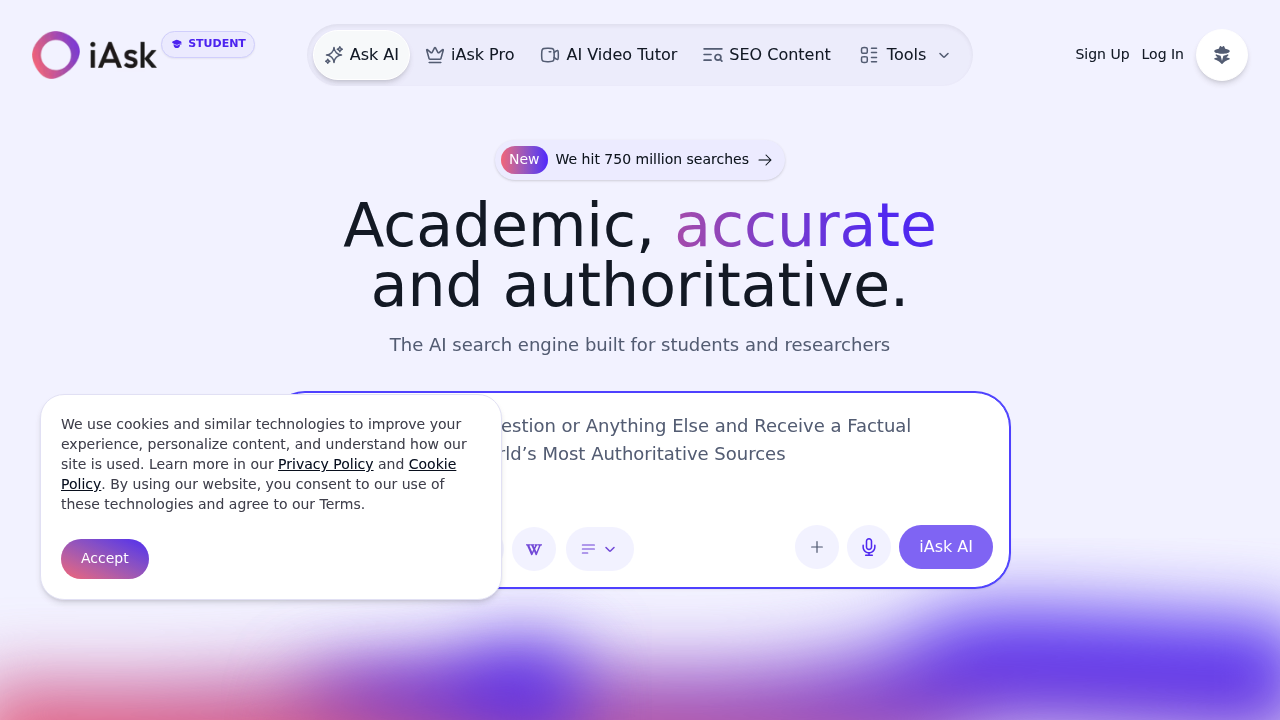
IAsk.Ai processes over 1.4 million daily searches as a free AI search engine built around natural language question answering. Users type questions as they would ask another person, and the system returns factual answers backed by authoritative citations rather than generating unverified content. This service includes a homework helper, essay writer with advanced grammar checking, document analysis, and image creation tools. Students with .edu email addresses receive one year of iAsk Pro at no cost, which adds features like follow-up questions, search history, and personalized responses. The free tier covers basic AI search and question answering without storing user data. With 750 million total searches processed and an 85.85% score on the MMLU-Pro benchmark, this system earned top placement on the Hugging Face leaderboard and recognition as Best Search Engine of 2026 by Slashdot.
Students form the core user base, particularly those working through homework assignments, research papers, or exam preparation who need quick access to verified information. Researchers benefit from the academic source discovery and document analysis features when conducting literature reviews or fact-checking claims across multiple sources. IAsk.Ai also serves general users who want straightforward answers to everyday questions without wading through ad-heavy search results or needing technical expertise. Users who value privacy appreciate that the system doesn't log their search data or build behavioral profiles.
The homework helper proves useful during late-night study sessions when students need explanations for complex concepts in math, science, or humanities subjects. Researchers use the document analysis feature to extract key points from lengthy PDFs or academic papers, reportedly cutting research time by 80%. The essay writer and grammar checker support students drafting assignments from outline to final edit. API access lets developers integrate the question-answering capability into educational apps or internal knowledge bases. The mobile app and browser extension bring these functions into different workflows, whether someone is reading articles on their phone or researching from a desktop. Teachers also use it to generate example problems or verify facts when preparing lesson materials.