
HyperEnhancer doesn't tell you what AI model powers its engine or how much processing power it uses per image. The backend stays hidden, which matters if you're concerned about consistency across batches or want to understand why certain images come out differently than others.
What it does reveal is an approach to enhancement that splits images into regions. This software identifies people, objects, and backgrounds separately, then applies different processing to each area. Eyes get one treatment. Edges get another. Text areas get their own focus. This matters because a single enhancement filter across an entire photo often overprocesses some areas while leaving others untouched.
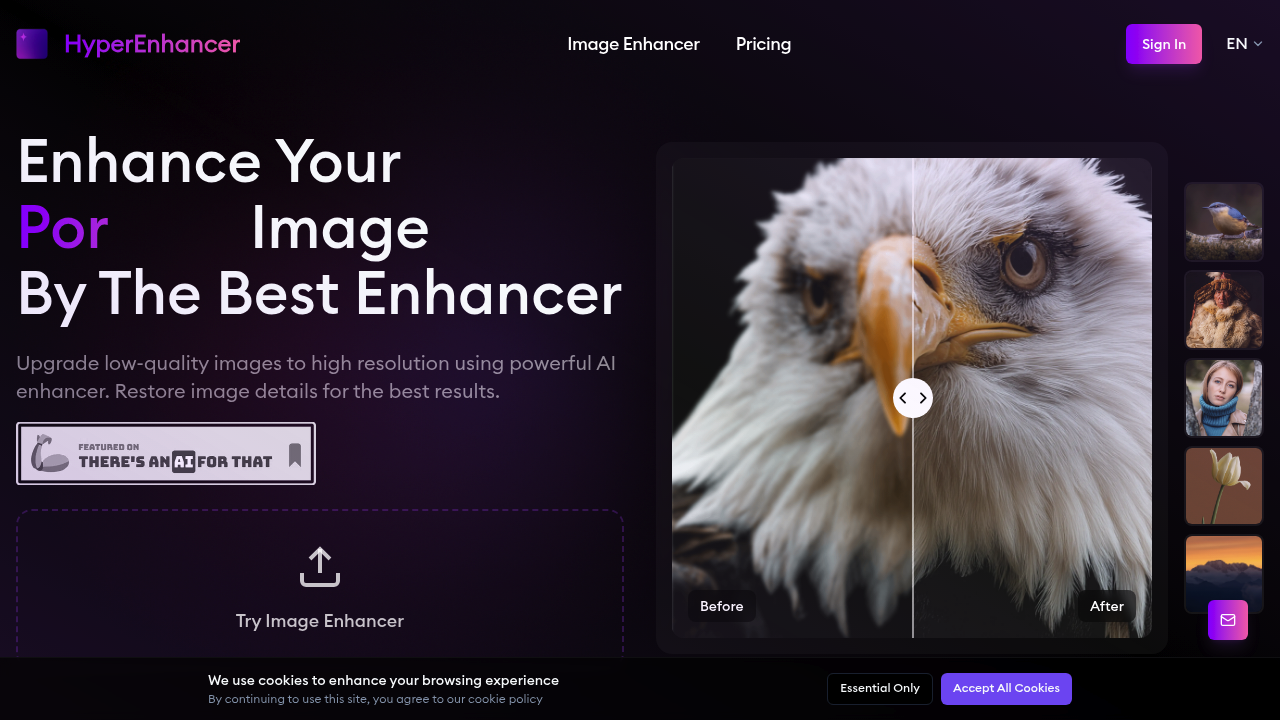
The smart content awareness runs automatically. Upload a portrait and it preserves skin texture while sharpening eye detail. Feed it a nature scene and it treats foliage differently than sky. Wildlife photos get fur and eye emphasis without artificial sharpening that creates halos. The system shows you a real-time preview before you commit to the enhanced version, then lets you download in high definition with one click.
It handles standard formats. JPG and PNG go in, clarity comes out. The blur removal works automatically, no sliders to adjust. The detail enhancement follows the same pattern—automated decisions based on what the AI detects in each region.
Photographers working with old archives or wildlife shooters dealing with motion blur can feed images straight through. eCommerce sellers cleaning up product shots have a direct path from low-quality source to usable listing image. Portrait photographers get natural-looking enhancement without the plastic skin effect that ruins professional work. This software focuses on making damaged or low-resolution images presentable, not on creative filters or stylization.