
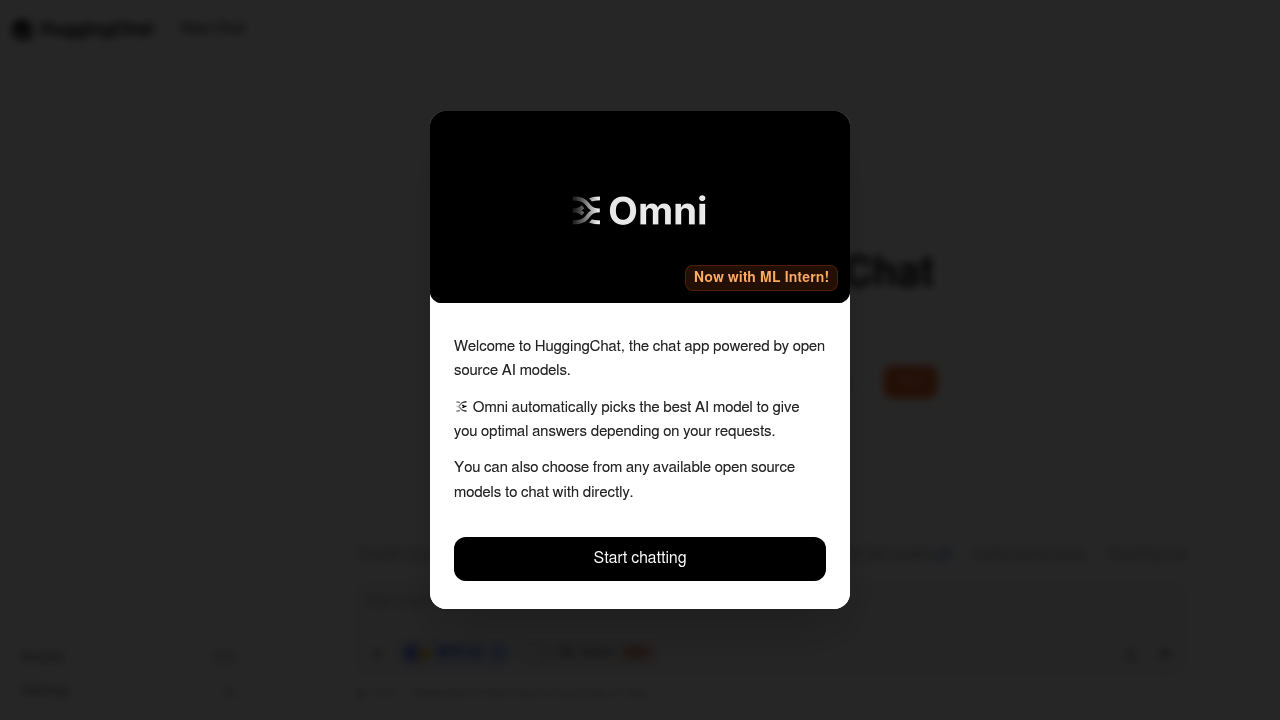
HuggingChat is the chat app from Hugging Face, powered by open source AI models. Its Omni option automatically picks the best model for each request, and users can also select any available open source model to chat with directly. Recent additions include DeepSeek V4.1 Flash, described as a natively multimodal 552B mixture-of-experts model with a 1M-token context window and strong agentic coding, and an ML Intern mode that works on papers, training, spaces, datasets, evaluation and the Hub. The app runs in the browser, and a warning notes that generated content may be inaccurate or false.
HuggingChat is a fit for developers, researchers and curious users who want to see how open source models behave without installing anything. Machine learning practitioners can compare models in a single interface, while people who prefer open models over closed ones can use it as an everyday assistant. The ML Intern mode targets those working with Hugging Face resources, such as researchers reading papers or engineers browsing datasets and spaces. Casual users who just want an answer can leave model choice to Omni and start typing.
Typical uses include asking general questions, drafting and editing text, and testing coding prompts against open models such as DeepSeek. Researchers use the ML Intern mode to explore papers, datasets and training workflows tied to the Hugging Face Hub. Developers compare answers from different open models for the same prompt to decide which one to build on, and educators demonstrate open source language models to students. Because the app is hosted by Hugging Face, it also serves as a quick way to try newly released open models as they are added.