
Himala AI Meeting Assistant appears to be discontinued. Its website has been unreachable across our last three checks. See similar tools below for alternatives.
Himala AI Meeting Assistant logo
AI Project Management FREEMIUM from $21/mo

Himala AI Meeting Assistant

Himala AI Meeting Assistant is an all-in-one tool designed to make the process of scheduling, holdin

Free early access while Himala shapes the product. Paid plans arrive later. You'll get plenty of notice to decide if you want to continue. Himala AI Meeting Assistant cuts through meeting chaos. It connects your…

Himala AI Meeting Assistant screenshot

Free early access while Himala shapes the product. Paid plans arrive later. You'll get plenty of notice to decide if you want to continue.

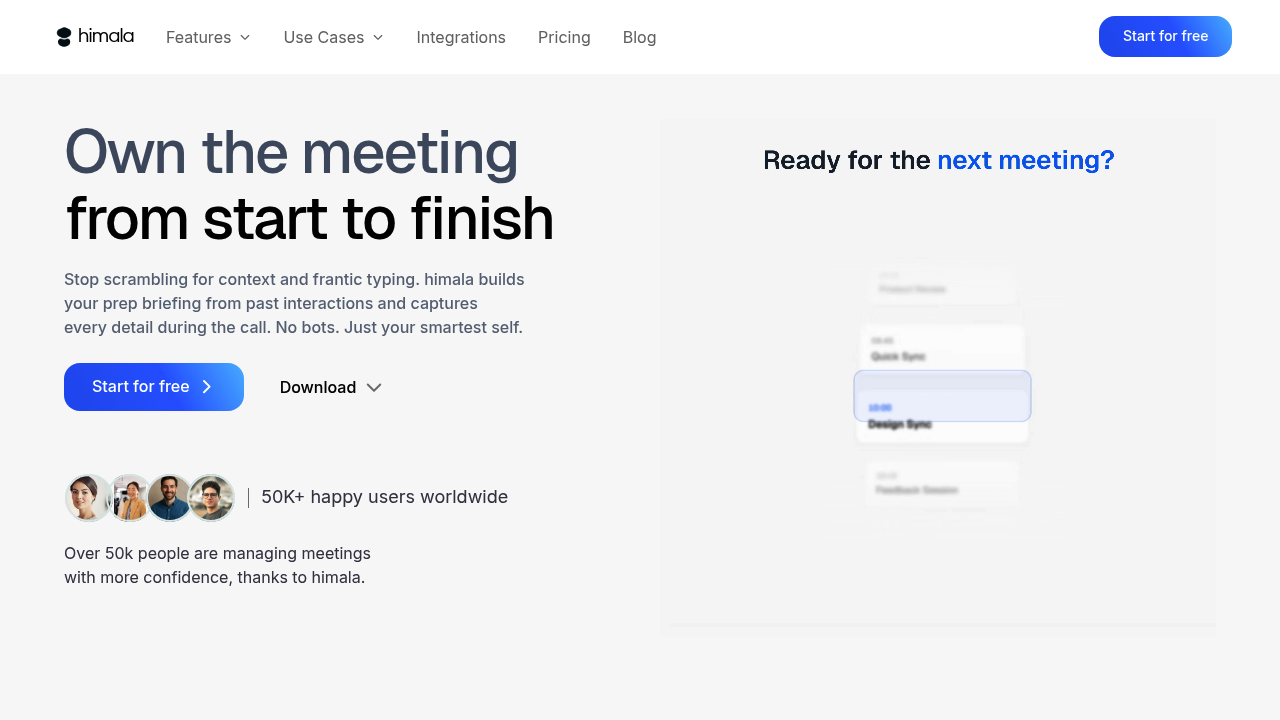
Himala AI Meeting Assistant cuts through meeting chaos. It connects your calendar. Your contacts. Your files. All in one workflow. Your meetings get automatic agendas and clear objectives before you even sit down. Himala surfaces insights about attendees and pulls relevant documents so you're not scrambling to find that proposal five minutes before the call starts.

Picture this: you've got a client review meeting tomorrow. Himala already knows the meeting type. Shows you background on the attendees. Has the project files ready. No hunting through email chains or trying to remember what you discussed last time.

It works quietly in the background rather than demanding constant attention. Himala isn't another calendar app telling you when meetings happen — it tells you how to succeed in them.

A product manager juggling multiple stakeholder reviews would find this useful since context-switching between projects often means losing track of important details. Data privacy isn't explicitly detailed in their current materials, which might concern security-conscious teams at larger companies. Early access means you're helping shape the product, but also working with something that's still evolving.

Himala focuses on eliminating the guesswork that turns productive meetings into confused discussions about what everyone should already know.

Frequently asked

7 questions
How does Himala AI Meeting Assistant automatically create agendas for my meetings?
Himala hooks into your calendar and looks at stuff like who's attending, what type of meeting it is, and any files you've linked. It pulls context from your past chats and project docs to suggest what you should talk about. The whole thing runs in the background -- so agendas just show up without you doing any manual work.
What happens to my meeting data when using Himala AI Meeting Assistant?
Honestly? The current materials don't spell out their data privacy practices or where your meeting info gets stored. Could be a red flag for bigger companies with strict security rules. Since it's still early access, they probably haven't locked down their data policies yet.
Can I use Himala during the free early access period and cancel before paid plans start?
Yep, you'll get plenty of heads up before any paid plans kick in. Early access is totally free while they're building the product. You can bail when pricing starts if you want.
Which calendar systems does Himala integrate with?
It connects to your calendar system, but they don't get specific about which ones in their docs. Since it's built to work with your existing calendar and contacts, it probably handles the major platforms. You'd have to check their setup to see if yours is supported.
How does Himala AI Meeting Assistant surface insights about meeting attendees?
Himala digs through your contacts and previous interactions to give you background on who's attending. It shows relevant details about participants before meetings start -- so you're not walking in blind. Basically eliminates those awkward moments where you can't remember someone's role or what you talked about last time.
Does Himala work for all types of meetings or just specific ones?
The tool recognizes different meeting types and adjusts accordingly. It's super helpful for recurring stuff like client reviews or stakeholder check-ins where context from previous sessions actually matters. Project managers juggling multiple workstreams would get the most value since Himala tracks details across different initiatives.
What makes Himala different from other meeting tools that just schedule appointments?
Most calendar apps just tell you when meetings happen. Himala's focused on helping you crush those meetings by prepping relevant context, agendas, and attendee insights beforehand. It's less about scheduling, more about cutting out all that prep work you usually scramble to do right before important calls.

Traffic

Estimated monthly website visits · last 0 months

Global rank
#11,190,743

Not enough historical data for a chart yet.

Reviews (0)

Write review

No reviews yet. Be the first to share your experience.