
HiClip AI logo
Long Video To Short Video AI FREEMIUM from $9/mo

HiClip AI

Video creators drowning in hour-long recordings can extract polished social clips without manual editing through HiClip AI

This system applies automated clipping and editing to transform a single long-form video into ten optimized short-form pieces ready for social distribution. Rather than scrubbing through timelines to identify highlight…

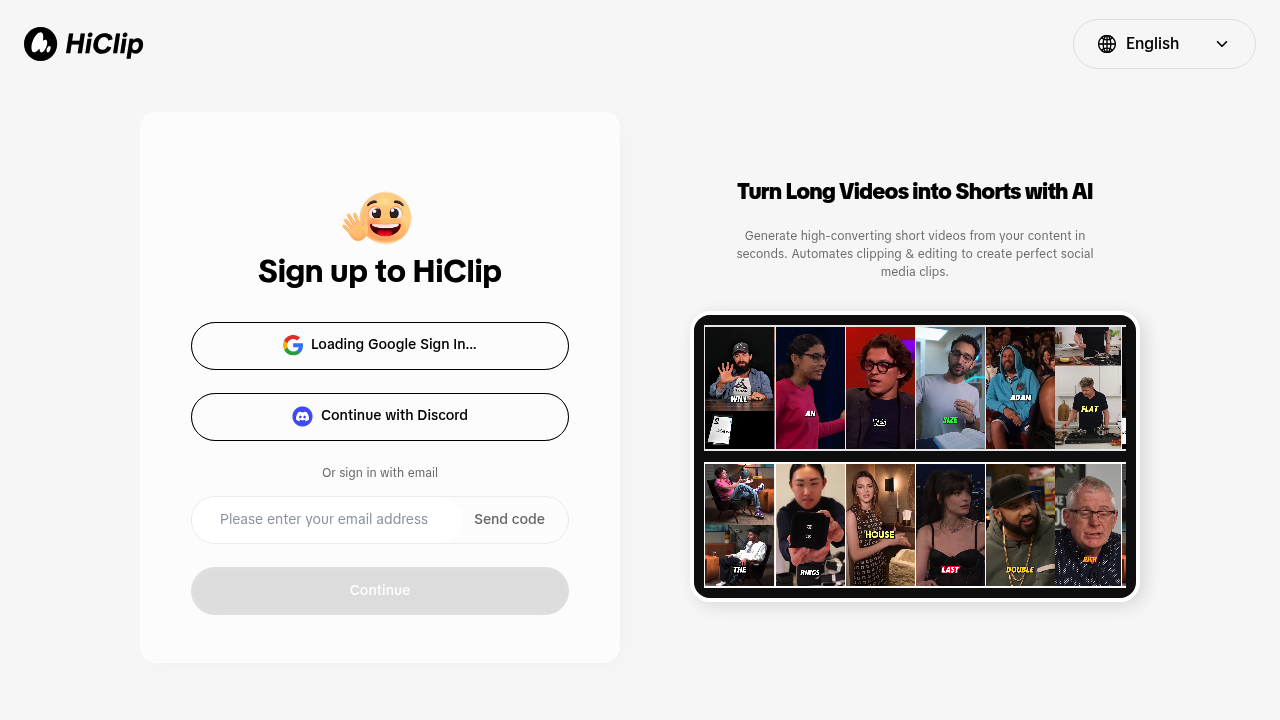
HiClip AI screenshot

Video creators drowning in hour-long recordings can extract polished social clips without manual editing through HiClip AI. This system applies automated clipping and editing to transform a single long-form video into ten optimized short-form pieces ready for social distribution. Rather than scrubbing through timelines to identify highlight moments, the system analyzes footage and generates multiple clips that capture key segments, handling cuts and formatting without requiring traditional editing skills. The technology focuses specifically on creating "hooked" clips—content built to grab attention in social feeds where viewers scroll quickly past unremarkable material.

This tool serves YouTube creators repurposing podcast episodes or tutorial content, TikTok and Instagram Reels producers who need volume without spending hours in editing software, and digital marketers managing video campaigns across multiple platforms. It fits creators who produce regular long-form content—webinars, interviews, educational sessions, gaming streams—and need to maintain consistent social presence without hiring editors. The automation particularly benefits solo creators and small teams where one person handles both content creation and distribution, eliminating the bottleneck between recording and publishing. Creators comfortable with basic video concepts but lacking advanced editing expertise gain the most immediate value.

The workflow centers on uploading recorded material—a conference presentation becomes ten promotional clips, a product demo spawns multiple feature highlights, a coaching session generates testimonial-style snippets. Podcasters can convert full episodes into audiogram-style clips for Twitter and LinkedIn, while educators turn lecture recordings into bite-sized explainers for student engagement. The Discord integration allows team collaboration and clip review within existing communication channels. Fitness instructors might extract exercise demonstrations from full workout videos, real estate agents could pull property tour highlights from walkthrough footage, and consultants can clip key insights from client workshops. The system handles the repetitive identification and extraction work, letting creators focus on which clips to publish rather than how to produce them.


HiClip AI alternatives

See all →

Frequently asked

6 questions
How does HiClip AI turn long videos into short clips?
HiClip AI analyzes uploaded long-form videos and automatically identifies key segments worth highlighting, then cuts and formats them into short social media clips. The system generates ten separate clips from a single video, handling the editing work without manual timeline scrubbing. Each clip is optimized for social platforms where attention-grabbing content performs best.
Who should use HiClip AI?
Solo creators and small teams who regularly produce long-form content like podcasts, webinars, tutorials, or gaming streams benefit most from HiClip AI. The tool fits anyone who needs consistent social media presence but lacks time or advanced editing skills to manually create clips. YouTube creators repurposing episodes, educators turning lectures into explainers, and marketers managing multi-platform campaigns all gain immediate value.
Can I use HiClip AI to repurpose podcast episodes for social media?
Podcast episodes upload directly and convert into multiple audiogram-style clips suitable for Twitter, LinkedIn, and Instagram. A single hour-long interview becomes ten separate clips highlighting different discussion points or guest insights. This workflow eliminates the manual process of identifying quotable moments and exporting individual segments.
Does HiClip AI offer a free plan?
HiClip AI operates on a freemium model, meaning some level of access is available without payment. Specific tier details and pricing aren't publicly outlined, but the freemium structure typically allows users to test core clipping functionality before committing to paid features.
What can't HiClip AI do with video content?
The system focuses exclusively on extracting and formatting clips from existing footage rather than creating original video content or adding complex effects. Users still need to record their own long-form material before uploading it for clipping. Advanced color grading, motion graphics, or custom animations fall outside the automated editing scope.
How do I share HiClip AI clips with my team?
Discord integration lets teams review and collaborate on generated clips within their existing communication channels. After HiClip AI produces the ten clips from an uploaded video, members can discuss which pieces to publish and provide feedback without switching platforms. This keeps the approval workflow inside the tools teams already use daily.

Traffic

Estimated monthly website visits · last 1 months

10.2K visits/mo
Monthly visits
10.2K
Category rank
#21
Long Video To Short Video AI

Not enough historical data for a chart yet.

Reviews (0)

Write review

No reviews yet. Be the first to share your experience.