HeyPhoto logo

HeyPhoto

Photos rarely match your memory of taking them

The smile looks forced. Someone's gaze landed left of the camera instead of meeting it. HeyPhoto fixes this through AI-powered face editing—you adjust expressions and features after you've already taken the shot. This…

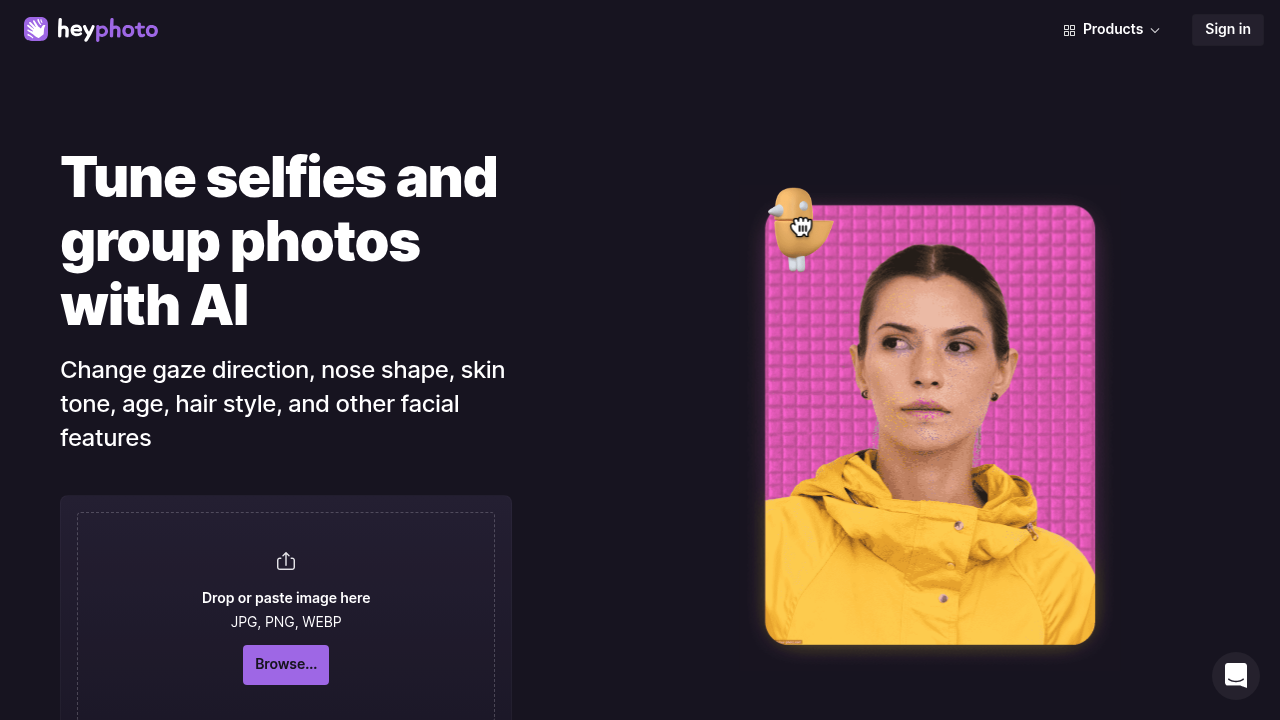
HeyPhoto screenshot

Photos rarely match your memory of taking them. The smile looks forced. Someone's gaze landed left of the camera instead of meeting it. HeyPhoto fixes this through AI-powered face editing—you adjust expressions and features after you've already taken the shot.

This focuses specifically on facial manipulation. Change where someone's looking. Make them smile more (or less). Age them up or down. It even handles gender swaps for experimental purposes. You upload directly through the interface and mark which face needs editing.

Portrait photographers can use this for client touchups—no reshooting required. Upload a photo and HeyPhoto's AI analyzes facial structure to enable modifications. Adjustments happen in your browser. Nothing to install on your desktop.

Quality depends heavily on your source image. High-resolution portraits with good lighting? You'll get better results. Grainy snapshots don't work as well. HeyPhoto performs best when faces are clearly visible and relatively straight-on. Extreme angles create problems. Partial profiles tend to generate wonky results—obviously manipulated stuff that doesn't pass scrutiny.

This positions itself as a quick fix for expression problems rather than a full photo editor. You won't find background removal here. Color grading isn't available either. It does one thing: face editing. That narrow focus means it either solves your specific problem or it doesn't. There's no middle ground—no partial usefulness for adjacent tasks. It's built for fixing faces, period.

HeyPhoto alternatives

See all →

Frequently asked

6 questions
Does HeyPhoto work on any photo?
It works best on high-resolution portraits with good lighting and faces looking mostly toward the camera. Grainy photos, extreme angles, or partial profiles don't work well—you'll get obviously fake-looking results. The better your source image, the more natural the edits will look.
Can I change facial expressions after taking a photo?
Yeah, that's exactly what HeyPhoto does. You can adjust smiles, change where someone's looking, or modify other facial expressions after the fact. It's all AI-powered, so you're basically fixing expression problems without reshooting.
Is HeyPhoto free to use?
The pricing details aren't publicly listed, so you'll need to check their website directly. They don't advertise a free trial or free plan upfront, which usually means it's a paid service.
What can't HeyPhoto do?
It only handles face editing—nothing else. You can't remove backgrounds, adjust colors, or do general photo editing. If your problem isn't specifically about fixing facial expressions or features, HeyPhoto won't help you.
Do I need to download software to use HeyPhoto?
Nope, it runs entirely in your browser. You just upload your photo through their interface and make your edits online. Nothing to install on your computer.
Can portrait photographers use HeyPhoto for client work?
Absolutely. It's actually a good fit for client touchups when you can't reshoot. You can fix someone's gaze direction or adjust their smile without bringing them back to the studio.

Traffic

Estimated monthly website visits · last 10 months

52.6K visits/mo
Monthly visits
52.6K
↓ 28.3% MoM
Global rank
#383,194
US #171,580
Category rank
#27
AI Photo Editor
138.5K 117.1K 95.6K 74.1K 52.6K Nov 2025: 138.5K visits Nov 2025 Dec 2025: 119K visits Dec 2025 Jan 2026: 126K visits Jan 2026 Feb 2026: 117.8K visits Feb 2026 Mar 2026: 124.3K visits Mar 2026 Apr 2026: 96.4K visits Apr 2026 May 2026: 96.3K visits May 2026 Jun 2026: 71.4K visits Jun 2026 Jul 2026: 73.4K visits Jul 2026 Aug 2026: 52.6K visits Aug 2026

Reviews (0)

Write review

No reviews yet. Be the first to share your experience.