
Hatch logo

Hatch

Your entire project lands in one view with Hatch's workspace

31 views
Hatch screenshot

Your entire project lands in one view with Hatch's workspace. No more chaos—jumping between ChatGPT tabs, Google Docs, Figma boards, and Slack threads ends here. A single canvas holds documents beside code snippets beside images beside data. Drag things around. The AI watches everything.

Context awareness across your whole project sets this apart. Add more assets to the canvas—Hatch's AI builds understanding of what you're actually building. A product manager sketching a feature roadmap drops in wireframes. Technical specs go next to user research notes. Ask questions and Hatch's AI reads across all of it.

Multiple AI models connect in one interface. You're not locked into a single assistant's personality or capabilities. Real-time collaboration lets your team see changes as they happen.

Over 45,000 professionals have used Hatch for ambitious projects. Developers keep code and documentation visible simultaneously. Strategists appreciate having research and frameworks in one manipulable space.

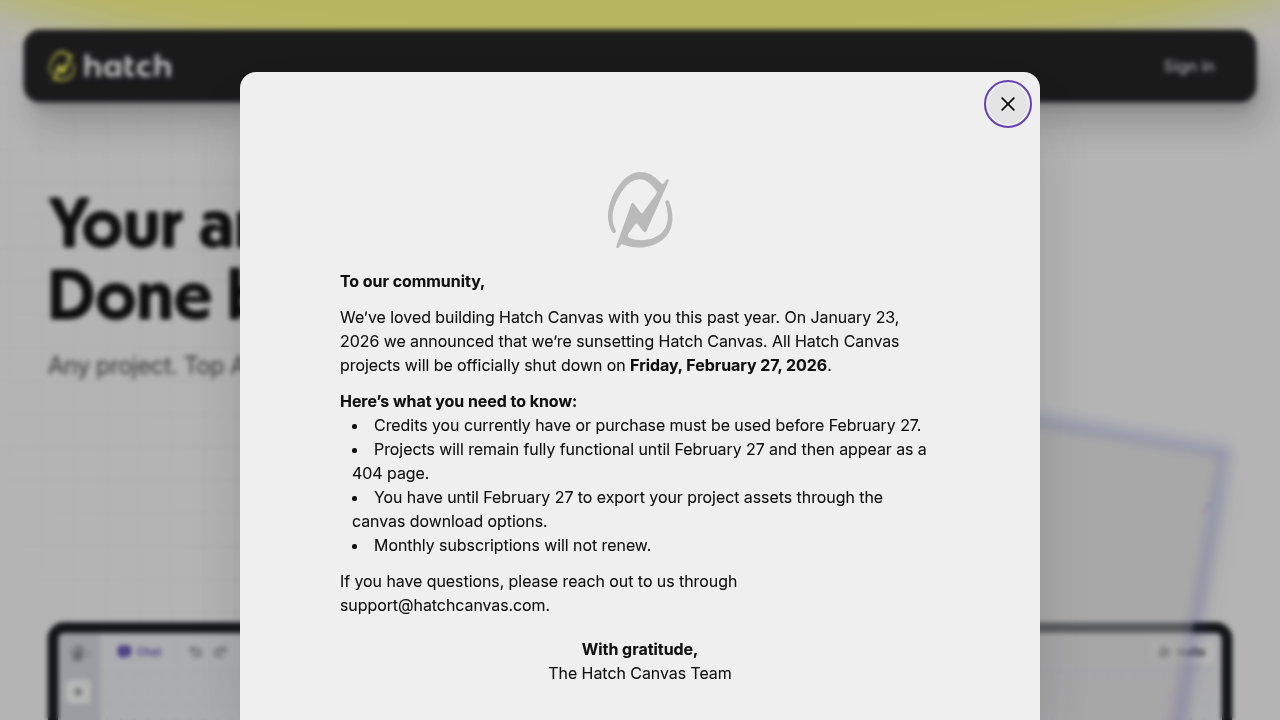
There's a significant limitation. Hatch shuts down completely on February 27, 2026. The announcement came in January 2026. After that date every project becomes a 404 page. Any unused credits disappear. Download your canvases before the deadline or lose everything.

Starting something substantial that needs months of iteration? The shutdown timeline makes Hatch a risky foundation. For shorter sprints before February—it still functions as advertised.


Frequently asked

7 questions
Is Hatch shutting down?
Yes, Hatch closes completely on February 27, 2026. After that date, all projects will show as 404 pages and any unused credits will be gone. You'll need to download your canvas projects before then or you'll lose everything.
How is Hatch different from ChatGPT?
Hatch gives you a visual canvas where you can work with documents, code, images, and data all in one view—and the AI understands context across everything on your canvas. ChatGPT is just a chat interface without project organization. You're also not locked into one AI model with Hatch.
Can I collaborate with my team on Hatch?
Yep, Hatch has real-time collaboration so your team can see changes as they happen. Everyone works on the same canvas together, which is helpful when you've got designers, developers, and strategists all contributing to one project.
What can I build with Hatch?
Product managers use it for feature roadmaps with wireframes and specs in one place. Developers keep code next to documentation so everything's visible. It's really for anyone working on complex projects who's tired of switching between a dozen different tools.
Does Hatch have a free plan?
Hatch is free to use. Just keep in mind the service is shutting down in February 2026, so it's better suited for short-term projects rather than anything you're planning to work on for months.
How does Hatch understand my project context?
The AI reads across everything you've added to your canvas—documents, images, code, research notes, whatever. As you add more stuff, it builds a better understanding of what you're building. When you ask questions, it pulls from all that context instead of just the last message you sent.
Can I export my work from Hatch?
Yes, you can download your canvas and project assets. Since Hatch is closing in February 2026, you'll definitely want to export everything before the shutdown date or you'll lose access to all your work.

Traffic

Estimated monthly website visits · last 3 months

22.9K visits/mo
Monthly visits
22.9K
↓ 34.4% MoM
Global rank
#1,301,876
US #693,238
Category rank
#168
Productivity & Office
36.5K 33.1K 29.7K 26.3K 22.9K Nov 2025: 36.5K visits Nov 2025 Dec 2025: 34.9K visits Dec 2025 Jan 2026: 22.9K visits Jan 2026

Data from SimilarWeb · Updated monthly.

Reviews (0)

Write review

No reviews yet. Be the first to share your experience.

Similar tools

See all →