GetLyricVideo AI logo

GetLyricVideo AI

GetLyricVideo AI converts audio files into music videos with synchronized lyrics and AI-generated visuals

This application accepts MP3, WAV, and M4A formats, then automatically detects lyrics from the uploaded audio. The lyric detection runs through a speech-to-text pipeline that identifies vocal patterns and timestamps…

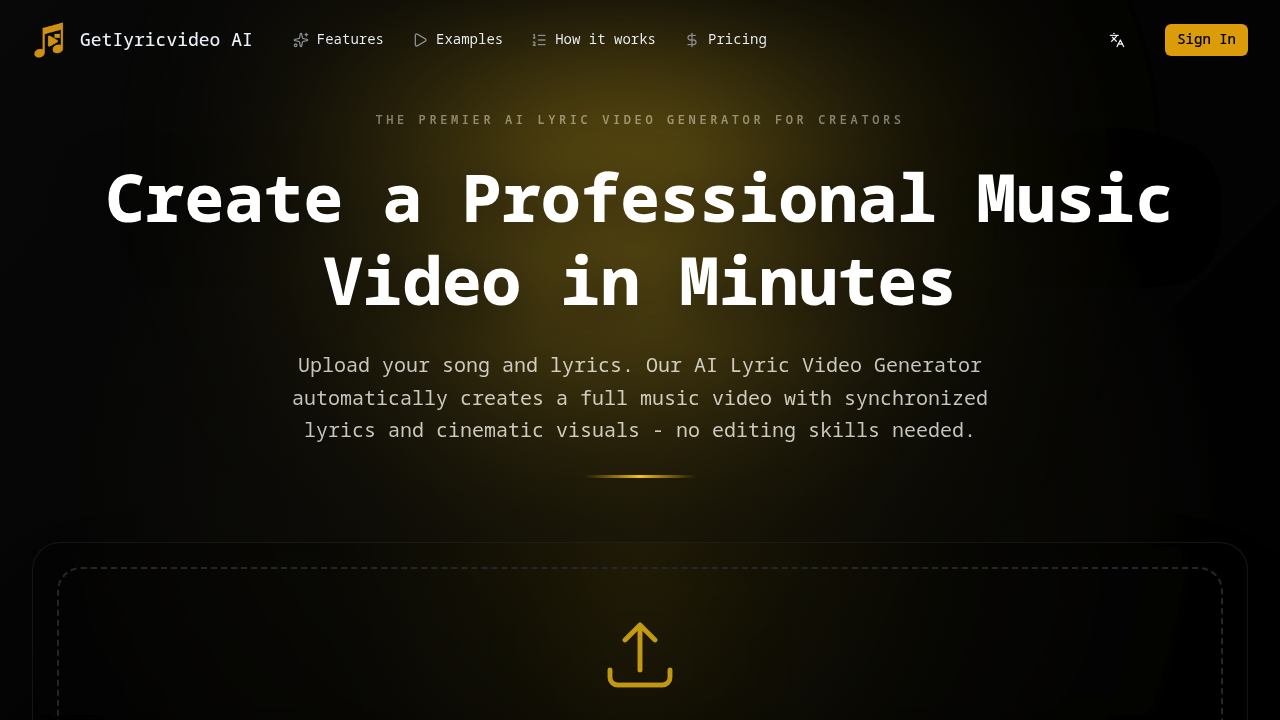
GetLyricVideo AI screenshot

GetLyricVideo AI converts audio files into music videos with synchronized lyrics and AI-generated visuals. This application accepts MP3, WAV, and M4A formats, then automatically detects lyrics from the uploaded audio. The lyric detection runs through a speech-to-text pipeline that identifies vocal patterns and timestamps each word or phrase against the audio timeline.

The system includes a lyric editor for manual corrections after auto-detection. This matters because automatic transcription accuracy varies based on audio quality, vocal clarity, and background instrumentation complexity. Users can adjust timing, fix misheard words, or add lyrics that the detection missed entirely.

Once lyrics are finalized, the service generates visuals synchronized to the audio timeline. The generation process creates what they call cartoon story video style, producing animated sequences that match the mood and pacing of the music. Different video styles are available depending on plan tier, with higher tiers providing additional visual treatments and premium styles.

The technical pipeline processes everything server-side. Files get encrypted during upload and storage, then automatically deleted after 24 hours. This deletion window creates a tight turnaround for downloading finished videos. No local processing happens.

Resolution export ranges from standard definition up to 4K on the Business tier. Higher tiers also get faster processing through a priority queue system, which presumably allocates more server resources or reduces wait times during high-traffic periods.

The credit system measures output in approximate minutes of finished video. The Starter plan includes 800 credits translating to roughly 4 minutes of music video. Pro offers 1800 credits for approximately 8 to 10 minutes. Business provides 3000 credits for about 14 to 17 minutes. This credit-to-minutes ratio suggests the system's computational cost varies based on video length rather than complexity or style choice.

Output formats optimize for platform-specific requirements. This software generates files ready for YouTube, TikTok, Instagram, and Reels without additional encoding or reformatting. This means aspect ratios, bitrates, and codec selections match each platform's technical specifications automatically.

Paid plans remove watermarks from exported videos. The Starter plan costs $19 monthly. Pro runs $39 monthly. Business sits at $59 monthly. No free tier exists. No trial period either.

The 24-hour deletion policy creates a hard technical limitation. Download the video within that window or it is gone. There's no archive or retrieval system mentioned. This auto-deletion likely reduces storage infrastructure costs but puts responsibility on users to grab files quickly.

Credit limitations mean longer projects require higher-tier plans or multiple billing cycles. A 15-minute video won't fit in the Starter plan's 4-minute allocation. The credit system doesn't appear to roll over between months based on the plan structure.

Processing speed depends on plan tier and queue priority. Business users get priority processing, Pro users get faster processing than Starter, but actual processing times are not specified. This suggests variable server load affects turnaround time.

The lyric detection accuracy depends entirely on source audio quality. Heavily compressed files, low-bitrate recordings, or tracks with dominant instrumental mixing will reduce transcription accuracy. The editor compensates for this but requires manual intervention.

Advanced customization options appear only in the Business tier, though what those options include isn't detailed. Could mean more granular control over visual timing, style mixing, or export parameters. The limitation here is opacity about what customization actually provides.


GetLyricVideo AI alternatives

See all →

Frequently asked

7 questions
How does GetLyricVideo AI sync lyrics to music?
The service runs uploaded audio through a speech-to-text pipeline that identifies vocal patterns and timestamps each word against the audio timeline. Accuracy depends heavily on source audio quality, vocal clarity, and how much the instrumentals overpower the vocals. After auto-detection completes, users access a lyric editor to manually correct timing, fix transcription errors, or add lyrics the system missed. This two-stage approach compensates for the variable accuracy inherent in automatic vocal detection from mixed audio tracks.
Does GetLyricVideo AI have a free plan?
No free tier or trial period exists. The lowest entry point is the Starter plan at $19 monthly, which provides 800 credits translating to approximately 4 minutes of finished music video. All plans operate on a credit-based system where video length directly consumes credits, and credits don't appear to roll over between billing cycles. This means users commit to paid access upfront without testing the service first.
What video formats does GetLyricVideo AI export?
The system generates platform-ready files for YouTube, TikTok, Instagram, and Reels without requiring additional encoding. This means aspect ratios, bitrates, and codec selections automatically match each platform's technical specifications during the export process. Resolution ranges from standard definition up to 4K on the Business tier, with paid plans removing watermarks from the output. Files get encrypted during processing and automatically deleted after 24 hours, creating a tight download window.
How many music videos can I make with GetLyricVideo AI credits?
Credits measure approximate minutes of finished video output rather than number of projects. The Starter plan's 800 credits produce roughly 4 minutes total, Pro's 1800 credits generate about 8 to 10 minutes, and Business provides 3000 credits for approximately 14 to 17 minutes. A single 4-minute video would consume an entire Starter plan allocation, while multiple shorter videos could fit within higher tiers. The credit-to-minutes ratio suggests computational cost scales with video length rather than visual complexity or style selection.
Can GetLyricVideo AI handle poor quality audio files?
The lyric detection accuracy degrades significantly with heavily compressed files, low-bitrate recordings, or tracks where instrumentals dominate the vocal mix. The speech-to-text pipeline relies on isolating vocal patterns from the audio, which becomes unreliable when vocals aren't clearly separated in the mix. Users can compensate through the manual lyric editor after auto-detection runs, but this requires correcting every missed or misheard word. MP3, WAV, and M4A formats are accepted, though higher-quality source files produce better automatic transcription results.
What happens to my files after 24 hours on GetLyricVideo AI?
Files get automatically deleted after 24 hours with no archive or retrieval system available. This hard deletion window likely reduces server storage infrastructure costs but puts responsibility on users to download finished videos immediately. Missing the deadline means re-uploading the audio, re-editing lyrics, and consuming credits again to regenerate the same video. The encryption during upload and storage doesn't extend to any long-term file retention.
How long does GetLyricVideo AI take to process a music video?
Processing speed varies by plan tier and current server load, with Business users getting priority queue access and Pro users receiving faster processing than Starter. Actual turnaround times aren't specified, which suggests variable wait times during high-traffic periods. The priority queue system presumably allocates more server resources or reduces wait position for higher-tier subscribers. All processing happens server-side with no local rendering option to bypass queue times.

Traffic

Estimated monthly website visits · last 9 months

12.5K visits/mo
Monthly visits
12.5K
↓ 1.1% MoM
Global rank
#1,563,724
PH #39,361
Category rank
#25
AI Music Video Generator
12.6K 9.5K 6.3K 3.2K 0 Dec 2025: 0 visits Dec 2025 Jan 2026: 0 visits Jan 2026 Feb 2026: 708 visits Feb 2026 Mar 2026: 1.7K visits Mar 2026 Apr 2026: 834 visits Apr 2026 May 2026: 1.7K visits May 2026 Jun 2026: 4K visits Jun 2026 Jul 2026: 12.6K visits Jul 2026 Aug 2026: 12.5K visits Aug 2026

Reviews (0)

Write review

No reviews yet. Be the first to share your experience.