Genspark logo

Genspark

Genspark presents itself as an all-in-one AI workspace where slides, docs, images, video, code and design are produced in a single place.

Its current release, AI Workspace 6.0, highlights a data feature: you ask a question in plain English, and Genspark queries your data, picks a chart type and ships a live dashboard. Charts refresh automatically and the…

Genspark screenshot

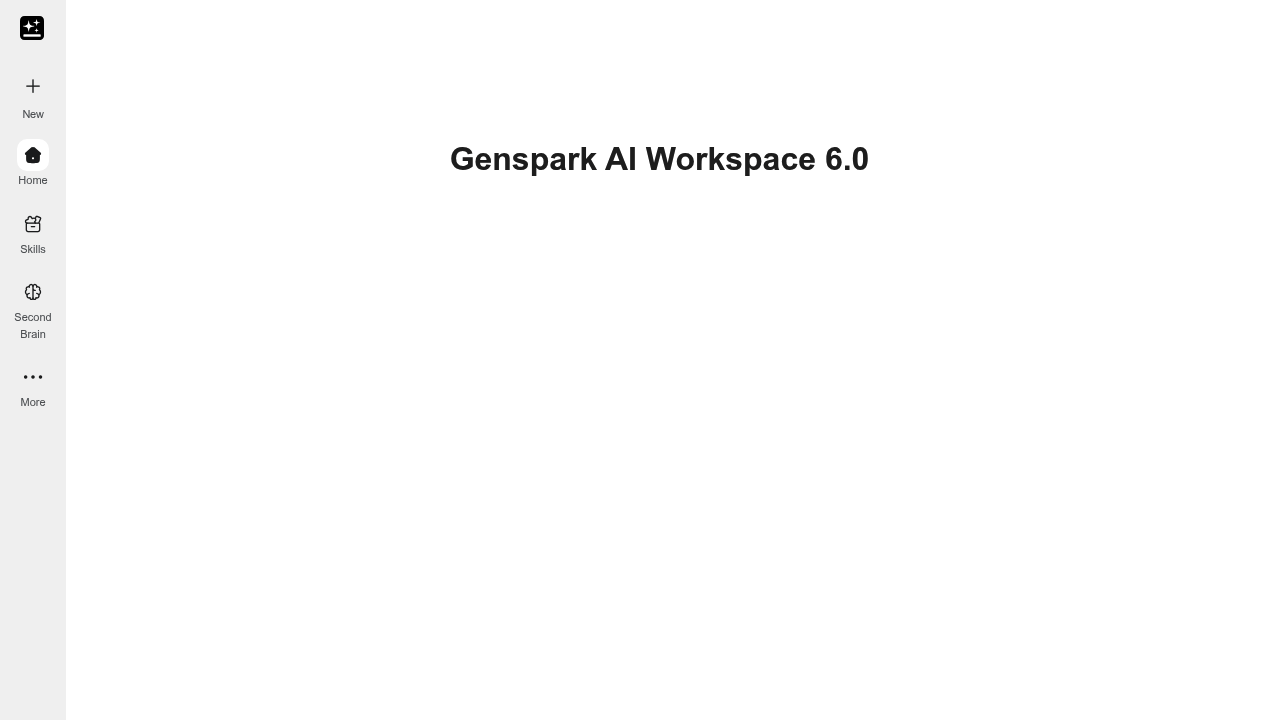
Genspark presents itself as an all-in-one AI workspace where slides, docs, images, video, code and design are produced in a single place. Its current release, AI Workspace 6.0, highlights a data feature: you ask a question in plain English, and Genspark queries your data, picks a chart type and ships a live dashboard. Charts refresh automatically and the finished dashboard can be shared through one link, so nobody has to update a file by hand. The navigation also lists Skills and a Second Brain alongside the main home view.

The workspace suits professionals who produce many kinds of deliverables and would rather not switch between separate apps. Analysts and business users who do not write SQL can get answers from their data, while managers and operators can share a dashboard with colleagues instead of sending spreadsheets. Marketers, consultants and founders who build decks, documents and visuals in one session are the other natural audience.

Typical uses include asking a question about sales or usage data and receiving a chart that stays current, building a presentation and a supporting document in the same workspace, generating images or short video for a campaign, and drafting code. Because dashboards update on their own and are shared by link, they work for recurring status reporting where a static export would go stale. Free trial access is offered, and a Genspark Global option is listed for international users. Visitors can open the product and test it on a real question before sharing results with a team.


Genspark alternatives

See all →

Frequently asked

6 questions
What does Genspark produce?
Genspark covers slides, docs, images, video, code and design in one workspace. Its latest release also turns plain-English questions into live dashboards.
Who benefits most from Genspark?
People who create several kinds of content and prefer one workspace suit it best. Business users without SQL skills can also query data in natural language.
How does the dashboard feature work in practice?
You ask a question, and Genspark queries your data, selects a chart and builds a dashboard. The charts auto-refresh, and one link shares the result.
What kinds of files can Genspark produce?
Slides, docs, images, video, code and design work come out of one workspace, along with live dashboards. Dashboards refresh automatically and are shared through a single link.
What are the limits of Genspark?
Usage caps and supported data sources should be confirmed before relying on it for production reporting. It is positioned as a broad workspace rather than a specialist in one format.
How do I start using Genspark?
Select Try it now and sign in. The navigation offers Home, Skills and Second Brain, plus a download option and a Global site.

Reviews (0)

Write review

No reviews yet. Be the first to share your experience.