
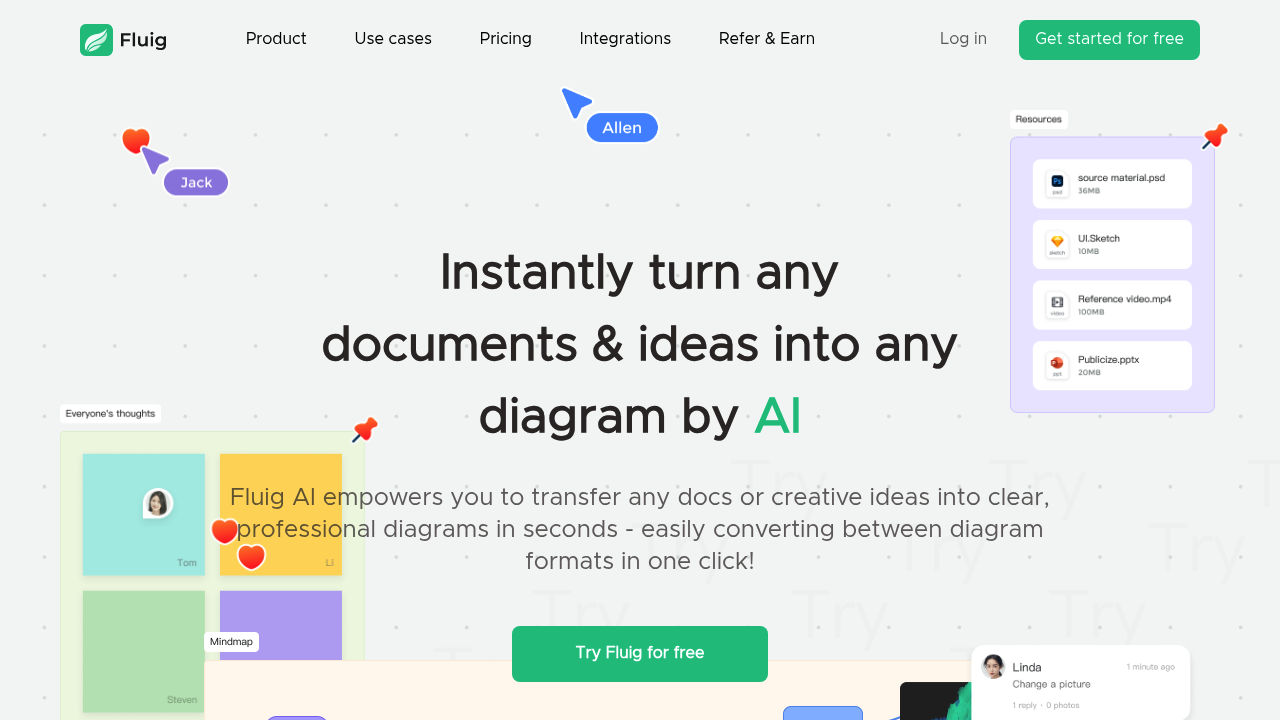
Throw a PDF at Fluig AI and it'll spit back a mind map. Drop in a URL and get a flowchart. This software converts documents, images, and websites into diagrams without manual node-by-node construction. Claims to work in seconds, which needs testing with complex source material.
The format flexibility impresses. One-click switching between mind maps, flowcharts, kanban boards, timelines, and tables means you're not locked into your initial choice. Convert a timeline into a flowchart when your project scope changes. Real-time collaboration features let teams comment and drop sticky notes directly on the infinite canvas. Works across devices, though mobile app availability isn't specified.
The AI knowledge library and "Deep think" feature sound useful but lack concrete explanation. What does the AI actually remember? How deep does deep thinking go? These vague feature names need user verification. Version history tracks changes, but the free plan only saves the last 10 versions. That's tight for iterative work.
Free tier gives 3 files and 1,000 AI credits. That credit limit will drain fast if you're converting multiple documents daily. No clarity on how credits get consumed per action. One conversion might eat 10 credits or 100. This opacity makes planning difficult.
The paid monthly plan is priced at $22 — with a $1 trial for 15 days — and includes 10,000 AI credits with unlimited files. Annual runs $149 for 150,000 credits. A $599 perpetual license gets 500,000 credits lifetime. Every tier offers unlimited AI credit add-ons for purchase. That subscription-plus-credits model means your actual cost depends on usage intensity, not just the base plan.
Watermark-free export and super HD image quality sit behind the paywall. Free users get branded exports, which won't fly for client presentations. Theme switching also calls for payment. The batch import feature for org charts could save hours for HR teams building company hierarchies, but it's unclear which tier includes it.
Twenty-plus chart templates provide starting points. Gantt charts handle project timelines. Brush tool and shape libraries add customization options. Text hyperlinks connect diagram elements to external resources. Standard features, nothing exceptional.
Fluig AI claims its AI gets smarter with use. Does that mean per-user learning or system-wide improvement? Individual learning would justify the perpetual license. System-wide learning benefits everyone but doesn't reward loyal users.
Works for anyone visualizing information—business pros, researchers, students, lawyers tracking case timelines, financial analysts mapping data flows. The real test comes with document quality. Clean PDFs likely convert better than scanned images with poor OCR.