
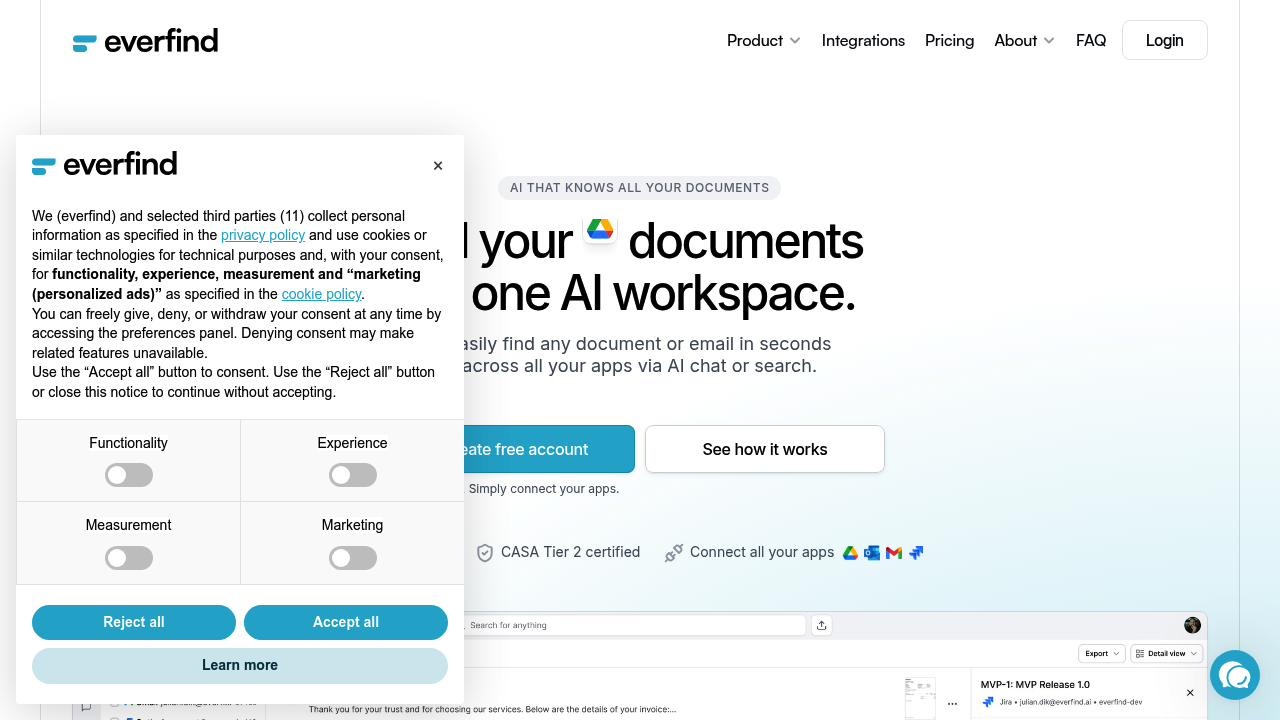
everfind builds an AI-powered search layer across your scattered work files without moving anything. The system connects to your existing apps through integrations with Google Drive, Gmail, Outlook, SharePoint, Slack, Teams, Jira, IMAP, and NFS. Instead of migrating files to a new platform, it indexes documents where they currently live and syncs changes automatically.
The technical architecture works by creating a unified index across all connected sources. When you connect an integration, everfind pulls document metadata and content into its search database while the original files stay in their native locations. Live syncing means changes in source apps appear in everfind's index without manual updates. This approach solves the fragmentation problem that comes from storing work across multiple platforms.
The AI chat interface lets you ask questions in natural language across your entire document collection. The system doesn't just return matching files. It reads through relevant documents and generates answers with citations pointing back to source materials. If you ask close to invoice totals from a specific vendor, it'll extract that information and show you which documents it pulled from.
Document categorization happens automatically. The system detects file types and sorts them into categories like invoices, receipts, contracts, and reports. Some categories are still marked as coming soon, including reports and contracts. This classification enables specialized views. Invoice documents get displayed in table format showing company names, invoice numbers, amounts, and currency columns. You can switch between detail, list, and table views depending on what you're analyzing.
Text detection and extraction runs as a separate metered feature. The free plan includes 100 text detections, which likely refers to OCR processing for scanned documents or images. This converts non-searchable files into indexed, searchable content. Higher tiers increase this to 500 and 1,500 detections respectively.
AI credits represent another metered resource. The free tier provides 5,000 credits, while paid plans scale to 50,000 and 150,000 per user. These credits presumably govern how many AI-powered queries or document analysis operations you can run. The system offers different AI tiers too. Free users get simple AI, while paid plans access premium AI models with presumably better accuracy or more sophisticated reasoning.
The free plan supports 2,500 documents with 2 integrations, 1 GB storage, and single-user access. It's quite usable for individual power users dealing with moderate document volumes. The Basic plan at €16 monthly bumps capacity to 25,000 documents, 10 integrations, 10 GB storage, and up to 5 users, though multi-user functionality shows as coming soon. Business tier at €40 monthly handles 100,000 documents with unlimited integrations and 50 GB storage for up to 100 users. Enterprise offers private cloud or on-premise hosting with unlimited users and custom AI configurations. Yearly subscriptions save 20%.
The service carries GDPR-first design and CASA Tier 2 certification, which matters for European users or companies with strict data governance requirements. This compliance focus suggests the data pipeline includes specific privacy controls and audit capabilities.
Major limitations center on multi-user features. Team collaboration is marked as coming soon across paid tiers. The free plan locks you to single-user access entirely. Document type detection doesn't cover all categories yet. Integration count caps at 2 for free users and 10 for Basic tier customers. Storage limits could become restrictive if you're connecting accounts with large file collections. The system also doesn't mention mobile apps or browser extensions, suggesting it's currently web-only.