
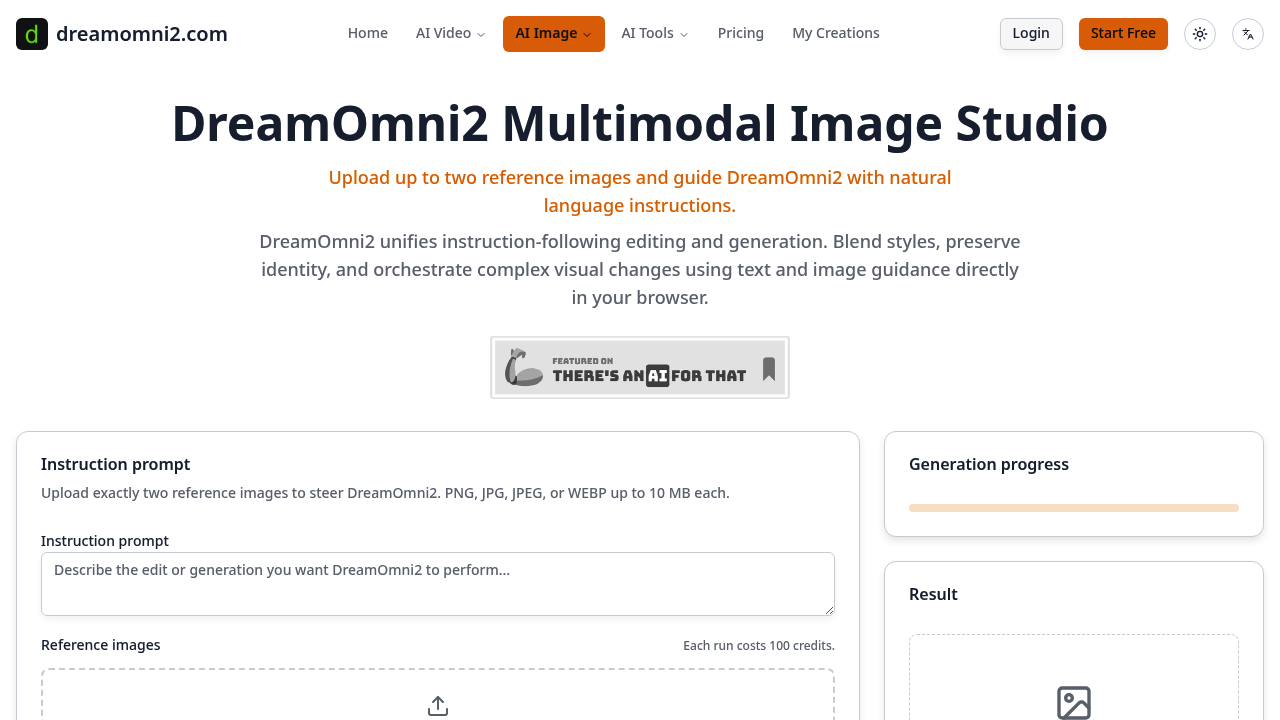
You upload two reference images and type what you want. DreamOmni2 blends both sources with your text instructions to create something new. Not a simple style transfer. Not just one-image editing. It's orchestration across dual visual inputs plus language, all running in your browser.
The dual-reference system is the core mechanic. Give it a product shot and a mood board, then tell it to soften the lighting and add texture from the second image. Or feed it a portrait plus a painting, asking it to preserve the face but adopt the brushwork. The system reads intent from both pictures simultaneously, which means you can steer composition, lighting, materials, and palette without toggling between separate apps.
Attribute sliders let you dial materials, lighting, and color grading without rewriting prompts. Pose locking keeps characters or objects stable across variations. Region-aware masking targets specific zones while object permanence controls make sure elements don't vanish mid-edit. You can compare up to six variations side by side, and the system auto-picks what it thinks works best. Edit history and auto versioning mean you won't lose earlier iterations when experimenting.
Pro and Studio tiers enable 4K exports and layered TIFF or PSD handoff, which matters if you're delivering files to clients or handing off to retouchers. Batch pipelines and scheduled reruns help teams running repetitive workflows. Priority render queue averages around 60 seconds, though that's an estimate and likely varies under load.
The requirement for exactly two reference images is rigid. You can't use one while you can't use three. Each image caps at 10 MB and must be PNG, JPG, JPEG, or WEBP. Every run costs 100 credits regardless of complexity, so a simple tweak and a full rework burn the same budget. That flat cost structure simplifies accounting but penalizes quick tests.
Creator gives you 500 credits monthly, which translates to roughly three edits. Exports max out at 2K JPG or PNG with a subtle watermark, and the license restricts use to portfolios and social. Fine for exploring the system. Not viable for paid work.
Pro costs $20 monthly and includes 3,000 credits—approximately 30 edits. You get three collaborative seats, no watermark, commercial licensing, and priority support. Studio runs $50 monthly with 15,000 credits for around 300 edits, plus SSO-ready workspace roles and batch automation. Yearly plans cut the price in half.
No free trial. No pay-as-you-go option. You commit to a monthly plan or skip it.
The system works best when you already know what you want and can articulate it across text plus two precise image references. Designers working on branded content who need to merge visual directions without bouncing between Photoshop layers will find value here. Creative teams that iterate on product visuals or marketing assets with consistent style requirements benefit from the batch and scheduling features. Solo creators testing concepts might struggle with the credit burn rate on the cheapest tier.
If your workflow depends on single-image edits or you prefer systems that let you upload a dozen references, this won't fit. The dual-image constraint is both the strength and the filter. It forces clarity but limits flexibility.