
Dreamervision AI appears to be discontinued. Its website has been unreachable across our last three checks. See similar tools below for alternatives.
Dreamervision AI logo
AI Life FREEMIUM from $5/mo

Dreamervision AI

Digital vision board creator with drag-and-drop interface for visualizing goals and aspirations.

Want to visualize your goals but hate the whole magazine-clipping process? Dreamervision.ai lets you build digital vision boards using drag-and-drop. It's surprisingly simple — just pick images, arrange them however you…

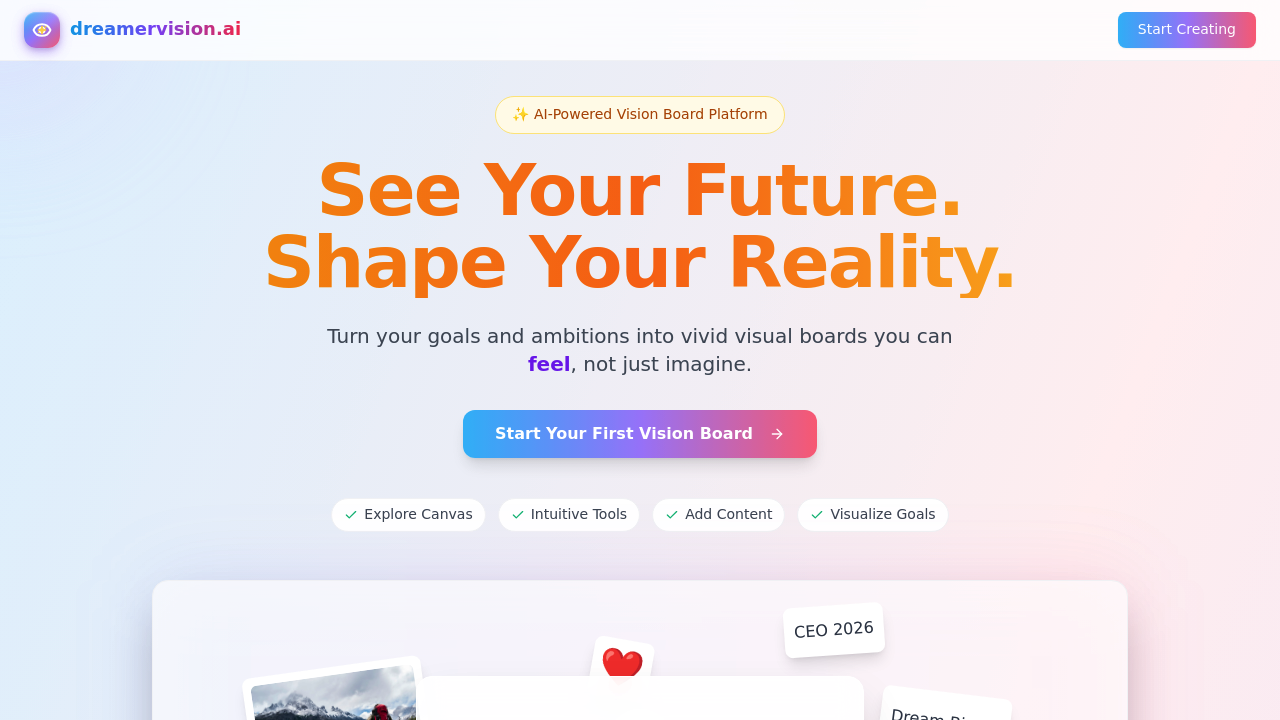
Dreamervision AI screenshot

Want to visualize your goals but hate the whole magazine-clipping process? Dreamervision.ai lets you build digital vision boards using drag-and-drop. It's surprisingly simple — just pick images, arrange them however you want, and create something that actually represents your aspirations.

The platform gives you a creative canvas where you can drop in photos, text, and visual elements without fighting a complicated interface. Everything moves around smoothly. You can resize, reposition, and layer things until it looks right.

It's mostly aimed at people into goal-setting, manifestation, or just wanting a visual reminder of what they're working toward. Could also work nicely as a gift — making personalized boards for friends or family members.

Nothing groundbreaking tech-wise, but it does the job well. The free tier gets you started, and paid plans at $4.90/month unlock more features. If you've ever wanted a Pinterest-meets-goal-planner kind of tool, this one fits that niche pretty well.

Frequently asked

6 questions
Can I save and export my vision boards from Dreamervision AI?
Yep, you can save all your boards right on the platform -- they'll be there whenever you come back. Export options change based on your plan though. Paid subscribers (that's $4.90/month) get way more export formats and better resolution downloads than free users.
How does Dreamervision AI compare to just using Pinterest for vision boards?
Pinterest's mostly about collecting pins that already exist. Dreamervision AI's different -- you get your own dedicated canvas where you can upload whatever images you want. You control everything: where stuff goes, how big it is, what layers on top. No weird grid format locking you in.
What's the difference between the free and paid versions?
Free gets you the basics for making boards. That's it. The paid plan's $4.90/month and opens up a bunch more stuff -- better export options, higher quality images, more storage space for your boards.
Can I collaborate with others or share my vision boards?
You can definitely share your finished boards. Actually works great for making personalized gifts for friends and family. Real-time collaboration though? That's not really a thing they advertise.
What image formats can I upload to Dreamervision AI?
You can upload photos and visual stuff to your boards. They don't get super specific about which file types work, but the drag-and-drop thing handles standard images just fine -- no tech headaches.
Is there a mobile app or does Dreamervision AI only work on desktop?
It's web-based with that drag-and-drop interface working in browsers. No dedicated mobile apps that I can see. If you want mobile access, you're probably using your phone's browser.

Traffic

Estimated monthly website visits · last 0 months

Not enough historical data for a chart yet.

Reviews (0)

Write review

No reviews yet. Be the first to share your experience.