David One logo

David One

This AI companion operates on a freemium model that gives users access to web search, document analysis, and multimodal understanding across images, videos, and audio files

13 views
Visit heydavid.ai
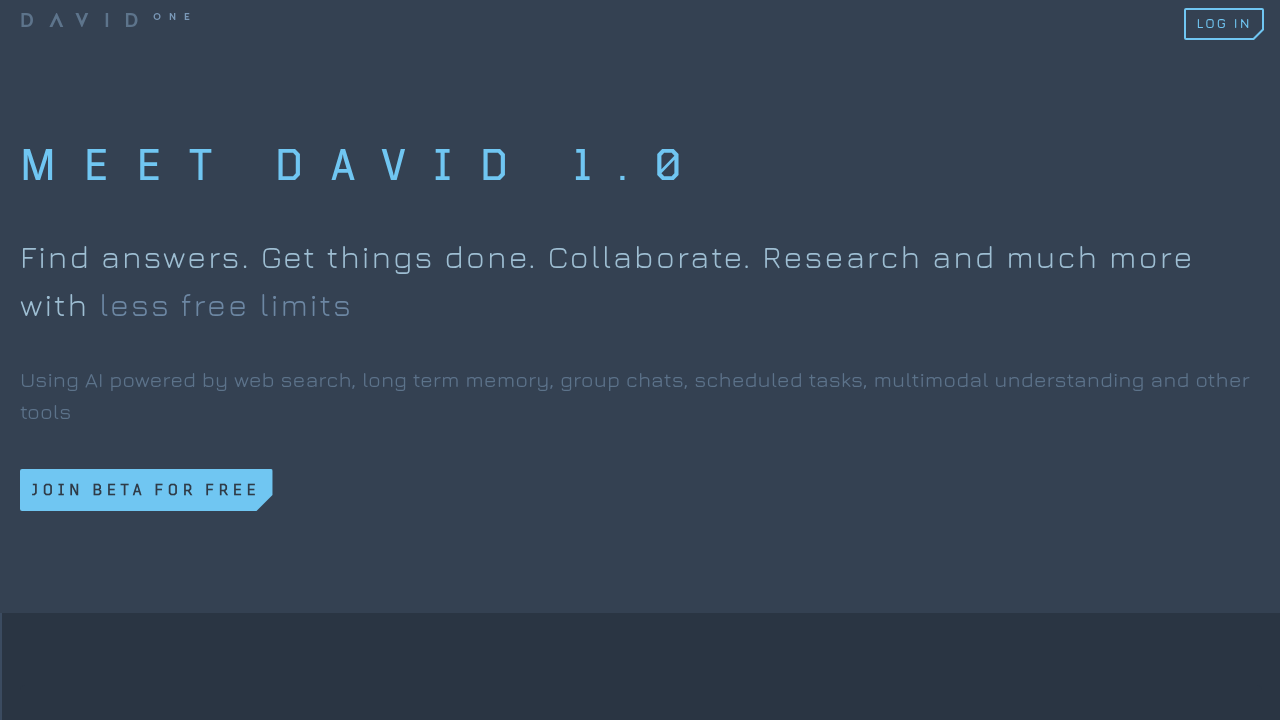
David One screenshot

This AI companion operates on a freemium model that gives users access to web search, document analysis, and multimodal understanding across images, videos, and audio files. The service handles group chats for team collaboration and runs scheduled tasks in the background without manual intervention.

The document analysis feature works in any language and provides cite notes at both page and paragraph levels. Video understanding pinpoints specific scenes with exact timestamps while answering questions and generating summaries. Audio analysis extracts meeting notes and locates specific information from recordings. Image processing reads text from screenshots, charts, and photos.

Memory works differently here. The system uses what it calls brain-inspired architecture to retain context across separate conversations, building a personalized knowledge base over time. This means users don't need to re-explain background information in every new chat session.

Web search results include cite notes linking back to original sources. Users can summarize external web pages directly through the interface. The built-in todo list breaks down larger projects into smaller tasks, and the service sends reminders and stores notes alongside AI conversations.

Group chats let teams collaborate with shared AI assistance, and an enterprise plan is available through early access. The scheduled task feature runs operations automatically at set intervals.

The free tier exists but specific feature limitations aren't disclosed. No information about paid plan pricing is available, and there's no traditional free trial structure. Mobile apps, browser extensions, API access, and third-party integrations aren't mentioned in available documentation. The service targets productivity users, teams, and enterprise organizations that need research and task management support.

Frequently asked

6 questions
Does David One have a free plan?
David One operates on a freemium model with a free tier available. The service doesn't specify which features are restricted in the free version versus paid tiers. No traditional free trial exists since users can start with the freemium option immediately. Paid plan pricing isn't publicly disclosed.
Can David One remember conversations from weeks ago?
The platform uses brain-inspired memory architecture that retains context across separate chat sessions over time. This system builds a personalized knowledge base so users don't need to re-explain background information in each new conversation. The memory persists indefinitely across all chats, though no specific storage duration limit is documented. Context from any previous interaction remains accessible in future sessions.
What file types can David One analyze?
The tool processes 3 main media categories: documents in any language with page and paragraph cite notes, video files with exact timestamp scene location, and audio recordings for meeting notes and information extraction. Image analysis handles screenshots, charts, and photos with text reading capability. Web pages can be summarized directly through the interface without file upload. No specific file format list or size limits are documented.
Can teams use David One together?
Group chats allow multiple users to collaborate with shared AI assistance in the same conversation thread. Team features are included in the platform, and an enterprise plan is available through early access for larger organizations. The service targets co-workers and teams who need collaborative research and task management. No information exists about user seat limits or team-specific pricing tiers.
Does David One work with other apps like Slack or Google Drive?
No third-party integrations are documented for David One. The platform doesn't mention connections to Slack, Google Drive, Microsoft Teams, or any external services. Browser extensions and API access aren't available based on current information. Users work entirely within David One's native interface without external app connectivity.
Can David One run tasks automatically on a schedule?
The platform runs scheduled tasks in the background without requiring manual intervention each time. Users can set operations to execute automatically at specified intervals. The built-in todo list breaks larger projects into smaller tasks and sends reminders. No details exist about the minimum or maximum scheduling frequency or how many concurrent scheduled tasks are allowed.

Reviews (0)

No reviews yet. Be the first to share your experience.

Similar tools

See all →