Free users get 20 seconds of music video creation with basic credits. Pro subscribers can generate full-length videos up to 2.5 minutes without watermarks.
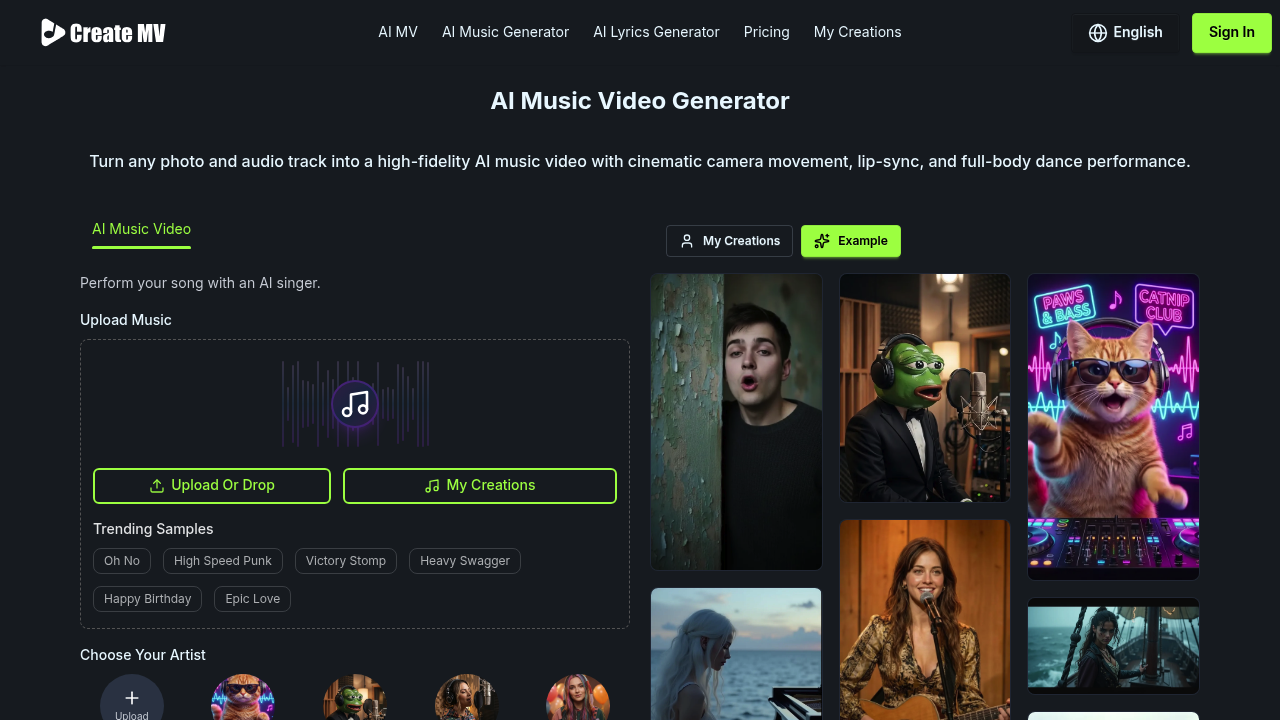
Upload a photo and audio track. Create Music Video.AI handles the rest through its MotionSync™ Engine — generating cinematic camera movements and full-body dance performances that sync with your music's rhythm. It automatically creates push shots. Pull shots. Pan and tilt movements too. Characters sway and gesture in time with the beat.
A wedding DJ building their social media presence could upload a client photo with a popular track and get a professional-looking music video in about 30 seconds of processing time. The output works across different platforms with aspect ratios for YouTube, TikTok, Instagram, and square posts. You can start with realistic photos. Anime characters work. Even oil paintings as source material.
Cloud-based GPU clusters speed up rendering considerably compared to traditional video editing workflows. Instead of spending hours keyframing movements and syncing animations, you get automated results that look professionally shot.
Best results need front-facing, well-lit images. The free plan's 20-second limit won't work for full songs, though it's enough to test the technology. Create Music Video.AI supports 20 languages and generates HD output for content creators who need quick turnaround on music video content. It works well for social media where short-form video dominates engagement.