
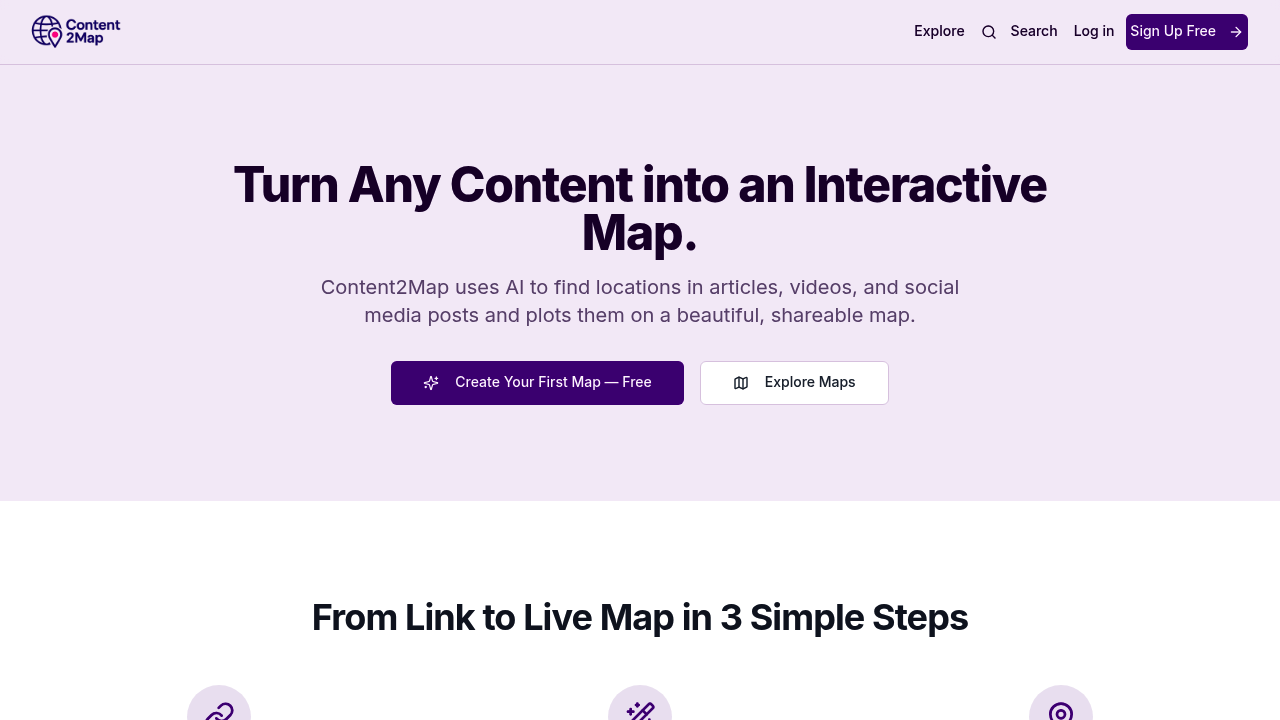
Travel bloggers and content creators often mention restaurants, hotels, parks, and landmarks scattered throughout long articles or videos. Content2Map pulls those locations out automatically and drops them onto an interactive map you can share or save. The AI scans URLs from travel blogs, YouTube videos, news articles, and social media posts to identify points of interest and geolocate them without manual entry.
This service accepts a URL as input. The AI reads through the content, picks out location references, and plots them on a map interface. You can save these locations, customize their details, and open routes directly in Google Maps for navigation. This works across different content types, so a 20-minute YouTube travel vlog gets the same treatment as a 2,000-word blog post about weekend getaways. The AI handles the extraction work that would otherwise require copying and pasting dozens of place names into a separate mapping application.
Beyond basic plotting, Content2Map includes an AI-powered itinerary planner available on paid plans. This feature takes the extracted locations and organizes them into a route or schedule. You can merge multiple maps into what the service calls super-maps, combining locations from several sources into one master reference. Export options include CSV files and Google My Maps format, letting you move data into spreadsheets or Google's native mapping ecosystem.
Customization options let you edit location details after the AI extracts them. If the AI misidentifies a spot or you want to add notes about opening hours or personal recommendations, you can adjust entries manually. Public and shareable maps mean you can distribute your created maps to followers, clients, or travel companions through a link.
The free plan supports creating up to three maps. You can save unlimited public maps created by other users, edit and customize locations on your own maps, and open routes in Google Maps for directions. The three-map ceiling means casual users testing the service or maintaining a small collection of reference maps can operate without paying.
Pro plans enable unlimited map creation. The weekly plan costs $4.99, the monthly runs $14.99, and the yearly subscription is $99.99. The yearly plan breaks down to $8.33 per month, representing a 44% discount compared to paying monthly. All Pro tiers include the AI itinerary planner, CSV and Google My Maps export, the ability to merge maps, and public sharing features. The weekly option suits short-term projects like a two-week vacation where you need full features temporarily.
Free users can't access the itinerary planner, can't export data to CSV or Google My Maps, can't merge maps, and can't make their maps public or shareable. These restrictions funnel serious use cases toward paid plans. A food influencer mapping restaurant recommendations across a city or a real estate agent plotting property listings would hit the three-map limit quickly and need export functions for client sharing.
The target audience spans travel bloggers documenting trips, food influencers cataloging dining spots, real estate agents organizing property tours, vacation planners building trip references, and anyone who consumes location-heavy content and wants a visual reference. Power users creating multiple maps weekly benefit from the unlimited creation on Pro plans. Casual explorers saving occasional travel blog maps can stay on the free tier indefinitely as long as they're consuming rather than creating.
This service does not offer API access, team collaboration features, a mobile app, or a browser extension. All functionality runs through the web interface at the provided URL.