
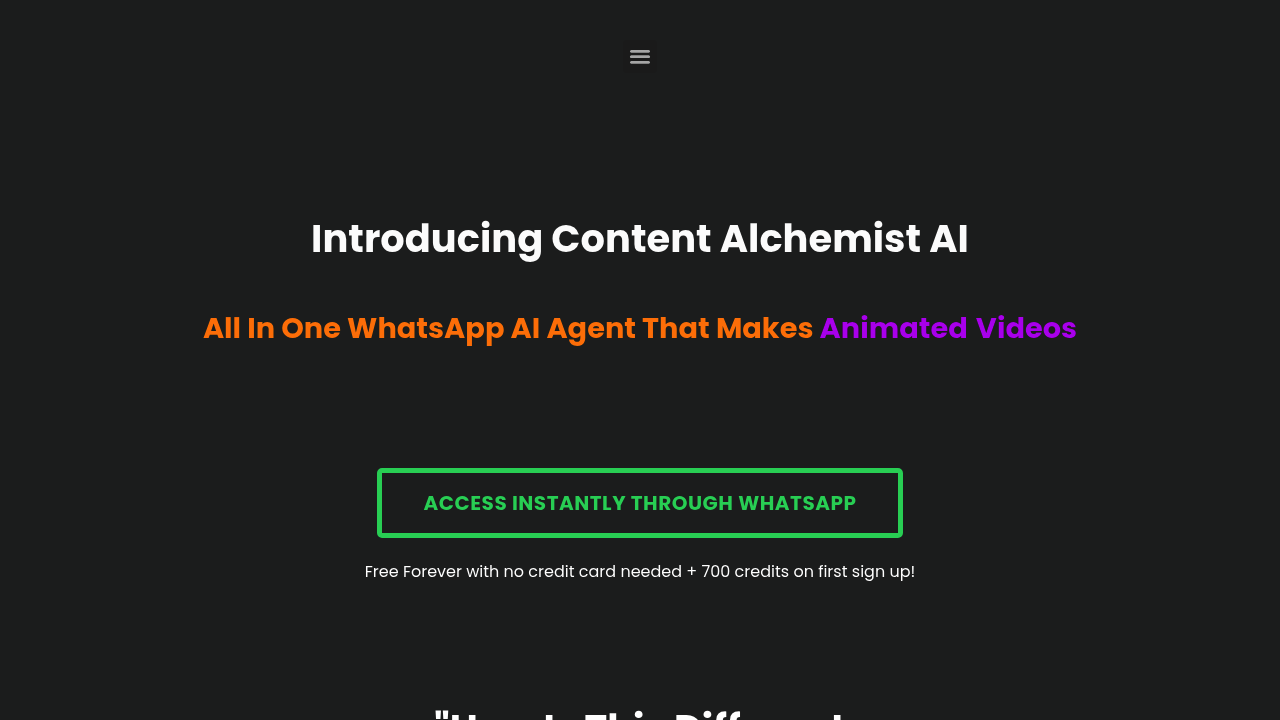
You send a YouTube URL through WhatsApp and get back an animated video. That's the pitch. Content Alchemist AI Video Maker runs entirely through messaging, no app download required. Send a link to a blog post or video, and it generates scripts, storyboards, voiceovers, subtitles, and transitions. The output lands in Google Docs and Google Drive so teams can access everything without switching platforms.
The animation piece uses Runway's image animation modal rather than slapping together stock footage. It generates unique camera movements based on the image content and context, which sounds more dynamic than template-based systems. You can also train the system to match your content style, so it's not just generic output every time. Beyond videos, it handles SEO blog posts, social media content, newsletters, and even finds trending topics for research. It's built on multiple AI agent modals working together instead of relying on a single model.
Does it actually deliver? The WhatsApp interface is clever for accessibility. You're not learning another dashboard or dealing with upload limits on a web portal. The auto editor handles the grunt work of syncing voiceover with visuals and adding transitions, which saves hours compared to manual editing. But animated videos aren't the same as live-action footage or polished motion graphics. If your brand needs human faces or complex scenes, this won't cut it. The credit system also adds friction. Every video creation goes for credits, and while you get 700 upfront plus 500 bonus credits when signing up, the free plan drops to 200 credits monthly after that. Depending on how many credits a video costs, that could mean just a few videos per month on the free tier.
The trainable aspect is interesting but vague. How much training does it need? How consistent are the results? These details aren't clear. And while outputting to Google Drive helps with team workflows, there's no mention of version control or collaboration features within the system itself. You're still managing files in Drive like any other document.
The free plan doesn't require a credit card and gives you full access to features, which is rare for video systems. Most competitors gate quality or length behind paywalls. Here you get 200 credits monthly forever, plus that initial boost of 700 credits to test everything. Whether that's enough depends entirely on how credits translate to actual video output. If one video costs 50 credits, you're looking at four videos a month. That's tight for active creators.
This works best for internet business owners and marketers who need quick social content without hiring editors or learning complex software. The WhatsApp integration means you can fire off requests from your phone while commuting. It's built for volume and speed, not cinematic quality. If you're pumping out daily Instagram Reels or LinkedIn posts and need something faster than Canva but more customized than templates, this fits. Content teams that already live in Google Workspace benefit from the direct output to Docs and Drive.
It won't replace professional video production. But for turning blog posts into animated explainers or repurposing YouTube content across platforms, it removes several steps from the process. Just know you're working within a credit budget that resets monthly.