
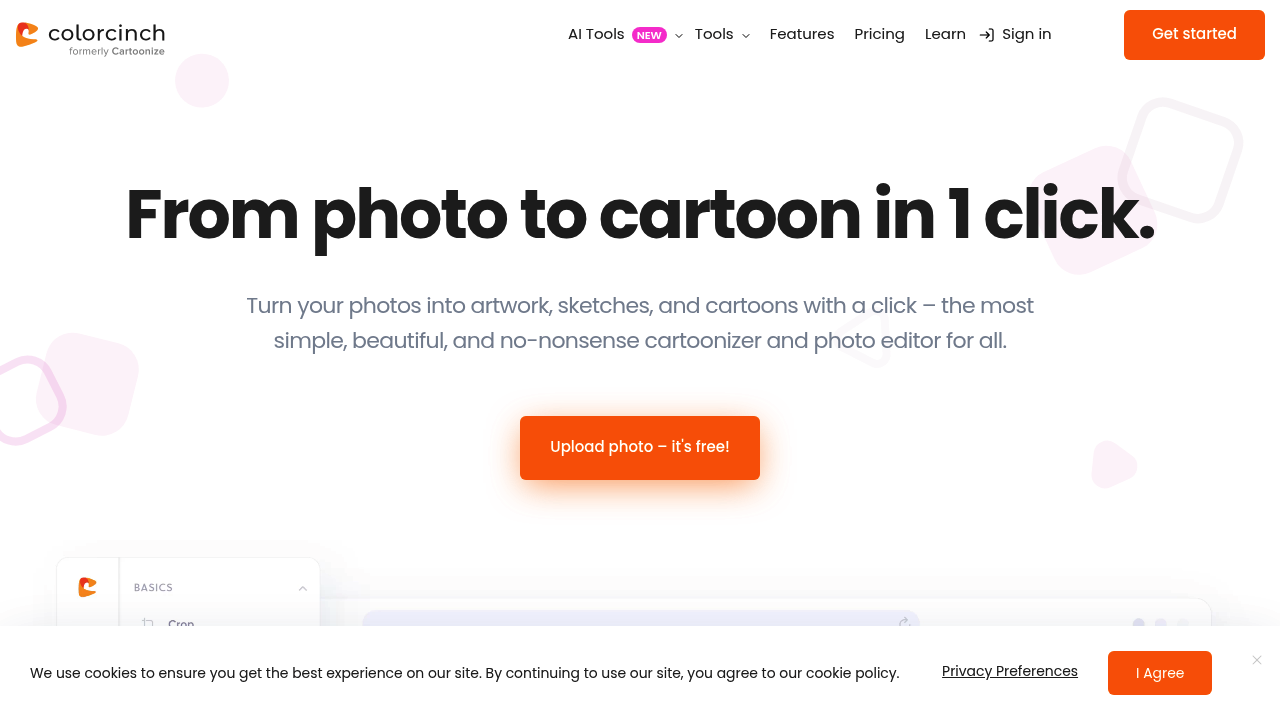
Free uploads get you started with Colorcinch's cartoon conversion features. Paid plan pricing isn't specified — leaves questions hanging.
Upload a photo. Watch Colorcinch's AI turn it into a cartoon with one click. Cartoonizer effects are adjustable, so you can dial in the exact look you want rather than accepting whatever the algorithm spits out. Background removal happens automatically. Photo restoration fixes damaged images.
A wedding photographer dealing with client requests for artistic versions of ceremony shots would find this useful. Take a formal portrait, run it through the cartoon filter, adjust the intensity, and deliver something that looks hand-drawn. 400 DPI export quality means prints won't look pixelated.
You get over 4 million stock photos and graphics to work with. Layer creation lets you build complex compositions. Freehand drawing tools with multiple brush styles add custom touches. Image upscaling and compression handle technical adjustments.
Offline capability sets Colorcinch apart from browser-only editors. Start a project online. Continue working offline. Pick up where you left off from anywhere. That flexibility matters when you're not always connected.
The interface targets people who want results without complexity. Professional features might be limited compared to dedicated design software. Still, for turning photos into cartoons and artwork quickly, Colorcinch delivers the basics with room to customize.