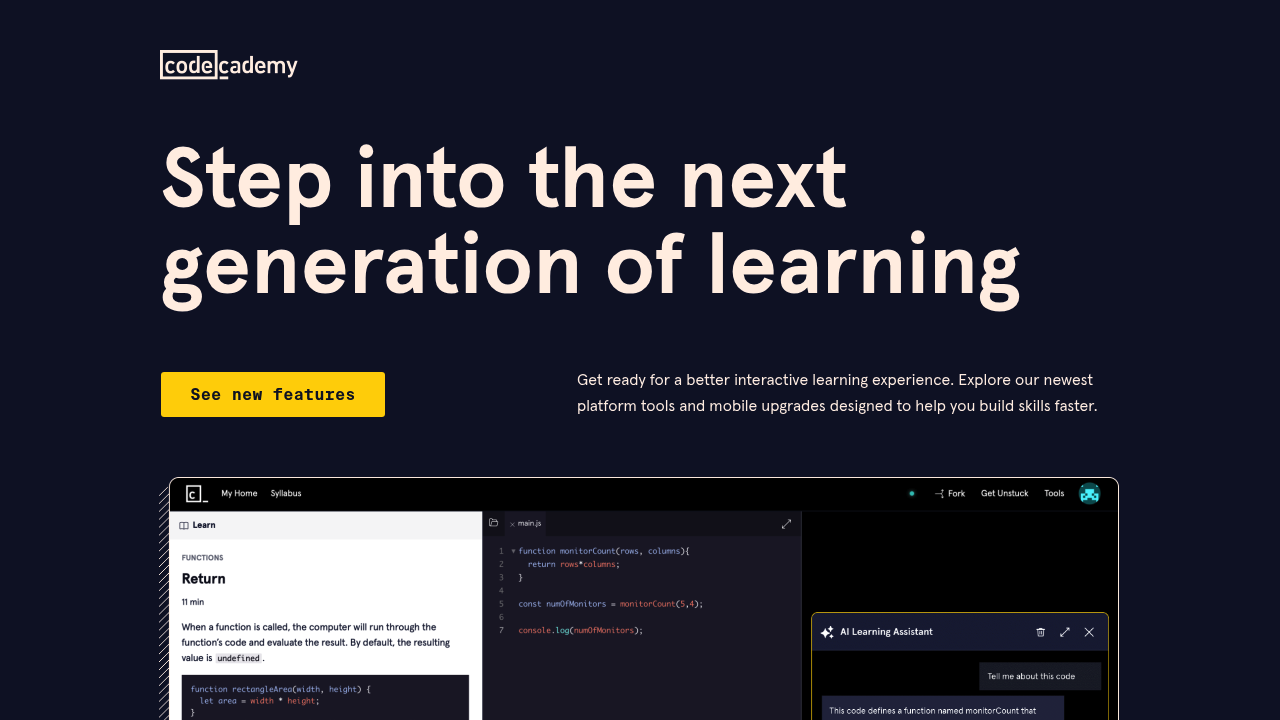
Codecademy AI Learning Tools are the AI features built into the Codecademy learning environment. The AI Learning Assistant gives instant, personalized coding guidance inside courses: it helps work through coding problems, checks solution code and explains errors and concepts within seconds. Project hints give a nudge without handing over the whole answer. Learners can also practice writing, testing and refining generative AI prompts in select prompt engineering courses. A browser-based mobile IDE lets coursework continue on any device.
These features are for people learning to program or move into data work: absolute beginners starting with HTML, career changers building toward a developer or analyst role, students supplementing a class, and professionals picking up Python or JavaScript. Data science learners get extra support, with Jupyter Notebook inside select courses and AI feedback on free-response questions in the Data Analyst and Data Scientist Interview Prep paths. The features are marked as available across the Basic, Plus and Pro tiers, and a free trial is offered.
Practical scenarios include getting stuck on a project and asking for a hint, decoding an unfamiliar term through an integrated Docs tooltip, and finishing syntax faster with autocomplete in HTML, CSS and JavaScript, which can be switched off so it does not feel like cheating while learning. Interview candidates can rehearse written answers and get instant feedback. Popular courses that pair with these features include Learn HTML, Learn JavaScript, Learn Python 3, Learn Java and Learn C++.