ClienTask appears to be discontinued. Its website has been unreachable across our last three checks. See similar tools below for alternatives.
ClienTask logo
AI CRM FREE TRIAL from $25/mo

ClienTask

A freelance web designer juggles eight client projects simultaneously

She logs hours for a branding redesign Tuesday morning, switches to code review for an e-commerce site that afternoon, then fields three client emails about timeline questions. By Friday, she can't remember which client…

ClienTask screenshot

A freelance web designer juggles eight client projects simultaneously. She logs hours for a branding redesign Tuesday morning, switches to code review for an e-commerce site that afternoon, then fields three client emails about timeline questions. By Friday, she can't remember which client approved the latest mockups or how many billable hours she's accumulated across projects. Her invoicing takes an entire afternoon because time entries live in a spreadsheet while client communications scatter across email threads.

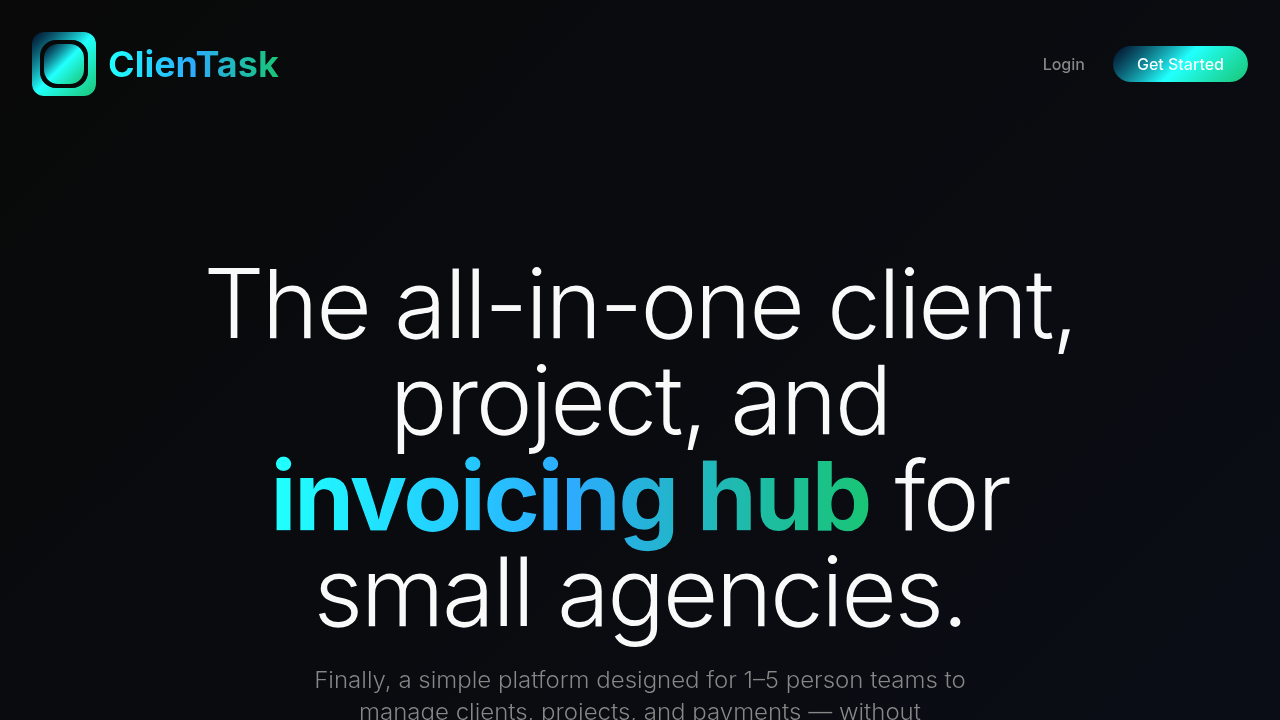
ClienTask consolidates client contact details, project tracking, time logging, and invoicing into one system built specifically for small creative teams. The designer logs time directly within each project, tracks which clients she's communicated with and when, and watches as the system auto-generates invoices from those accumulated hours. When a client emails asking for a project update, she pulls an AI-powered status summary instead of manually reviewing every task and milestone. The Stripe integration means clients pay invoices directly through the system rather than through separate payment links.

A three-person branding agency uses the AI-powered detailed reports feature to analyze their monthly performance. The system examines project timelines, revenue patterns, and client workload distribution, then generates insights the agency owner presents during team meetings. Instead of spending hours compiling data from different sources, she gets analytics that show which project types generate the most revenue and which clients consistently expand their scope.

The system works best for teams of five people or fewer. A boutique marketing agency with two full-time employees and one contractor fits perfectly. But a 12-person design studio hits the Platinum plan's three-seat limit immediately, forcing most team members to work outside the system. The client caps matter too. An Entry plan user with three retainer clients can't onboard a fourth without upgrading to Basic at $50 monthly. A rapidly growing consultancy that lands 40 clients in six months exceeds even the Platinum plan's 30-client limit.

The AI report restrictions create friction for agencies that want frequent performance insights. A Basic plan user gets three reports monthly. That works fine if she pulls one detailed report each month. But if she wants weekly snapshots during a busy quarter, she burns through her allocation immediately. The Platinum plan's unlimited reports solve this, but that's $150 monthly.

Communication tracking shows which clients you've contacted and when, but the system doesn't integrate with email platforms or project management tools beyond payment processing through Stripe. A team using Asana for task management and Gmail for client communication still juggles multiple systems. They just consolidate fewer systems than before.

Entry starts at $25 for up to three clients and one AI report monthly. Basic runs $50 monthly for ten clients and three reports. Pro costs $80 monthly, adding two team seats with a 15-client limit and five reports. Platinum reaches $150 monthly with three seats, 30 clients, and unlimited reports. All plans include a seven-day trial.

A solo graphic designer with steady retainer clients who wants to stop using separate tools for time tracking, invoicing, and client organization gets immediate value. A rapidly scaling agency that expects to manage 50+ clients within a year outgrows the system quickly. Teams already embedded in full-featured project management ecosystems won't find enough integration points to justify switching their entire workflow.

Frequently asked

7 questions
Can ClienTask automatically generate invoices from time tracking?
A freelance UX designer logs 12 hours on a client's mobile app redesign throughout the week, marking each session within the project workspace. When she's ready to bill, ClienTask pulls those accumulated time entries and auto-generates an invoice instead of making her manually calculate hours and rates. The Stripe integration lets her send that invoice directly to the client, who pays through the system rather than through a separate payment processor. She stops copying hours from one tool into invoicing software, cutting her Friday billing routine from two hours to 20 minutes. The auto-generation works across all plan tiers, though you'll still need to review the invoice before sending since the system doesn't catch scope changes or special pricing agreements you made verbally.
Does ClienTask have a free plan or trial?
ClienTask offers a seven-day trial across all paid plans but doesn't maintain a permanently free tier. A solo brand consultant testing the platform gets full access to whichever plan she chooses during that week, letting her import three clients on Entry or 30 on Platinum before committing financially. After the trial ends, she needs to start paying or lose access to her data. Entry begins at $25 for up to three clients and one AI report monthly, making it the cheapest entry point for freelancers with just a handful of active projects. Teams wanting to test advanced analytics or multiple seats can trial Pro at $80 monthly or Platinum at $150 monthly, then downgrade if those features prove unnecessary.
What are ClienTask's AI-powered reports and how many can I generate?
A boutique content agency owner requests an AI report at month-end, and the system analyzes project timelines, revenue patterns, and workload distribution across her team. Instead of manually compiling which clients generated the most revenue or which project types took longer than estimated, she gets a comprehensive report summarizing performance metrics she can discuss in team meetings. Entry plans get one report monthly, Basic gets three, Pro gets five, and Platinum offers unlimited generation. That three-report Basic limit works fine for quarterly deep dives, but an agency wanting weekly performance snapshots during a growth phase burns through the allocation in the first month. The reports complement rather than replace manual analysis since the system only knows what you've logged into ClienTask.
How many team members can use ClienTask?
Entry and Basic plans don't include team seats, making them solo-user tools for individual freelancers. A two-person web design studio needs Pro at $80 monthly to get two seats, letting both designers log time and track their own client communications within shared projects. Platinum expands to three seats for $150 monthly, but that's the ceiling. A seven-person branding agency can't get everyone into the system even on the top tier, forcing four team members to stay outside the platform or forcing the agency to share login credentials. ClienTask targets one-to-five-person teams in its positioning, but the actual seat limits cap out at three, leaving small agencies with four or five people scrambling for workarounds.
What happens when I hit ClienTask's client limits?
A freelance copywriter on the Entry plan manages three retainer clients comfortably until she lands a fourth project in month two. ClienTask won't let her add that client without upgrading to Basic at $50 monthly, doubling her subscription cost for a single additional client slot. Basic accommodates ten clients, Pro handles 15, and Platinum caps at 30, so a rapidly growing consultancy that signs 40 clients in six months exceeds even the highest tier. The system doesn't archive completed clients separately from active ones, meaning past projects count against your limit even after you've invoiced final payments. Teams with high client turnover hit limits faster than agencies with long-term retainers, and there's no enterprise tier to accommodate growth beyond 30 clients.
Does ClienTask integrate with email or project management tools?
A marketing agency using Asana for task management and Gmail for client emails finds ClienTask only connects with Stripe for payment processing. Communication tracking shows which clients the team contacted and when, but you're manually logging those interactions rather than having them auto-sync from your inbox. Project monitoring happens inside ClienTask's own workspace instead of pulling data from existing project management systems. The agency consolidates invoicing, time tracking, and client contact organization into one place, but they're still switching between three systems for the full workflow. Teams deeply embedded in tools like Monday, Trello, or ClickUp won't find the integration hooks to make ClienTask their central hub.
Who should use ClienTask versus other client management tools?
A solo graphic designer with six steady retainer clients who currently uses Toggl for time tracking, FreshBooks for invoicing, and a spreadsheet for client contacts consolidates everything into ClienTask at $50 monthly on Basic. She stops exporting hours from one tool to generate invoices in another, and the AI status summaries save her from writing project updates from scratch every week. But a 12-person creative studio hits the three-seat maximum immediately, forcing most designers to work outside the system. A solopreneur expecting to scale to 50 clients within two years outgrows even the Platinum plan's 30-client cap quickly. ClienTask fits best for stable small teams with predictable client rosters rather than rapidly scaling agencies or established firms with complex collaboration needs.

Traffic

Estimated monthly website visits · last 0 months

Not enough historical data for a chart yet.

Reviews (0)

Write review

No reviews yet. Be the first to share your experience.