Chrome Sidekick logo
AI Agent PAID from $9/mo

Chrome Sidekick

Chrome Sidekick turns your browser into an AI-powered workspace that handles repetitive tasks, extracts information, and remembers context across every tab and session

The Chrome extension explains web pages with full visibility, clicks buttons, fills forms, and scrapes data based on natural language commands. It connects to external apps through Model Context Protocol integration…

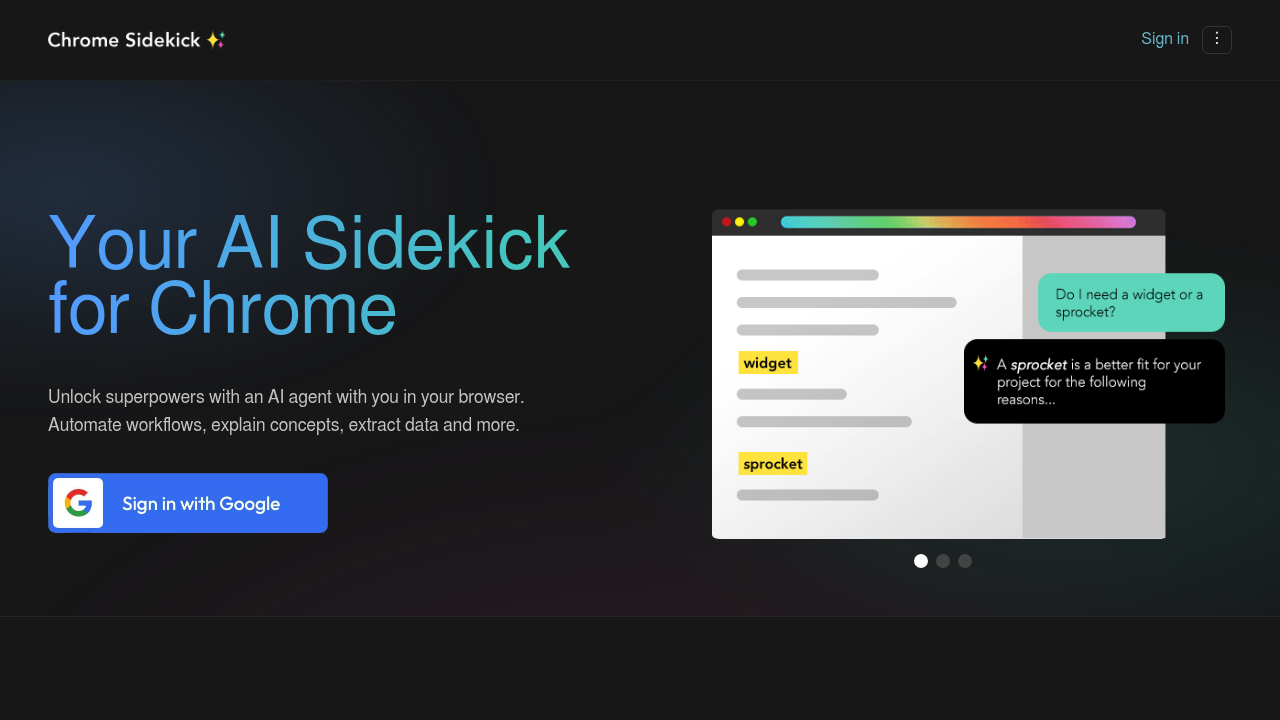
Chrome Sidekick screenshot

Chrome Sidekick turns your browser into an AI-powered workspace that handles repetitive tasks, extracts information, and remembers context across every tab and session. The Chrome extension explains web pages with full visibility, clicks buttons, fills forms, and scrapes data based on natural language commands. It connects to external apps through Model Context Protocol integration with tools like Notion and Salesforce, and uniquely transforms any website into an MCP server so legacy web applications can interface with AI agents. Plans start at $9 per month for Basic features including chat, memory, and single-step automation, while the $20 Pro tier adds remote Chrome control from external AI interfaces, agentic workflows, and team sharing. Enterprise options include SSO and compliance certifications.

This extension serves operations teams automating data entry across CRM platforms, developers testing workflows without writing scripts, sales professionals pulling prospect information from multiple sources, and research analysts gathering structured data from websites. It fits teams already using AI coding assistants who want those same agents to interact with browser-based tools. Small businesses running on $9-$20 monthly budgets gain automation previously requiring dedicated RPA tools, while enterprise customers needing governance controls and SLAs have tailored support options. Anyone repeatedly copying information between web apps or clicking through multi-step processes finds immediate value.

Chrome Sidekick slots into daily workflows where browser tasks consume time: automatically updating Salesforce records from email threads, extracting product data from competitor sites into spreadsheets, or running voice commands to move through dashboards during calls. The MCP integration means a developer in their code editor can ask their AI to check production metrics in a web console without switching windows. Marketing teams share automation templates so junior members replicate complex reporting pulls. Remote control capability lets conversational AI sessions directly manipulate Chrome tabs, turning natural language interactions into an execution layer for web-based work. Industries handling high-volume data entry, customer support ticket routing, or market research aggregation see the most dramatic time savings.


Chrome Sidekick alternatives

See all →

Frequently asked

6 questions
How does Chrome Sidekick automate browser tasks?
Chrome Sidekick uses natural language commands to click buttons, fill forms, and extract data from web pages without requiring scripts or code. The extension remembers workflows across tabs and sessions, allowing you to automate repetitive multi-step processes like updating CRM records or pulling competitor data into spreadsheets. Pro users can run agentic workflows that chain multiple actions together, and teams can share automation templates across members.
Who should use Chrome Sidekick?
Chrome Sidekick serves operations teams handling high-volume data entry, developers testing workflows across web apps, and sales professionals gathering prospect information from multiple sources. Research analysts scraping structured data from websites and marketing teams running repetitive reporting tasks benefit from the automation features. Anyone spending significant time copying information between browser-based tools or clicking through multi-step processes will find immediate value.
Can I use Chrome Sidekick to update Salesforce from emails?
Chrome Sidekick connects to Salesforce through Model Context Protocol integration and can automate updating records based on information from email threads or other web sources. The extension clicks through forms, fills fields, and executes multi-step workflows using natural language instructions. Teams can share these automation templates so multiple users replicate the same Salesforce update processes without manual configuration.
Does Chrome Sidekick have a free plan?
Chrome Sidekick requires a paid subscription starting at $9 per month for the Basic plan, which includes chat with AI about webpages, memory across sessions, and single-step automation. The $20 Pro plan adds remote Chrome control from external AI tools, agentic workflows, and team sharing capabilities. Enterprise pricing with SSO and compliance certifications is available through direct sales contact.
What doesn't Chrome Sidekick do?
Chrome Sidekick operates exclusively as a Chrome extension without mobile app support, limiting automation to desktop browser environments. The tool requires a paid subscription with no free tier or trial period available for testing before purchase. While it integrates with specific platforms through Model Context Protocol, coverage depends on available MCP connections rather than universal compatibility with all web applications.
What apps does Chrome Sidekick integrate with?
Chrome Sidekick connects to external applications through Model Context Protocol, with documented integrations including Notion, Salesforce, and major AI platforms. The extension works with coding assistants like Cursor and conversational AI tools to enable remote Chrome control from those interfaces. A unique capability transforms any website into an MCP server, allowing legacy web applications to interface with AI agent orchestration systems.

Reviews (0)

Write review

No reviews yet. Be the first to share your experience.