Ceacle tools logo

Ceacle tools

Juggling dozens of AI tools drains your wallet

56 views
Ceacle tools screenshot

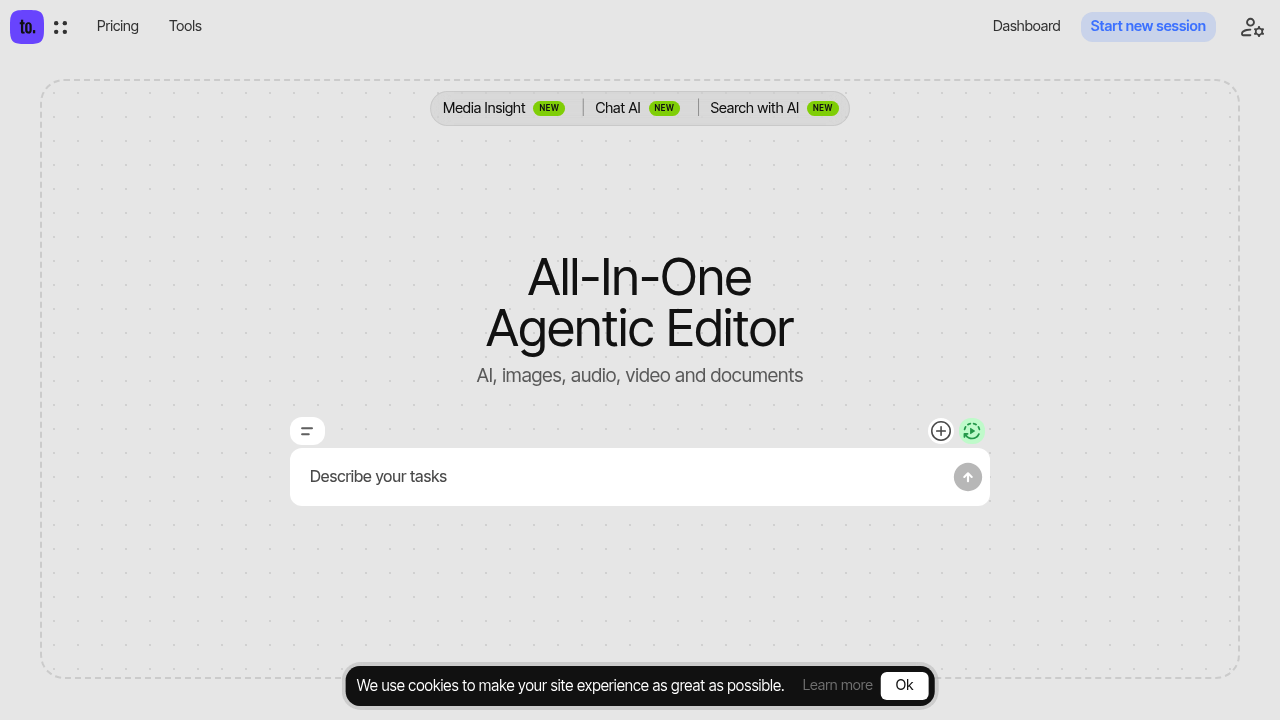
Juggling dozens of AI tools drains your wallet. Export from one app. Import to another. Quality drops somewhere in between. Ceacle Tools crams over 50 AI-powered tools into one place — images, audio, video, documents all covered.

Chain tools together into workflows that run themselves. Generate an image from text, strip the background, then recolor it. Never leave the platform. Non-destructive editing keeps your originals safe while you mess around. Batch processing chews through multiple files at once.

Picture this: you're a social media manager launching a product campaign. You need 20 variations of the same hero image with different backgrounds and colors. Ceacle Tools lets you describe what you want and executes it automatically through its AI command interface. Virtual try-on shows how garments look on different models. Sketch to image brings rough concepts to life.

Monthly subscriptions start at $5 and go up to $20. Some models cost extra — Google's AI runs $8 monthly. The free Seed Series Models let you test things out.

Tool selection depends on your subscription tier though. You won't get everything on the cheapest plan. Still beats juggling separate subscriptions for background removal, image generation, and style transfer tools.

Content creators who work across multiple formats will find the unified workspace saves time on project handoffs.

Frequently asked

7 questions
How does the AI command interface work in Ceacle Tools?
You just describe what you want in plain language -- and Ceacle Tools chains the right AI tools together automatically. Say something like 'generate a product image, remove the background, and change the colors' and it'll run that whole workflow for you. No need to figure out which tools to use or how they connect.
What's included in the $5 monthly plan versus the $20 plan?
They don't publish the exact breakdown, but the $5 plan won't get you all 50+ tools. Some premium AI models (like Google's) cost an extra $8 monthly on top of whatever plan you pick.
Can I try Ceacle Tools before paying for a subscription?
Yeah, they've got free Seed Series Models you can test out. You won't get the premium AI models, but you'll see how the workflow chaining works before paying.
Does batch processing work across different file types or just images?
It works across images, audio, video, and documents. Upload multiple files at once and run the same AI workflow on all of them -- instead of doing them one by one.
What happens to my original files when I edit them?
Your originals stay untouched (non-destructive editing). All the AI changes create new versions or layers. You can always go back to your starting point if you don't like what happened.
How does the virtual try-on feature work for clothing?
You upload clothing images and apply them to different model photos -- no physical photo shoots needed. See how garments look across different body types and poses.
Can I export files mid-workflow or do I have to complete everything in Ceacle Tools?
Everything runs on one platform, so no exporting and re-importing between different AI tools. This prevents the quality loss you'd normally get from file compression during transfers.

Traffic

Estimated monthly website visits · last 0 months

181 visits/mo
Monthly visits
181

Not enough historical data for a chart yet.

Data from SimilarWeb · Updated monthly.

Reviews (0)

Write review

No reviews yet. Be the first to share your experience.

Similar tools

See all →