
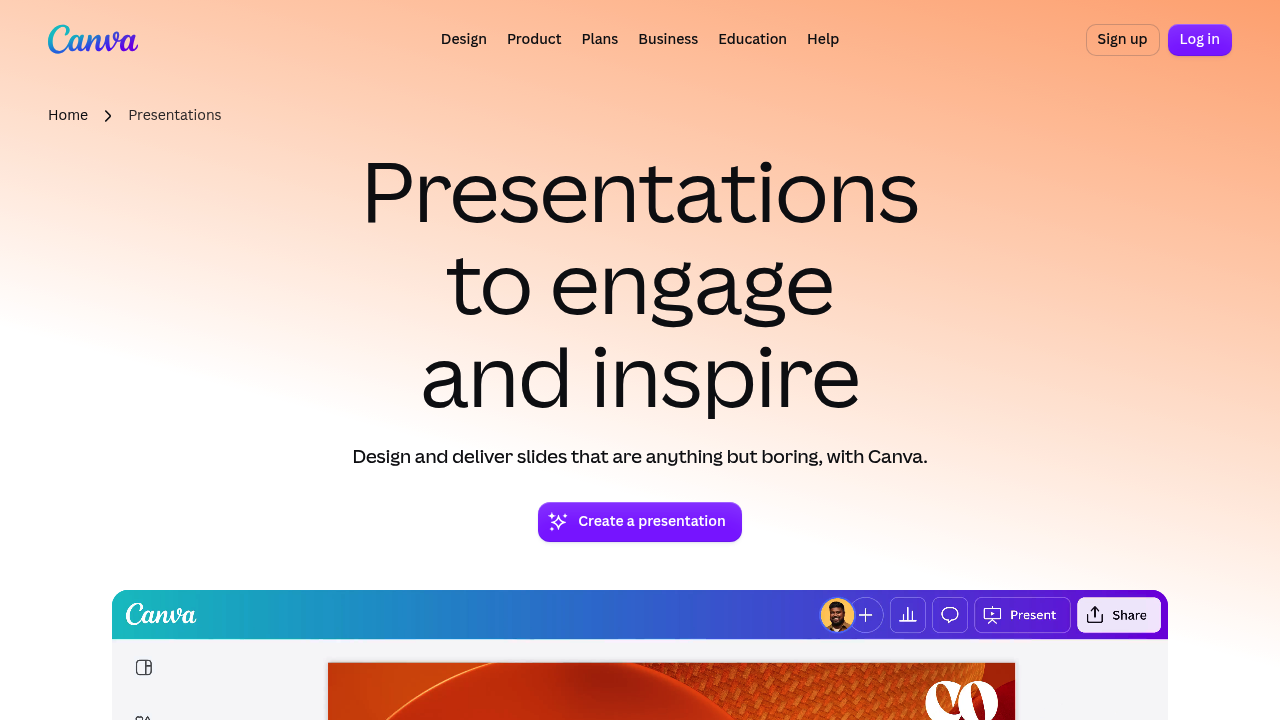
Canva Presentations is Canva's online slide maker, built around templates, a large media library and AI that turns a prompt into a deck. With Guided Presentations, a short description becomes a personalized, ready-to-edit presentation. From there you can add transitions and animations in one click, keep slides on brand, turn data into charts and present with control from a browser or phone. Free custom templates cover occasions from pitch decks to classroom lessons.
Canva Presentations suits marketers, founders, sales teams, teachers, students and anyone who needs a polished deck without design training. Teams that want consistent visuals can keep every slide on brand, and remote groups benefit from real-time editing with comments and assigned tasks. Presenters who speak often can record themselves and their screen, control slides from a mobile device and show decks offline, while educators can add polls and quizzes to engage an audience.
Typical uses include building a pitch deck from a trending template, preparing a workshop where a single slide expands into an infinite whiteboard for brainstorming, and creating an internal report that connects to data sources. A sales rep might edit a proposal on a phone before a meeting, while a teacher could build a lesson with quizzes and share it as a video slideshow. Finished work can be exported as a PowerPoint file, a PDF, a video slideshow or a Canva website, and presenter notes can be viewed from a phone while speaking. Some templates and elements are labeled Pro in the template library.