
Bizgraph logo

Bizgraph

Bill clients for AI without the spreadsheet hell

60 views
Bizgraph screenshot

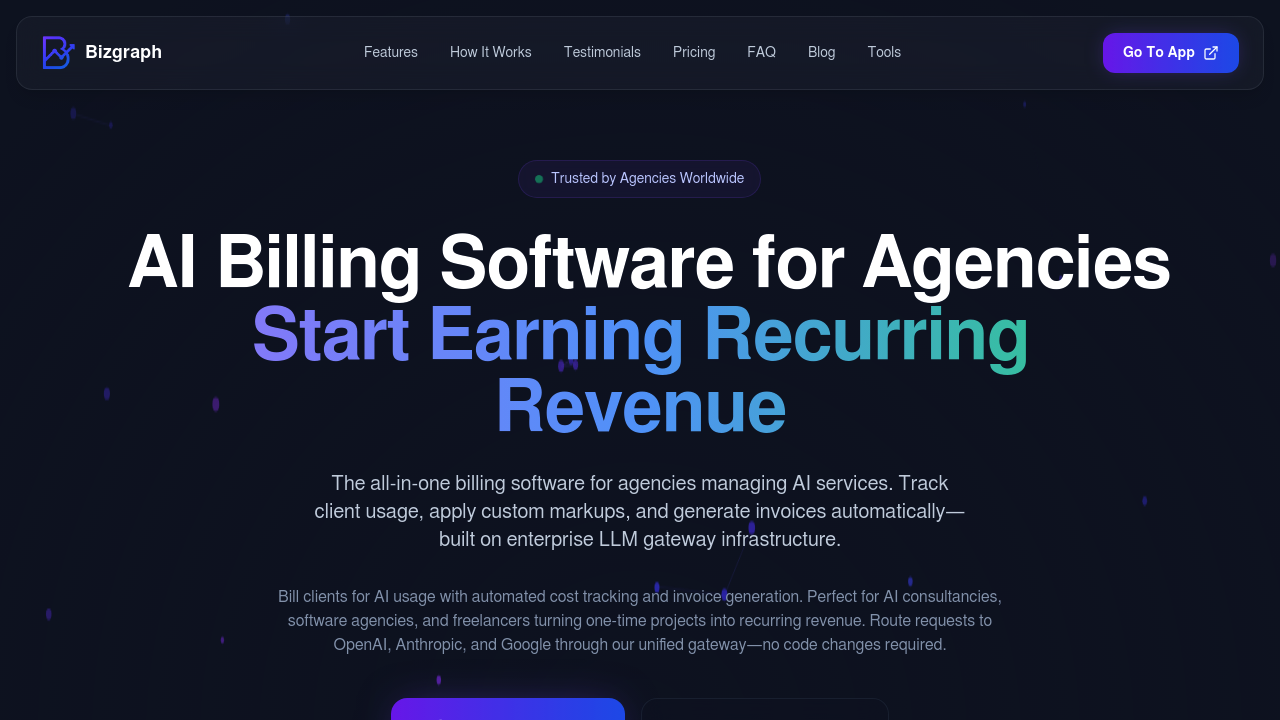
Agencies billing clients for AI usage can ditch the spreadsheets. Finally. Bizgraph automates everything — cost tracking to invoice generation. AI expenses become predictable recurring revenue streams.

Bizgraph centralizes API key management across OpenAI, Anthropic, and Google in an encrypted vault. You set custom pricing with percentage markups or fixed fees. Real-time usage unfolds on live dashboards. Budget controls prevent runaway costs at the organization level. Client level. Individual key level too.

White-labeled client dashboards show usage without exposing your markup strategy.

Analytics export to charts for deeper analysis. Take a marketing agency running ChatGPT campaigns for five retail clients. Instead of manually tracking API calls and guessing at fair pricing, you'd set 40% markups in Bizgraph and let automated tracking handle the math. Each client sees their usage through branded dashboards while you generate PDF invoices based on actual consumption. The enterprise gateway infrastructure means switching from OpenAI to Claude won't break existing integrations.

Plans run $10 to $50 across three tiers. AI consultancies and freelancers managing multiple client accounts benefit most from the centralized approach. Automated invoicing sits in "Coming Soon" status — you'll still need manual invoice processing for now. The real value lies in transforming scattered API management into organized billing that scales with client growth.

Frequently asked

7 questions
Which AI providers does Bizgraph support for API management?
Right now, Bizgraph works with OpenAI, Anthropic, and Google APIs. Everything goes through their centralized vault system -- all your API keys get encrypted storage. You can switch between providers without breaking anything, and the enterprise gateway handles all the backend switching for you.
Can I set different markup rates for different clients in Bizgraph?
Absolutely! You've got options here. Set percentage markups or go with fixed fees -- whatever works for each client. Maybe you'll do a 40% markup for one retail client and flat fees for another. The system handles all the billing math automatically.
How much does Bizgraph cost and what's included in each plan?
Plans run from $10 to $50 across three tiers. Pricing depends on features and usage limits, but they don't list the specific details publicly. You'll want to hit their website for current plan breakdowns and see what's included at each level.
Is automated invoice generation available in Bizgraph right now?
Nope -- automated invoicing is still 'Coming Soon' on their roadmap. You'll need to handle invoices manually for now. The platform does generate PDF invoices based on actual API usage though. All the real-time tracking and usage data is there, just not the automated delivery part yet.
Do my clients see the markup I'm charging when they view their Bizgraph dashboard?
No way. The white-labeled dashboards only show usage data -- your pricing strategy stays completely hidden. Clients can see their API consumption and costs through branded dashboards, but your profit margins? That's between you and your bank account.
Can I set spending limits to prevent clients from exceeding their AI budgets?
Yes! Bizgraph has budget controls everywhere -- organization-wide, per client, even per API key. This stops runaway costs from usage spikes (which can get scary fast). Set these limits upfront to keep client spending exactly where you agreed it should be.
What type of analytics can I export from Bizgraph for reporting?
You can export usage analytics to charts for deeper analysis of consumption patterns. Real-time usage shows up in live dashboards. Generate reports that break down spending trends across all your clients -- super helpful for both client reporting and figuring out your own business patterns.

Traffic

Estimated monthly website visits · last 0 months

Not enough historical data for a chart yet.

Data from SimilarWeb · Updated monthly.

Reviews (0)

Write review

No reviews yet. Be the first to share your experience.

Similar tools

See all →