
BestPhotoAI logo

BestPhotoAI

BestPhotoAI is an AI-powered tool that enhances ordinary photos, transforming them into professional

56 views
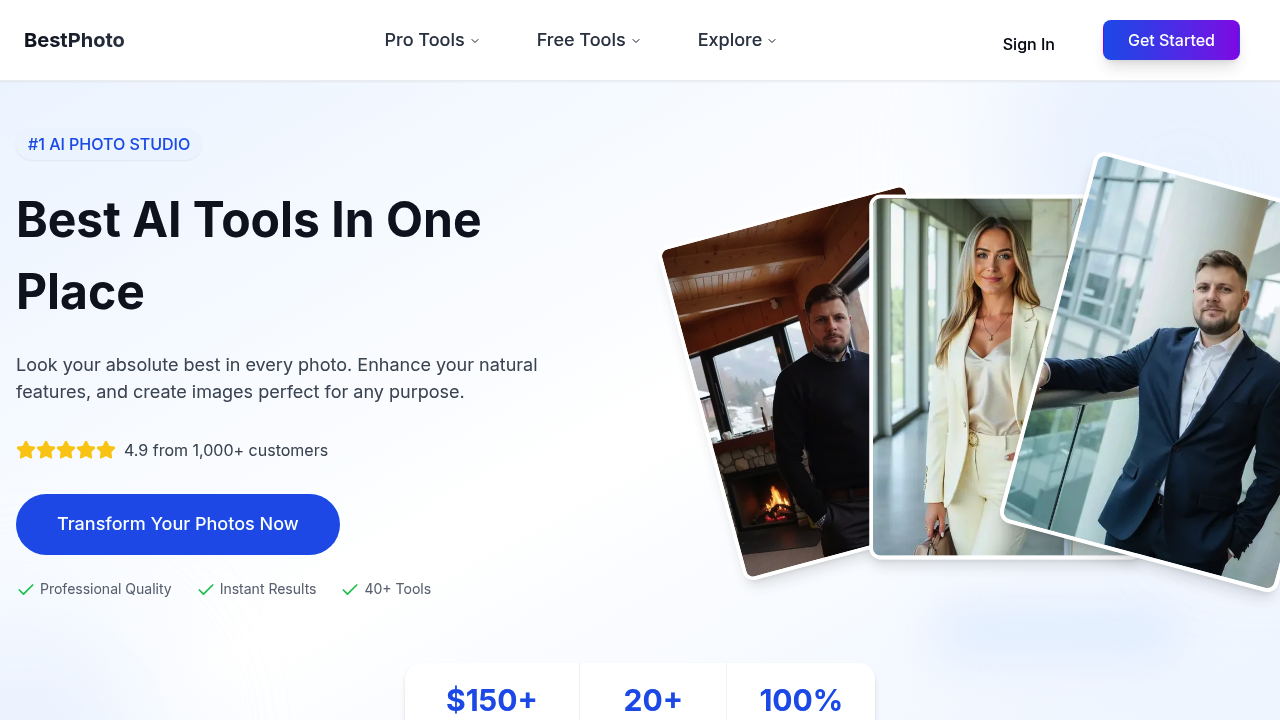
BestPhotoAI screenshot

Photo quality hits professional standards. BestPhotoAI cranks out headshots that look like they came from a $300 studio session — not an algorithm. Dating profile photos get sharper details. Better lighting than most people manage with their phone cameras.

You type a description and get an image. The AI generator works from text prompts. The image editor lets you modify existing photos with simple commands. Face swapping happens in seconds. The video generator can animate still photos or create talking clips from uploaded images.

A marketing manager launching a product campaign can generate commercial-use stock photos without licensing fees. BestPhotoAI includes usage rights with everything you create, which saves time hunting for royalty-free images. LinkedIn headshots get 21x more profile views according to their data.

The toolset covers more than basic enhancement. Historical video creation animates old family photos. Faceless video tools help TikTok creators who don't want to show themselves on camera. AI stock video generation produces clips for social media posts.

BestPhotoAI costs less than hiring a photographer once. Professional sessions run $150-500 while this saves you that amount repeatedly. The quality won't fool photography experts up close, but it works fine for digital use. Commercial rights come included with every generated piece of content. You can use everything for business purposes without worrying about licensing issues later.


Frequently asked

7 questions
How accurate is BestPhotoAI's claim about 21x more LinkedIn profile views?
That 21x number comes from their own tracking data -- they measured profile views before and after headshot updates. They don't share exactly how they calculated it, though. LinkedIn profiles with pro photos definitely get more clicks than blank ones. Your mileage will vary based on your industry and how much you actually use LinkedIn.
Can I use BestPhotoAI images for my business website and marketing materials?
Yep, you get commercial rights with everything you generate. No licensing headaches later. Use them on websites, social ads, business cards -- whatever you need.
What's the difference between BestPhotoAI's photo enhancement and its AI generator features?
Enhancement takes your existing photos and makes them look better -- fixes lighting, sharpens stuff, cleans up quality issues. The AI generator builds brand new images from scratch using your text prompts. You'll get way better results enhancing real photos than trying to generate faces out of thin air.
How does the face swapping feature work and how realistic does it look?
Upload two photos and it swaps faces automatically in seconds. Works fine for social media posts, but it's not gonna fool anyone who looks closely. If the lighting's different between your source photos, the swap will look pretty obviously fake.
Does BestPhotoAI work better for certain types of photos than others?
Headshots and portraits get the best results since that's what they trained the AI on. Group shots or action photos with busy backgrounds don't improve nearly as much. The historical video thing works best with old front-facing portraits that are already pretty clear.
How much does BestPhotoAI cost compared to hiring a real photographer?
Real photographers charge $150-500 per session. BestPhotoAI gives you unlimited generations for way less than that. You'll save money after skipping just one pro shoot. Trade-off is you won't get that polished quality an experienced photographer brings to the table.
Can the faceless video tools really help TikTok creators stay anonymous?
The faceless generator uses AI avatars, stock clips, or animations instead of your actual face. Great for tutorials, product reviews, or commentary where you want privacy. But here's the thing -- you still need good content to get views on TikTok, face or no face.

Traffic

Estimated monthly website visits · last 0 months

Not enough historical data for a chart yet.

Data from SimilarWeb · Updated monthly.

Reviews (0)

Write review

No reviews yet. Be the first to share your experience.

Similar tools

See all →