
BeFunky logo
AI Photo Editor FREEMIUM from $7/mo

BeFunky

BeFunky is a browser-based creative suite built around photo editing.

Its three main tools are a Photo Editor, a Collage Maker and a Graphic Designer, and AI-assisted features sit on top of them: a background remover, an object eraser, a photo enhancer, an upscaler, a sky replacer, a…

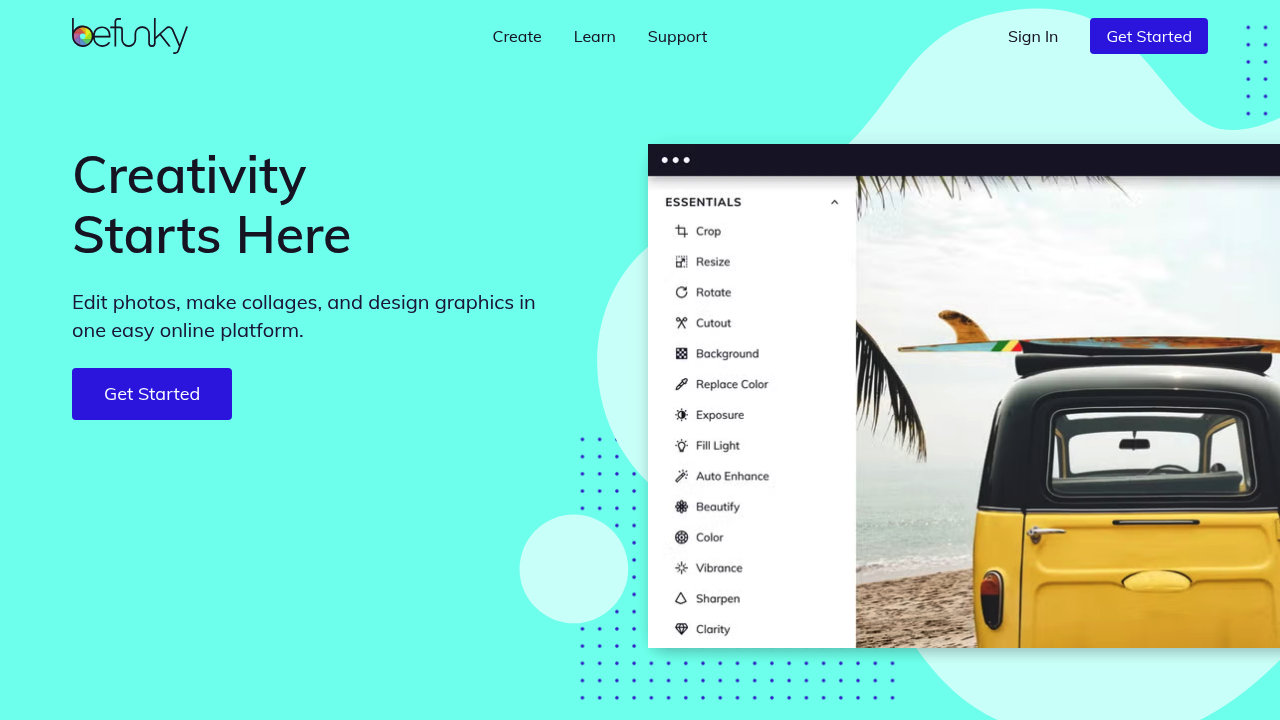
BeFunky screenshot

BeFunky is a browser-based creative suite built around photo editing. Its three main tools are a Photo Editor, a Collage Maker and a Graphic Designer, and AI-assisted features sit on top of them: a background remover, an object eraser, a photo enhancer, an upscaler, a sky replacer, a deblur option and an old photo restorer. Artistic effects can turn a regular picture into a piece of art, and edits can be applied to whole collections of images in one pass. A mobile app carries the same editing tools to a phone.

People who want polished images without learning professional software are the natural audience. Small business owners can produce flyers, menus, business cards and social graphics from templates. Social media creators get ready-made layouts for posts, stories and banners. Hobby photographers, families and pet owners can touch up holiday pictures, restore scanned prints or build a photo collage for a gift. Beginners are well served because editing starts from simple one-click adjustments, while experienced editors still get control over each change. Photographers with large archives can use the batch tools to repeat the same fix across hundreds of images.

Typical projects include cleaning distractions out of a travel photo, swapping a dull sky, removing the background from product shots for an online shop, and sharpening a blurry snapshot. A wedding or vacation collage can be assembled with automatic image placement and customizable layouts. Marketers use the Graphic Designer for invitations, greeting cards, posters, presentations and promotional graphics, starting from a blank canvas, a template or a Smart Template. Wine photographer Randy Caparoso, for instance, uses BeFunky to enhance images, refine skies and prepare publication-ready prints.

BeFunky alternatives

See all →

Frequently asked

6 questions
What can I do with BeFunky's AI features?
AI-assisted tools cover background removal, object erasing, photo enhancing, upscaling, sky replacement, deblurring and old photo restoration. You can also describe the edit you want and then refine the result.
Who is BeFunky built for?
Beginners, small business owners, social media creators and hobby photographers who want good-looking results quickly are the fit. Photographers with big libraries can also use the batch tools.
Can I edit many photos at once?
Bulk work is supported: edits can be applied across entire photo collections in one go. Bulk background removal and applying Artsy effects to hundreds of images are named examples of this workflow.
What is the difference between the Photo Editor, Collage Maker and Graphic Designer?
The Photo Editor handles effects, touch-ups and enhancements on single images. The Collage Maker combines several photos into grid layouts, while the Graphic Designer makes banners, flyers, cards and social posts from templates.
What is a limitation of BeFunky?
BeFunky is a photo and design editor, so it does not generate video or audio. Its AI features serve editing tasks such as cleanup and enhancement rather than open-ended creation.
Is there a mobile version?
A BeFunky mobile app brings favorite editing tools to a phone for quick touch-ups and sharing. The desktop browser version is where the Photo Editor, Collage Maker and Graphic Designer are all available.

Reviews (0)

Write review

No reviews yet. Be the first to share your experience.