
#1 in AI Baby Generator BabyVideo AI logo
AI Baby Generator FREEMIUM from $10/mo

BabyVideo AI

Photos of babies become AI-generated videos through a service built specifically for social media content creation

This system transforms still images into multiple video formats including sleeping scenes, smiling moments, crawling sequences, and full growing-up progressions using pre-built templates. The core video generator…

BabyVideo AI screenshot

Photos of babies become AI-generated videos through a service built specifically for social media content creation. This system transforms still images into multiple video formats including sleeping scenes, smiling moments, crawling sequences, and full growing-up progressions using pre-built templates.

The core video generator accepts either uploaded photos or text descriptions. Text-to-video generation allows users describe a scene in words and receive a rendered video matching that description. The system outputs at 24 frames per second with resolution options ranging from 720p up to 4K depending on plan tier. All videos can be customized for duration and style parameters, though specific duration limits vary by subscription level.

Seven distinct video formats target different content needs. The AI Baby Podcast feature converts text into talking baby videos with synchronized mouth movements, offering 17 languages and over 100 voice style options. Dancing Baby Videos require users to upload a reference dance video that the baby character mimics, outputting in 9:16 vertical format optimized for TikTok, Reels, and Shorts. Singing Baby Videos accept audio clip uploads and generate lip-synced performances. Talking Baby Videos combine voice-over tracks with aligned mouth movements. Beyond video, this service produces future baby prediction images showing what a child might look like, age progression sequences, and cartoon-style baby artwork.

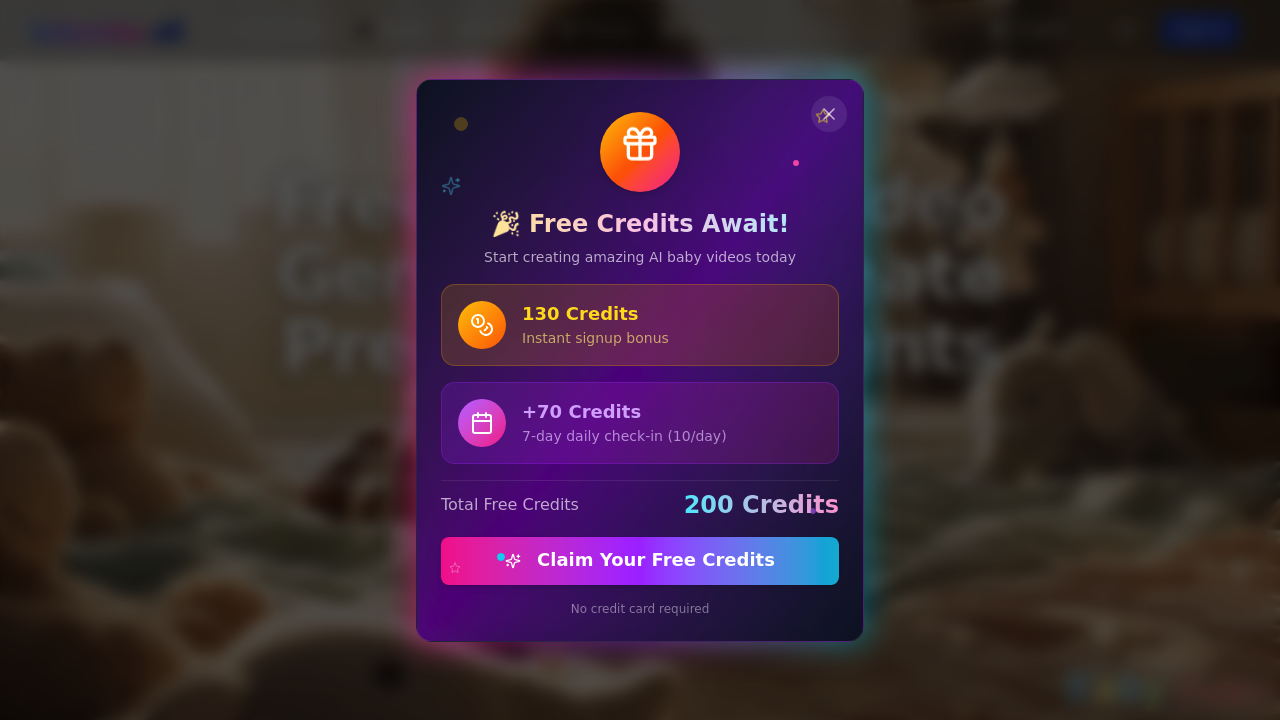
The free plan provides 130 credits at signup but these expire within 30 days. Free users face hard constraints: 720p resolution only, five-second video duration maximum, watermarks on all downloads, and required public visibility of created content. Community support represents the only assistance channel. The standard queue may introduce wait times during peak usage periods.

Annual subscriptions offer substantial discounts compared to monthly billing. The Starter plan costs $10 monthly when billed annually, delivering 12,000 credits yearly that translate to up to 1,200 seconds of video output. This tier removes watermarks, enables all resolution and duration options, and provides priority email support. The plan saves 50% versus monthly payments.

Standard subscribers pay $24 monthly on annual billing for 30,000 credits and up to 3,000 seconds of video. This tier adds priority processing and early access to new features, saving 52% compared to month-to-month pricing. Premium users spend $44 monthly annually for 60,000 credits and 6,000 seconds of video capacity. Premium includes highest-priority processing, unlimited resolution and duration, dedicated support channels, and beta feature access with 56% savings versus monthly.

The credit system operates as the core limitation. Each video generation consumes credits based on duration and resolution, meaning users must carefully budget their monthly allocation. Free tier restrictions severely limit practical use beyond testing. The 30-day credit expiration on free accounts forces quick usage or complete loss. Resolution caps at 720p and five-second duration constraints make free-tier content unsuitable for professional applications.

Content creators building baby-focused social media channels represent the primary audience. The 9:16 vertical format explicitly targets modern short-form video platforms. Parents wanting creative baby content find value in prediction and progression features. The podcast format with multi-language support extends reach to non-English markets. Professional videographers needing quick baby video assets for commercial projects can use higher-tier plans with 4K output and longer durations. The dancing and singing features specifically serve viral content creation where novelty drives engagement.

Frequently asked

7 questions
Does BabyVideo AI have a free version?
BabyVideo AI provides 130 credits free at signup, but these credits expire after 30 days if unused. The free tier restricts output to 720p resolution and five-second video duration maximum, which severely limits practical content creation for social media where longer, higher-quality videos perform better. All free downloads carry watermarks and require public visibility, meaning you can't create private content or remove branding without upgrading. Community support represents the only assistance channel, and the standard queue may introduce wait times during busy periods when many users generate videos simultaneously.
How much does BabyVideo AI cost per month?
Annual subscriptions start at $10 monthly for the Starter plan, $24 monthly for Standard, and $44 monthly for Premium when paid upfront for the year. The Starter plan delivers 12,000 credits annually translating to 1,200 seconds of video, while Standard provides 30,000 credits for 3,000 seconds and Premium offers 60,000 credits for 6,000 seconds. Annual billing saves between 50-56% compared to monthly payments, with Premium delivering the highest discount at 56% off. Credits operate as the consumption unit where each video generation costs credits based on duration and resolution selected, so actual video output depends on your quality choices.
Can BabyVideo AI create videos in different languages?
The AI Baby Podcast feature supports text-to-speech generation in over 17 languages with more than 100 voice style options. This feature converts written text into talking baby videos where the baby character's mouth movements synchronize with the generated speech. Language support specifically applies to the podcast format rather than the broader video generation tools like dancing or singing videos. The multi-language capability targets content creators building audiences in non-English markets or parents wanting baby content in their native language.
What video formats does BabyVideo AI support for social media?
BabyVideo AI outputs videos in 9:16 vertical format at 24 frames per second, specifically optimized for TikTok, Instagram Reels, and YouTube Shorts. Resolution options range from 720p on free accounts up to 4K on paid plans, though 4K access requires sufficient credits and plan tier allowances. The system generates seven distinct video types including dancing babies that mimic uploaded reference videos, singing babies with lip-synced audio, talking babies with voice-over alignment, and template-based scenes showing sleeping, smiling, crawling, or growing-up sequences. Duration customization depends on your subscription level, with free accounts capped at five seconds while Premium subscribers access unlimited duration options within their credit allocation.
What are the limitations of BabyVideo AI's free plan?
Free accounts face hard restrictions that prevent professional use: 720p resolution only, five-second maximum video duration, permanent watermarks on downloads, and mandatory public visibility of all created content. The 130 signup credits expire completely after 30 days regardless of usage, forcing quick consumption or total loss of value. Standard queue processing means free users may experience wait times during peak periods when the service handles high generation volumes. Community support represents the only assistance channel, eliminating direct help for technical issues or generation problems that inevitably arise when learning the system.
How does BabyVideo AI's credit system work?
Each video generation consumes credits based on the duration and resolution settings you select, meaning longer videos at higher quality cost more credits per creation. The Starter plan's 12,000 annual credits translate to approximately 1,200 seconds of video, while Standard's 30,000 credits provide 3,000 seconds and Premium's 60,000 credits deliver 6,000 seconds of output. Credit consumption varies with your choices, so creating multiple short 720p videos stretches credits further than generating fewer long 4K videos. Users must budget their monthly credit allocation carefully since exceeding your limit requires either waiting for renewal or upgrading to a higher tier mid-cycle.
Can I create dancing baby videos with my own music?
The Dancing Baby Videos feature requires you to upload a reference dance video that the baby character mimics in the output, producing content in 9:16 vertical format for social platforms. The Singing Baby Videos feature accepts audio clip uploads and generates lip-synced performances where the baby's mouth movements match your audio. These represent two separate features where dancing focuses on motion replication from video reference while singing handles audio synchronization. Both features consume credits based on output duration and resolution, with longer, higher-quality videos requiring more credits from your plan allocation.

Traffic

Estimated monthly website visits · last 9 months

6K visits/mo
Monthly visits
6K
↑ 52.9% MoM
Global rank
#4,410,293
US #1,993,059
Category rank
#1
AI Baby Generator
8.6K 6.4K 4.3K 2.1K 0 Dec 2025: 0 visits Dec 2025 Jan 2026: 274 visits Jan 2026 Feb 2026: 5.7K visits Feb 2026 Mar 2026: 3.7K visits Mar 2026 Apr 2026: 7K visits Apr 2026 May 2026: 8.6K visits May 2026 Jun 2026: 6.3K visits Jun 2026 Jul 2026: 3.9K visits Jul 2026 Aug 2026: 6K visits Aug 2026

Reviews (0)

Write review

No reviews yet. Be the first to share your experience.