Automatic1111 Stable Diffusion WebUI logo

Automatic1111 Stable Diffusion WebUI

Stable Diffusion web UI by AUTOMATIC1111 is an open-source web interface for running Stable Diffusion image generation on your own computer.

Built with the Gradio library, it provides text-to-image and image-to-image modes, inpainting, outpainting, upscaling and a settings page for fine control. It is free to download from GitHub, with a one-click install…

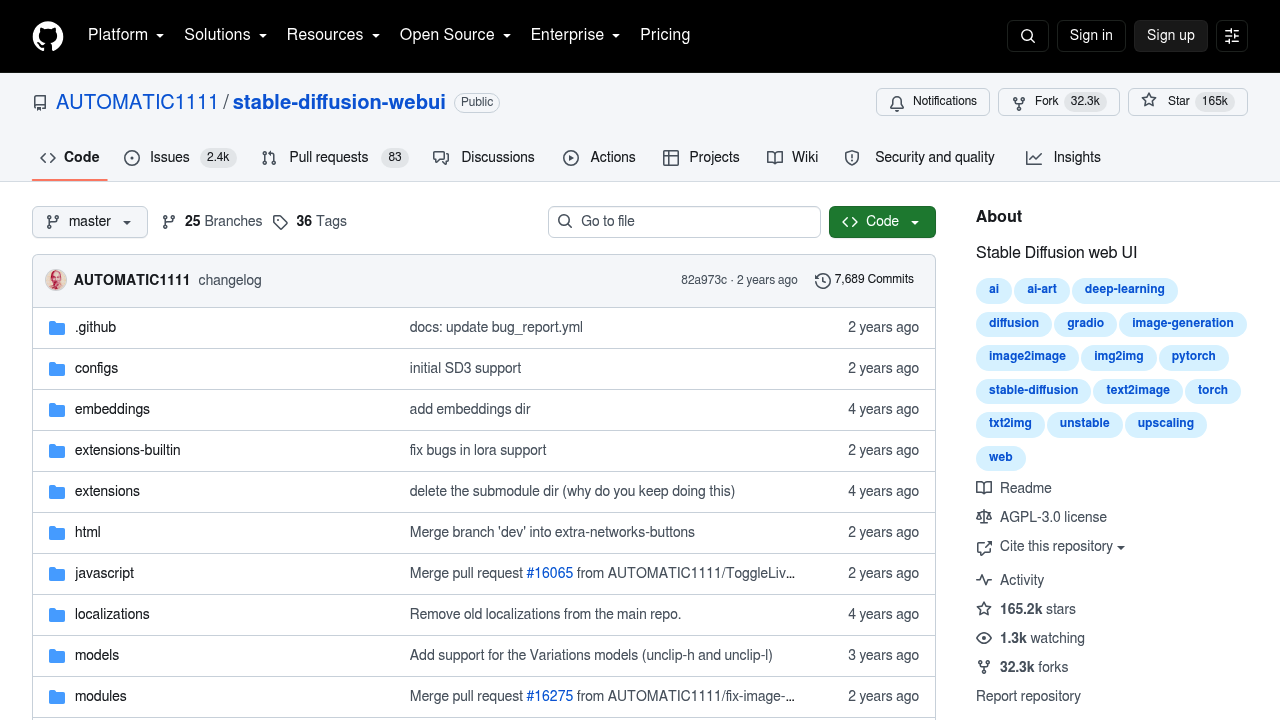
Automatic1111 Stable Diffusion WebUI screenshot

Stable Diffusion web UI by AUTOMATIC1111 is an open-source web interface for running Stable Diffusion image generation on your own computer. Built with the Gradio library, it provides text-to-image and image-to-image modes, inpainting, outpainting, upscaling and a settings page for fine control. It is free to download from GitHub, with a one-click install and run script, though Python and git must be installed first. Support extends to Windows, Linux and Apple Silicon.

Hobbyist artists, tinkerers, researchers and developers who prefer local generation over hosted services are the main audience. Because it runs offline, users keep control of models, prompts and outputs, and extensions let them add features that the community builds. Users with modest hardware can still work, since the project advertises support for 4GB video cards, with reports of 2GB working. Those who want fine control over parameters, seeds and samplers will find more switches here than in simpler apps.

Typical work includes iterating on prompts with attention weighting, fixing faces with GFPGAN or CodeFormer, and upscaling results with RealESRGAN, ESRGAN, SwinIR or LDSR. Artists use inpainting to repair parts of an image and outpainting to extend a canvas, while prompt matrix and X/Y/Z plots compare how settings change results. Textual inversion lets users train embeddings on 8GB of VRAM, and generation parameters are saved inside the PNG or EXIF data so any image can be reproduced later by dragging it into the PNG info tab. Tiling support creates tileable textures, and a live preview shows progress during generation.


Automatic1111 Stable Diffusion WebUI alternatives

See all →

Frequently asked

6 questions
What does Stable Diffusion web UI do?
A browser interface lets you generate images with Stable Diffusion from text prompts or from existing images. It includes inpainting, outpainting, upscaling and many sampler and seed controls.
Who is it for?
Hobbyists, artists and developers who want to run image generation locally and control every setting. A basic comfort with installing Python and git helps.
Can I repair or extend part of an image?
Inpainting regenerates a selected area, and outpainting extends the image beyond its borders. Color Sketch and img2img loopback provide further ways to rework a picture.
Does Stable Diffusion web UI cost anything?
Free, open-source software you download from GitHub. Your only costs are the hardware you run it on.
What are the setup requirements?
Python and git must be installed before the one-click script will work. A video card with 4GB works according to the project, and Windows, Linux and Apple Silicon installs are documented.
How can I reproduce an earlier image?
Generation parameters are stored in PNG chunks or JPEG EXIF data. Drag the image into the PNG info tab to restore the settings and copy them into the interface.

Reviews (0)

Write review

No reviews yet. Be the first to share your experience.