
Team Journal logo

Team Journal

Most team collaboration tools force a choice: async updates or meeting documentation

48 views
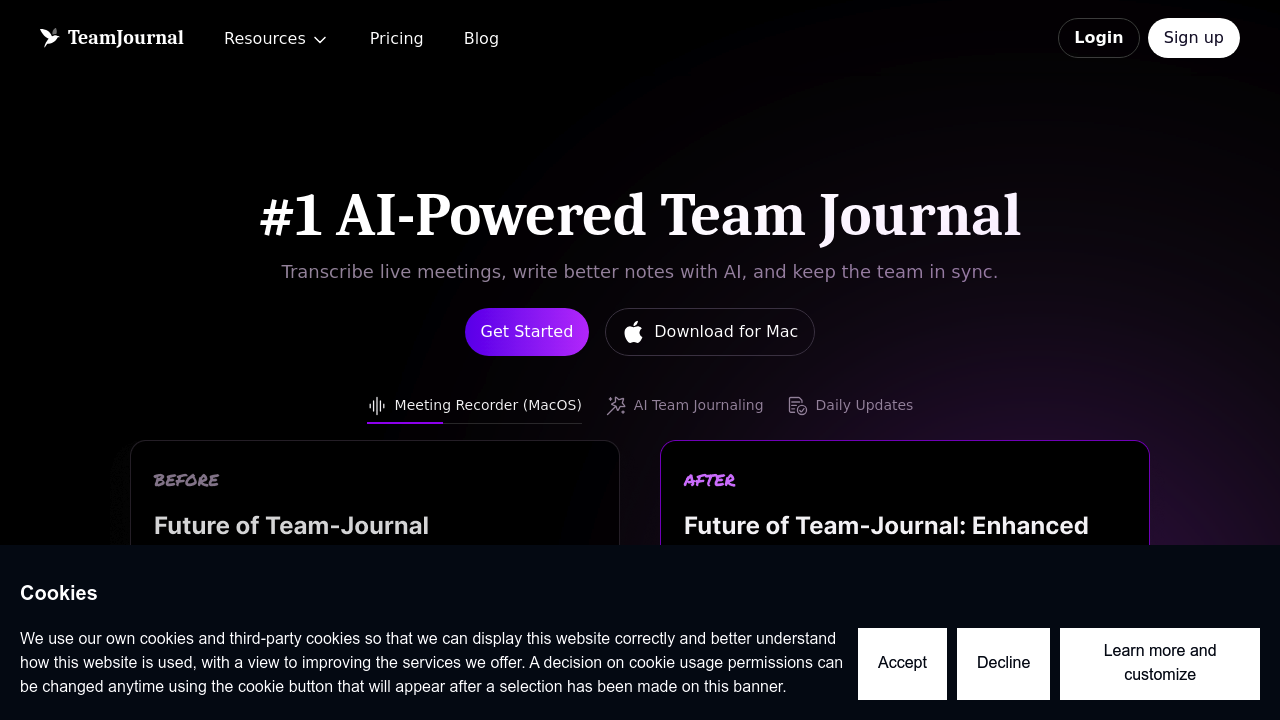
Team Journal screenshot

Most team collaboration tools force a choice: async updates or meeting documentation. Team Journal does both. It transcribes meetings live through a MacOS app. It also works as a central hub for daily updates and task management.

Meeting transcription covers online and in-person sessions. Real-time transcription happens as people talk. AI generates notes automatically after meetings end. You can refine those notes with quick actions. Ask the AI assistant to restructure content however you need. For product managers juggling back-to-back sprint planning sessions—this beats manually typing everything while trying to participate.

Team Journal functions as a journal where everyone logs daily updates. Tasks get organized through Kanban boards or simple lists. AI suggests tasks based on your notes and updates. Sounds helpful, right? Only if your team writes detailed updates. Sporadic note-takers won't get much value.

The free plan caps at five users. You get 20 meeting transcripts with limited AI usage. Paid plans start at $11.20 monthly with a discount code. Integrations include Slack and Jira. Microsoft Teams support is coming eventually.

Everything lives in channels that structure your team's knowledge base. Drop inline comments and reactions on any note. Smart search uses AI to find information across all documentation. It's built for teams wanting one tool instead of patching together separate apps for meetings and daily collaboration.


Frequently asked

7 questions
How much does Team Journal cost?
Team Journal has a free plan for up to 5 users with 20 meeting transcripts. The paid Premium plan is $11.20/month per user (30% off the regular $16/month with code GETUPTEAM2025). That saves you about $57.60 per user annually.
Does Team Journal integrate with Slack?
Yes, Team Journal integrates with both Slack and Jira. Microsoft Teams integration is coming soon. These integrations help you sync your meeting notes and daily updates with tools your team already uses.
Can Team Journal transcribe in-person meetings?
Yes, it can transcribe both online and in-person meetings using their dedicated MacOS app. The app does real-time transcription while people talk, then AI automatically generates meeting notes afterward. You can refine those notes with quick actions or ask the AI to restructure them.
What are the limitations of the free plan?
The free plan caps at 5 users maximum and gives you 20 meeting transcripts total. You'll also have limited AI usage, so you won't get full access to features like AI-suggested tasks and unlimited note improvements.
What's the difference between Team Journal and meeting transcription tools?
Team Journal combines meeting transcription with daily team updates and task management in one place. Most transcription tools just handle meetings, but this also gives you channels for daily journaling, Kanban boards, and AI-powered task suggestions based on your notes.
Can Team Journal automatically create tasks from meeting notes?
Yes, the AI can suggest tasks based on your meeting notes and daily updates. You can manage those tasks through Kanban boards or simple lists, and everything stays connected to the original notes where they came from.
How does Team Journal search work?
It has AI-powered smart search that looks across all your team's notes, meeting transcripts, and updates. Instead of just keyword matching, the AI understands context to help you find relevant information even if you don't remember exact phrasing.

Reviews (0)

No reviews yet. Be the first to share your experience.

Similar tools

See all →