
An executive assistant opens Gmail Monday morning to 247 unread messages after a long weekend. Most need responses, several contain action items buried in forwarded threads, and three require immediate attention but she can't tell which without reading everything. She clicks the SimplyMail extension button and gets instant summaries of each thread, plus extracted tasks that need follow-up by end of week.
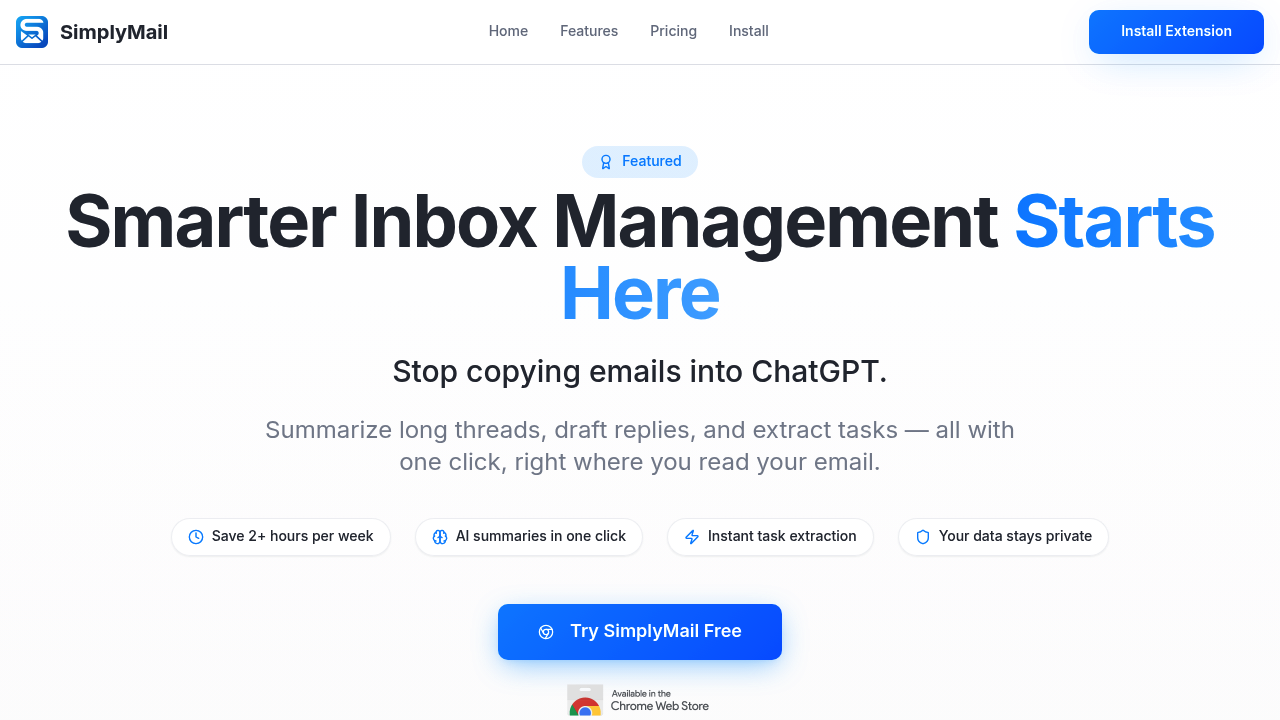
SimplyMail works inside Gmail as a Chrome extension that processes emails only when you click. Nothing happens automatically. An account manager drowning in client requests can click once on a 15-message thread and get a condensed summary showing what the client actually wants, what's already been addressed, and what still needs a response. SimplyMail pulls out specific tasks like "schedule demo for Thursday" or "send pricing for enterprise plan" without making him reread the entire conversation.
The reply generator drafts responses based on email context. A customer success manager dealing with a frustrated client about delayed shipping can click to generate a reply that acknowledges the issue and offers next steps. She edits the draft to match her tone, then sends. The email shortening feature works in reverse—when she's written a rambling explanation of a complicated refund policy, SimplyMail condenses it to essential points before it goes out.
One-click categorization sorts incoming mail faster than manual labels. A recruiter processing 80 applications per day can categorize candidates as qualified, maybe, or no-fit without opening each message individually.
The privacy model matters for anyone handling sensitive business communications. Emails get analyzed only when clicked, deleted immediately after processing, and never stored or used for AI training. Everything travels encrypted via HTTPS with TLS 1.3. A law firm paralegal dealing with privileged client communications doesn't need to worry about email content sitting in external databases.
The Chrome-only limitation hits anyone on Firefox, Safari, or Edge. The Gmail-only restriction means it won't work with Outlook, Apple Mail, or corporate email systems that don't use Gmail infrastructure. A marketing director managing campaigns across three different email platforms can only use SimplyMail on one of them.
The free plan offers 50 requests per day, which covers AI summaries, task extraction, and email shortening. That's enough for someone managing moderate email volume but falls short for high-volume roles. Pro goes for $6.70 monthly and removes the request limit while adding AI drafts, AI replies, and priority processing. A sales rep handling 150+ emails daily needs Pro to avoid hitting the cap before lunch.
It won't help with scheduled sending, advanced automation, or CRM integration. There's no mobile app, so a field consultant checking email on her phone can't access any SimplyMail features. No team features means a support team can't share templates or track who's using what functionality.
Skip this if you don't use Gmail or Chrome exclusively. Skip it if you need automation that runs without clicking, or if you manage email on mobile as much as desktop. Skip it if you need email capabilities that connect with project management software, calendars, or customer databases beyond basic Gmail integration.