
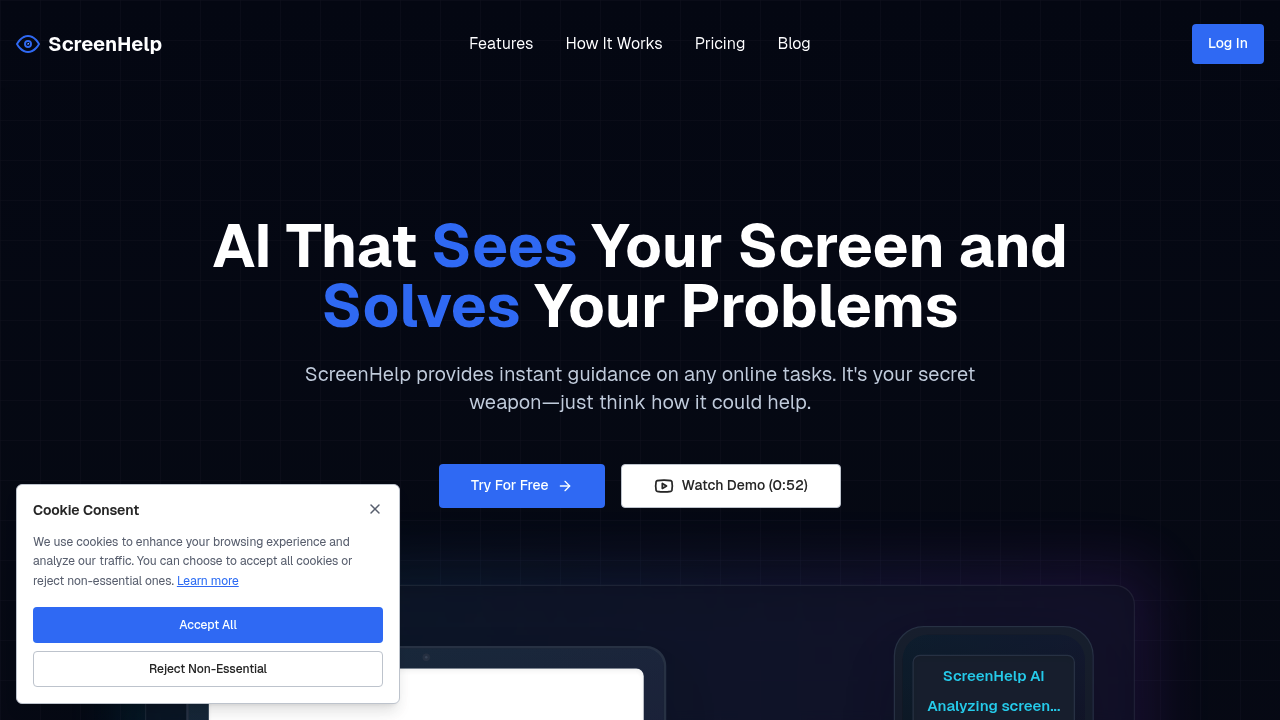
Point your cursor at anything on screen and get AI help with what you're looking at. That's the core mechanic here. ScreenHelp uses AI vision to analyze whatever's displayed — quiz questions, coding errors, math problems, study materials — then delivers explanations through a discreet window you can trigger with keyboard shortcuts.
The screen capture happens on demand. You're not streaming everything constantly. Hit the shortcut when stuck, it grabs what's visible, runs it through AI vision models, and spits back context-aware help. You can also feed it custom prompts if you need specific angles on the material. Works entirely in browser, no downloads cluttering your system.
Multi-screen support is really useful. Run it on a second monitor or phone while the main screen shows your quiz or coding challenge. The window can hide when you do not need it, which matters if you're worried about visibility during timed assessments.
Here's what it actually does well: explaining quiz answers that platforms normally don't provide feedback on. Practice tests often just mark you wrong without telling you why. ScreenHelp fills that gap by analyzing the question and options, then walking through the logic. For visual math or code debugging, the AI vision component handles diagrams and syntax better than typing everything out to a chatbot.
Does it work reliably? The browser-based approach means no installation friction, but you're dependent on stable connectivity. The free tier caps at 50 requests monthly, which sounds tight if you're studying hard. That's maybe two or three heavy study sessions before you hit the limit. The Pro plan offers unlimited requests but mentions a fair use policy without defining thresholds, so heavy users might wonder where the line sits.
No mobile app exists. No browser extension either. You're working through the web interface only, which limits how smoothly this fits into different workflows. The discreet window helps, but some users want tighter integration with their existing tools.
The custom prompts feature adds flexibility. Instead of generic explanations, you can ask for ELI5 breakdowns, step-by-step walkthroughs, or alternative solution methods. That beats one-size-fits-all responses, especially when you're trying to understand a concept from multiple angles.
Free plan gets you 50 requests with full feature access, including AI screen analysis and custom prompts. Pro runs $12 monthly for unlimited requests under fair use, plus access to smarter models. No contract lock-in. VAT may apply depending on location.
The pricing hits a sweet spot for students who need occasional help but feels expensive for daily intensive use. Fifty requests disappear fast during exam prep. Going Pro makes sense if you're tackling multiple courses simultaneously or working through heavy problem sets.
Students preparing for online assessments get the most mileage. Anyone grinding through coding challenges on platforms that don't explain failures. People studying visual subjects where diagrams matter. This assumes you're working through material that benefits from immediate, context-specific guidance rather than general tutoring.
The fair use policy ambiguity on Pro is the main question mark. Without clear limits, you're guessing whether your usage pattern stays within bounds. For casual users, the free tier works. For serious learners, you're probably upgrading within a week and hoping unlimited actually means unlimited within reason.