Scraib.app appears to be discontinued. Its website has been unreachable across our last three checks. See similar tools below for alternatives.
Scraib.app logo
AI Grammar Checker FREEMIUM from $4/mo

Scraib.app

Scraib

App intercepts text through a system-level keyboard shortcut on macOS. When you press Control plus R in any application, it captures the selected text, sends it through your chosen AI provider, and replaces it with an…

Scraib.app screenshot

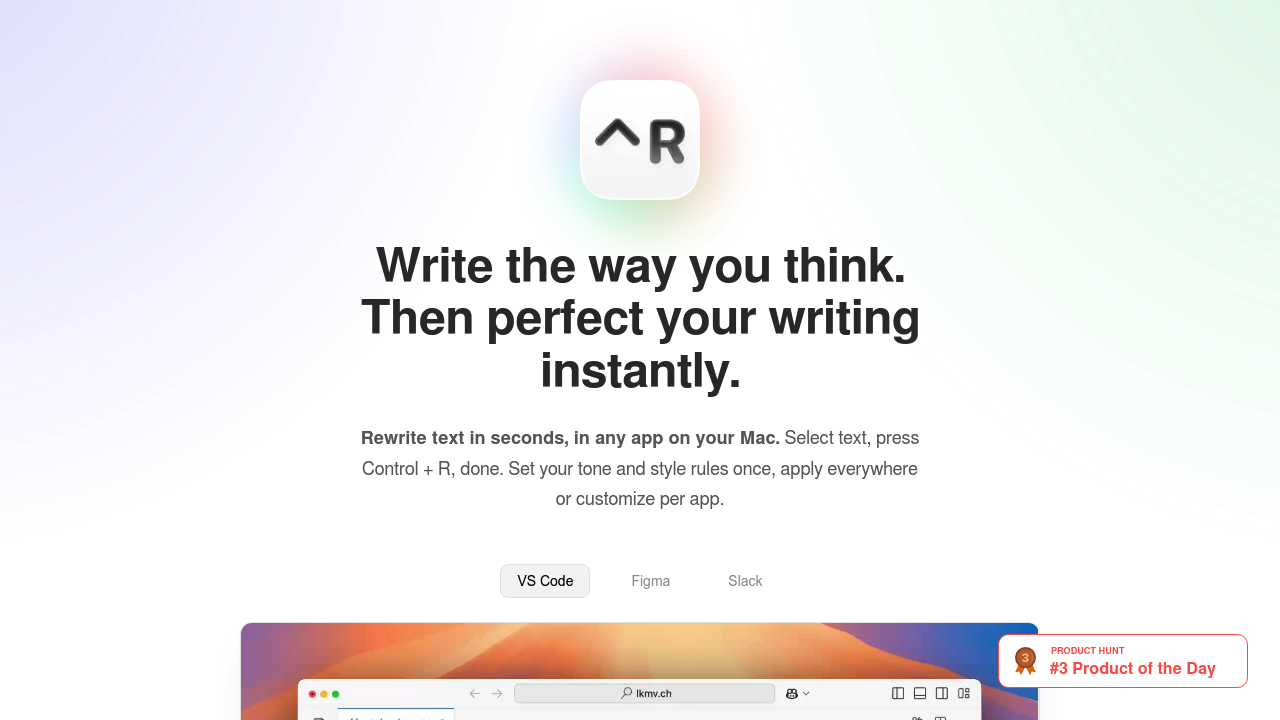
Scraib.app intercepts text through a system-level keyboard shortcut on macOS. When you press Control plus R in any application, it captures the selected text, sends it through your chosen AI provider, and replaces it with an improved version. The whole process happens without leaving your current app or opening a separate interface.

The data pipeline works through macOS accessibility APIs. Scraib monitors for the keyboard shortcut trigger, reads the selected text from the active application, passes it to the AI model with your predefined rules, then injects the rewritten text back into the same field. This approach means Scraib functions identically whether you're writing in VS Code, Figma, Slack, or any other Mac application. The technical architecture treats every app the same.

Custom style rules let you define tone and writing preferences either globally or per application. You can set one ruleset for Slack messages and a different one for code comments in VS Code. The app stores these rules locally and appends them to each rewriting request. This gives you consistent output without manually typing instructions each time.

Scraib supports multiple AI providers through their standard APIs. You can route requests through various commercial providers or use Grok and OpenRouter. There's also support for Ollama, which means you can run models entirely on your Mac without any external API calls. LiteLLM integration gives you access to additional providers through a unified interface. With the one-time purchase option, you bring your own API keys and pay the AI provider directly for usage.

The privacy model keeps data on your device. When using Ollama, nothing leaves your Mac. When using external providers, requests go directly from your machine to that provider's API. Scraib doesn't route through its own servers or log your text. This matters for anyone working with sensitive code, client communications, or proprietary content.

The app was built by Andrei Alikimovich, a non-native English speaker in Seattle who got tired of copying text into AI chat interfaces for rewriting. He wanted the workflow to disappear. Scraib spent two months in refinement before public release after he initially built it for personal use.

Technical limitations center on platform constraints. This only works on Mac. No Windows, no Linux. The accessibility API approach that makes the universal app integration possible is macOS-specific. Prices vary by country because the app uses App Store pricing tiers, which adjust based on local currency and regional pricing policies.

The integration list includes VS Code, Figma, and Slack explicitly, but the architecture supports literally any Mac application that accepts text input. If you can type in it, you can rewrite in it. That's the technical advantage of hooking into system-level APIs rather than building individual app integrations.

Pricing includes a seven-day free trial with full feature access. After that, you can subscribe for three dollars and ninety-nine cents per month, which includes AI usage through Scraib's infrastructure. Alternatively, a ten-dollar one-time purchase gives you lifetime access but requires your own API keys for the AI providers.

The methodology is straightforward prompt engineering. Your custom rules get prepended to the rewriting request along with the original text. The AI model processes it and returns improved text. No fine-tuning, no custom models. Just API calls with structured prompts.

Frequently asked

6 questions
Does Scraib work on Windows or Linux?
Scraib only works on Mac. The app hooks into macOS accessibility APIs to intercept text across all applications, which is a platform-specific implementation. There's no Windows or Linux version because replicating that system-level text capture requires entirely different technical approaches on other operating systems. If you're not on Mac, you'll need a different solution.
Can I use Scraib without paying for AI API costs?
The subscription at three dollars and ninety-nine cents per month includes AI usage through Scraib's infrastructure, so there are no additional API costs. Alternatively, the ten-dollar one-time purchase requires you to bring your own API keys and pay your chosen provider directly for usage. There's also support for Ollama, which runs models locally on your Mac with no external API calls or costs beyond the initial purchase.
How does Scraib rewrite text without opening a separate window?
Scraib uses macOS accessibility APIs to monitor for the Control plus R keyboard shortcut. When triggered, it captures selected text from whatever app you're in, sends it to your chosen AI provider with your predefined style rules, and injects the rewritten version back into the same text field. This system-level integration means the app doesn't need individual integrations for VS Code, Figma, Slack, or any other application. The technical limitation is that this approach only works on macOS.
Can I set different writing styles for Slack versus code comments?
Scraib lets you define custom style and tone rules either globally or per application. You can configure one ruleset for casual Slack messages and a completely different one for technical documentation in VS Code. These rules get stored locally and automatically appended to rewriting requests based on which app you're using. The system doesn't require manual switching because it detects the active application through the same accessibility APIs that capture your text.
Which AI models can Scraib use for rewriting?
Scraib routes requests through ChatGPT, Claude, Gemini, Grok, or OpenRouter APIs depending on your configuration. There's also support for Ollama, which runs models entirely on your Mac without external API calls. LiteLLM integration extends compatibility to additional providers through a unified interface. With the subscription, you use Scraib's AI infrastructure, but the one-time purchase option lets you connect your own API keys to any supported provider.
Does Scraib store or access my text after rewriting it?
Scraib doesn't route text through its own servers or maintain logs of your content. When using external AI providers, requests go directly from your Mac to that provider's API. With Ollama, everything runs locally and nothing leaves your device. The app stores your custom style rules on your Mac, but the actual text you're rewriting passes through only during the active request. This architecture matters for anyone handling sensitive code, client communications, or proprietary information.

Traffic

Estimated monthly website visits · last 0 months

Not enough historical data for a chart yet.

Reviews (0)

Write review

No reviews yet. Be the first to share your experience.