
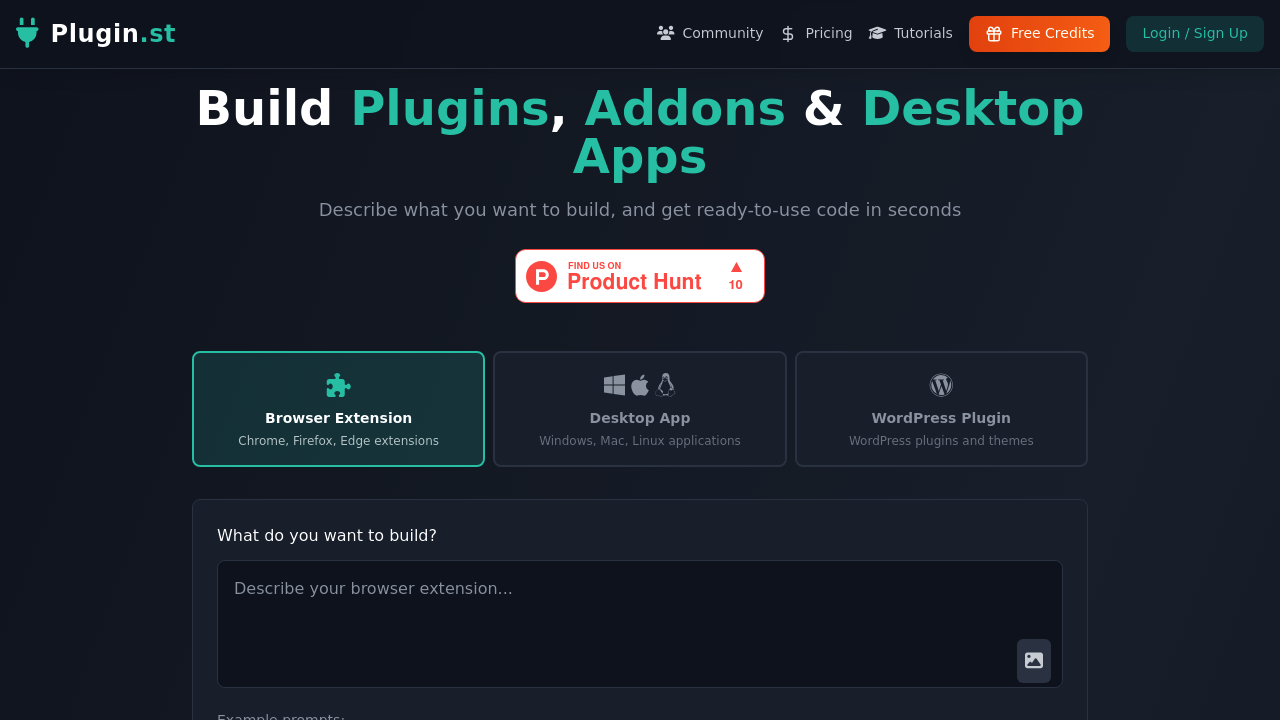
Developers who want to build browser extensions, desktop applications, or WordPress plugins without writing code from scratch can describe what they need in plain English and get functional code in return. Plugin.st converts text prompts into ready-to-use code across multiple platforms, handling the technical implementation while users focus on defining functionality.
The text-to-code generation works through natural language descriptions. Someone types "Create a timer extension" or "Build a to-do list" and the system produces the corresponding code structure, logic, and files needed for deployment. This applies equally to Chrome extensions, Firefox add-ons, Edge extensions, Windows desktop apps, Mac applications, Linux programs, WordPress plugins, and WordPress themes. The service doesn't just generate snippets. It outputs complete, structured codebases.
A built-in code editor lets users modify generated code directly within the interface. This matters for developers who want to tweak functionality, adjust styling, or add custom logic after the initial generation. Advanced customization features extend beyond basic generation, though the specifics of what constitutes "advanced" aren't detailed. Commercial use gets explicitly permitted across all plans, meaning generated code can go into products users sell or deploy for clients. Private projects stay private rather than becoming publicly visible or shared.
Four subscription tiers operate on a credit-based system where each generation consumes credits. The Junior plan runs $25 monthly with 100 credits, positioned for individual developers working on occasional projects. Middle tier costs $50 monthly with 250 credits and gets labeled as the most popular option for active developers who generate code more frequently. Senior plan provides 500 credits for $100 monthly, targeting professional developers with higher volume needs. Scale tier offers 1,000 credits at $200 monthly, designed for teams and organizations coordinating multiple projects or members. All tiers include browser extensions, desktop apps, WordPress generation, customization features, commercial use rights, private projects, and the code editor.
Support levels differ across plans. Junior users get email support. Middle tier adds chat support. Senior plan includes priority support. Scale tier provides custom limits beyond the standard credit allocation.
A 14-day free trial exists for the Pro plan, though how "Pro plan" relates to the four named tiers isn't specified in the available information.
The credit system creates hard monthly limits. Once credits run out, generation stops until the next billing cycle or plan upgrade. This affects users with unpredictable workloads or those testing multiple approaches to the same problem. Each failed generation or iteration consumes credits just like successful ones. No free tier exists for ongoing use after trial periods end.
Individual developers who occasionally need a quick extension or plugin can operate on Junior credits. Active developers shipping multiple projects monthly fit the Middle tier. Professional developers maintaining client work or commercial products justify Senior pricing. Teams coordinating across members or managing numerous simultaneous projects need Scale allocation.
The service targets developers who understand code well enough to modify generated output but want to skip boilerplate setup and initial architecture. It's less useful for non-technical users who can't debug or adjust generated code when it doesn't perfectly match requirements. The cross-platform support matters most for developers who work across different ecosystems rather than specializing in one platform.
Credits measure usage. They don't measure complexity, lines of code, or project size. This makes cost prediction straightforward but potentially expensive if generating large applications consumes credits at the same rate as simple utilities.