
Paperbook logo

Paperbook

Help centers rot

36 views
Paperbook screenshot

Help centers rot. Documentation goes stale while you're shipping features. Links break. Articles contradict each other. Users click around—then give up.

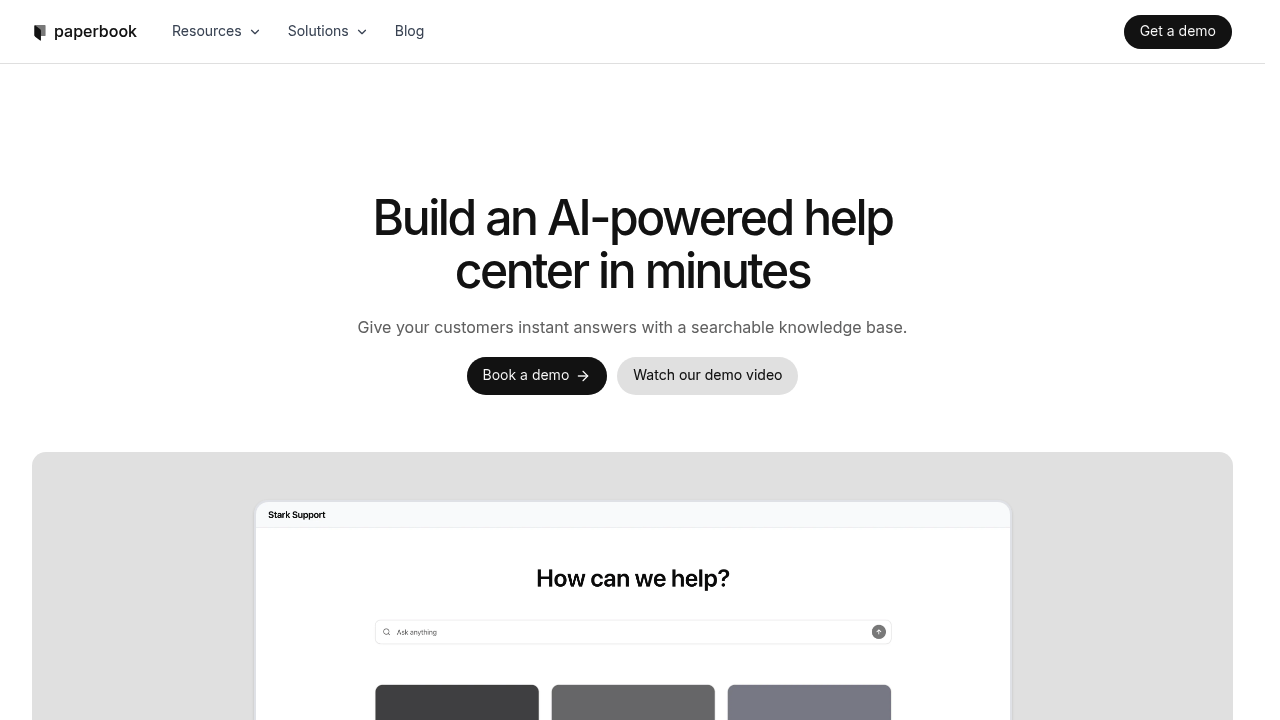
Paperbook builds AI directly into the knowledge base itself. It creates searchable help centers with AI chat that reads your documentation and answers questions on the spot. No separate tool to manage. The AI lives where your docs live.

Here's what sets it apart: automatic monitoring of everything. Paperbook detects when content gets outdated. It finds broken links before customers do. It spots when two articles say different things about the same feature. You get smart suggestions to fix clarity issues and accuracy problems. This prevents the slow decay that hits every knowledge base once it reaches a certain size.

You can import from Zendesk (or Notion or Intercom) if you're already somewhere else. The look customizes to match your brand. It works for customer-facing help centers. It works for internal documentation your support team actually uses.

Product managers switching tools will appreciate not babysitting documentation health. The free plan exists—but details on paid tiers aren't public. That's annoying when you're trying to budget.

The real question: does automatic maintenance justify migration effort? If your current help center is already a mess with conflicting articles and dead links, Paperbook solves a real problem. If your docs are tiny or immaculate, the automation won't matter much. You're paying for prevention.

Frequently asked

7 questions
Does Paperbook have AI chat built in?
Yes, it comes with AI chat that reads your entire knowledge base and answers customer questions automatically. The chat lives right inside your help center, so there's no separate tool to set up or manage. It pulls answers directly from your documentation in real-time.
Can Paperbook detect outdated content automatically?
Yep, it monitors your knowledge base constantly and flags articles that are getting stale, finds broken links, and spots when different articles contradict each other. You'll get smart suggestions to fix accuracy and clarity issues before customers run into problems. It's basically automated documentation hygiene.
Can I import my existing help center into Paperbook?
Yes, you can import from Zendesk, Notion, Intercom, and other platforms. This makes migration pretty straightforward if you're already managing documentation elsewhere and want to switch over without starting from scratch.
Is Paperbook only for customer support documentation?
Nope, it works for both customer-facing help centers and internal documentation. Lots of teams use it for internal knowledge bases that support staff or other departments need to reference regularly.
How much does Paperbook cost?
There's a free plan available to get started. Unfortunately, they don't publicly list their paid plan pricing, so you'd need to contact them directly if you need more features or capacity than the free tier offers.
What's the main limitation of Paperbook?
The biggest drawback is lack of transparent pricing beyond the free plan. If you're trying to budget for a paid tier or compare costs against other tools, you'll have to reach out to sales for that info instead of seeing it upfront.
Is Paperbook worth it if my documentation is already well-maintained?
Probably not if your help center is small or you're already keeping it spotless. The real value is in automatic maintenance that prevents documentation rot over time. If you don't have broken links, conflicting articles, or outdated content piling up, you won't get much benefit from the monitoring features.

Traffic

Estimated monthly website visits · last 0 months

Not enough historical data for a chart yet.

Data from SimilarWeb · Updated monthly.

Reviews (0)

Write review

No reviews yet. Be the first to share your experience.

Similar tools

See all →